Connecteam Review 2026: Pricing, Pros, Cons, Alternatives
Connecteam starts at $0. What each tier gates, the 8 limitations reviewers name, and 4 alternatives with published prices.
Page at a glance
Connecteam is Connecteam is the workforce layer, not the job layer. It clocks crews in, schedules them, and messages them, and it hands hours to your payroll provider. But it doesn't quote, invoice, or hold a customer record. It starts at $0 per account, capped at 10 users. Connecteam does not price per user until user 31. Each hub carries a flat monthly account fee that covers the first 30 users, and above that a per-user-per-month rate applies that differs by hub, by tier, and by billing cycle. The vendor states it directly: 'Connecteam offers a fixed price for up to 30 users, meaning you can start with 1 and grow your team up to 30 users without paying a single extra penny! Once you reach 30 users, we have affordable prices per user per month.' The important consequence is that the account fee repeats per hub. An owner who wants the time clock, crew chat, and document storage buys Operations, Communications, and HR & Skills separately, so a three-hub Advanced setup costs $147 per month before the 31st user exists. It fits Crews of 10 to 30 field workers on residential and light commercial service or install work, where the owner already runs a separate CRM or estimating system for jobs and money, and only needs time, scheduling, and crew communication in one app. It's the wrong buy for A contractor who wants one system that quotes the job, schedules the crew, invoices the customer, and takes the payment., because Connecteam has no estimating, no invoicing, and no customer record. The nearest thing to a customer is a free-text 'job' used to bucket hours, and the pricing tooltip describes custom jobs as 'Projects, Customers, Locations, etc.' A Capterra reviewer puts the ceiling plainly: 'That I can't track projects or budget I would prefer to be able to see my budget and every project that I've worked on with ability to add photos, but still be stored in a project.' So you'd end up running Connecteam alongside a field service platform and paying twice. Alternatives that publish their prices are busybusy from $9.99, Homebase from $0, When I Work from $2.50. 15 priced tiers, eight evidenced gaps and four alternatives, four of which publish a figure.
What you're buying with Connecteam, and what the demo skips
Connecteam earns its money with Crews of 10 to 30 field workers on residential and light commercial service or install work, where the owner already runs a separate CRM or estimating system for jobs and money, and only needs time, scheduling, and crew communication in one app. If that's you, it does the job. The sections below are the parts worth checking before you sign. But the fit is narrower than the marketing suggests, and the price isn't the whole cost.
It starts at $0. And pricing was verified on 7 August 2026, so you can check every figure below in a browser tab.
| Pricing model | Published tiers |
|---|---|
| Entry price | $0 |
| Users | Connecteam does not price per user until user 31. Each hub carries a flat monthly account |
| Ownership | Independent |
| Best fit | Crews of 10 to 30 field workers on residential and light commercial service or install work, where the owner already runs a separate CRM or estimating system for jobs and money, and only needs time, scheduling, and crew communication in one app. |
| Accounting sync | QuickBooks Online (one-way), QuickBooks Desktop (one-way), Xero (one-way), MYOB Business (one-way) |
What works
- Hours leave Connecteam in one direction only, and each destination drops something different
- The number of separate time clocks and schedules you can run is the real tier lever, not the feature list
- Zapier is the escape hatch for every missing integration, and it starts at the Advanced tier
- Location tracking requires employees to set location permission to 'Always', which is where most crew pushback starts
- Closing the account is an email, and everything you didn't export is gone
What does not
- The free plan advertised as 'all hubs and all features' doesn't include payroll integration
- Connecteam contradicts itself on which plan includes API access
- Connecteam has no integration with any field service or construction management system
- The Gusto payroll export only covers hourly employees, and the QuickBooks export drops paid time off
- Two-factor authentication and SSO for admins are Enterprise-only, and Enterprise has no published price
Connecteam is Connecteam is the workforce layer, not the job layer. It clocks crews in, schedules them, and messages them, and it hands hours to your payroll provider. But it doesn't quote, invoice, or hold a customer record. It sells to Cross-trade contractors, and the shape of the product follows from that: The integration is an export, not a sync. The QuickBooks Online marketing page describes the whole thing as 'One-click timesheets to payroll export', and the help article confirms the payload is 'Total hours' and 'Jobs' with paid time off excluded. Gusto carries more, including regular hours, overtime, double overtime, jobs, and PTO, but only for employees flagged hourly. And nothing is described as flowing back from the accounting system into Connecteam, so employee records, pay rates, and job lists still have to be maintained in both places unless you also buy a user sync through BambooHR, PrismHR, or ADP.
Who Connecteam is for, and who it isn't
It fits Crews of 10 to 30 field workers on residential and light commercial service or install work, where the owner already runs a separate CRM or estimating system for jobs and money, and only needs time, scheduling, and crew communication in one app. That's the half most reviews print. Here's the other half, which is the one worth your time.
Don't buy it if you're A contractor who wants one system that quotes the job, schedules the crew, invoices the customer, and takes the payment.. Connecteam has no estimating, no invoicing, and no customer record. The nearest thing to a customer is a free-text 'job' used to bucket hours, and the pricing tooltip describes custom jobs as 'Projects, Customers, Locations, etc.' A Capterra reviewer puts the ceiling plainly: 'That I can't track projects or budget I would prefer to be able to see my budget and every project that I've worked on with ability to add photos, but still be stored in a project.' So you'd end up running Connecteam alongside a field service platform and paying twice. Look at Jobber instead.
Don't buy it if you're A commercial or civil contractor who needs certified payroll, prevailing wage, cost codes, or equipment time against a job budget.. Nothing in the three hubs handles wage determinations, fringe splits, or a WH-347. The Operations Hub tracks hours against a job label and exports totals, and the QuickBooks Online export payload is limited to 'Total hours' and 'Jobs'. And there's no cost-code hierarchy and no equipment ledger. A reviewer on the App Store already reports the job number failing to carry between the scheduler, the quick link, and the time clock. Look at ExakTime instead.
Don't buy it if you're A single-location shop of 8 people who assumed the free plan would replace their payroll data entry.. The Small Business Plan is genuinely free for life at up to 10 users, but payroll integration is explicitly 'Not included' in that column. You get exportable timesheets and nothing that writes into QuickBooks or Gusto. So the saving evaporates the moment you count the bookkeeper's hours. Look at Homebase Basic, which is also $0 but keeps its point-of-sale and payroll add-on paths open at the free tier instead.
Don't buy it if you're An operation that needs an audit trail on schedule changes.. A Capterra reviewer reports 'the lack of an edit history or undo feature. If an event or shift is accidentally deleted or overwritten, there's no way to recover the previous version.' So combine that with the terms disclaiming any data retention duty, and you have no vendor-side safety net for a disputed shift record. Look at Deputy or another scheduler with a documented change log instead.
Connecteam's price, and the part that isn't the price
And Connecteam publishes its tiers, which puts it ahead of most of this category before you compare a single feature.
| Tier | Price | Billing unit | What it unlocks |
|---|---|---|---|
| Small Business Plan | $0 | per account, capped at 10 users | a headcount of 10 or fewer |
| Limited (free for life) | $0 | per account, up to 30 users, per hub | accepting a reduced feature set after the 14-day trial |
| Operations Hub Basic, billed yearly | $29 | per account per month for the first 30 users, then $0.8 per additional user per month | Nothing beyond the tier below |
| Operations Hub Basic, billed monthly | $35 | per account per month for the first 30 users, then $1.0 per additional user per month | Nothing beyond the tier below |
| Operations Hub Advanced, billed yearly | $49 | per account per month for the first 30 users, then $2.5 per additional user per month | up to 3 time clocks and schedules instead of one, Zapier integration, recurring shifts and shift templates, live schedule share link |
| Operations Hub Advanced, billed monthly | $59 | per account per month for the first 30 users, then $3.0 per additional user per month | Nothing beyond the tier below |
| Operations Hub Expert, billed yearly | $99 | per account per month for the first 30 users, then $4.2 per additional user per month | up to 6 time clocks and schedules, API Access and API Support, conditional fields in forms, unlimited KPI indicators |
| Operations Hub Expert, billed monthly | $119 | per account per month for the first 30 users, then $5.0 per additional user per month | Nothing beyond the tier below |
| Operations Hub Enterprise | Quote only | per account, not published | unlimited time clocks and schedules, SSO for admins, two-factor authentication for admins, app lock for the mobile app, personal success manager |
| Communications Hub Basic, billed yearly | $29 | per account per month for the first 30 users, then $0.5 per additional user per month | Nothing beyond the tier below |
| Communications Hub Advanced, billed yearly | $49 | per account per month for the first 30 users, then $1.5 per additional user per month | Nothing beyond the tier below |
| Communications Hub Expert, billed yearly | $99 | per account per month for the first 30 users, then $3 per additional user per month | Nothing beyond the tier below |
| HR & Skills Hub Basic, billed yearly | $29 | per account per month for the first 30 users, then $0.5 per additional user per month | Nothing beyond the tier below |
| HR & Skills Hub Advanced, billed yearly | $49 | per account per month for the first 30 users, then $1.5 per additional user per month | Nothing beyond the tier below |
| HR & Skills Hub Expert, billed yearly | $99 | per account per month for the first 30 users, then $3 per additional user per month | Nothing beyond the tier below |
Connecteam does not price per user until user 31. Each hub carries a flat monthly account fee that covers the first 30 users, and above that a per-user-per-month rate applies that differs by hub, by tier, and by billing cycle. The vendor states it directly: 'Connecteam offers a fixed price for up to 30 users, meaning you can start with 1 and grow your team up to 30 users without paying a single extra penny! Once you reach 30 users, we have affordable prices per user per month.' The important consequence is that the account fee repeats per hub. An owner who wants the time clock, crew chat, and document storage buys Operations, Communications, and HR & Skills separately, so a three-hub Advanced setup costs $147 per month before the 31st user exists.
There is a discount for paying annually up front: The vendor publishes three different numbers for the same discount on the same page. The billing toggle reads 'Yearly save 18%'. The FAQ frames it as two free months: 'When purchasing a plan on an annual subscription, your monthly cost is reduced in a way that equals to 10 months of use on a monthly subscription. And there you go, 2 months for free', which is 16.7 percent. The published tier prices give a third figure: $29 yearly against $35 monthly is 17.1 percent, and $99 against $119 is 16.8 percent. None of the three agree exactly. Take the tier prices as the real arithmetic and treat the 18 percent badge as marketing rounding. And an annual prepay discount tells you an annual commitment exists, which is worth knowing before anyone mentions a term length out loud.
The Connecteam costs that show up later
Payment processing. Connecteam isn't a payments platform and doesn't collect from your customers, so there's no merchant rate to compare. What the terms do disclose is a currency cost on the way in: 'Connecteam may impose or deduct foreign currency processing costs on or from any payments or Connecteam by Customer in currencies other than U.S. dollars. When converting currency, prices may be rounded up to the nearest whole number.' And all prices are USD only. So a Canadian contractor should ask what that foreign currency processing cost is as a percentage, because it's never quantified.
Implementation and onboarding. No onboarding or setup fee appears anywhere on the pricing page or the terms. A 'Personal success manager' is listed as an Enterprise-tier feature, which implies the lower tiers get self-serve setup and chat support only. So ask whether any data import, user import, or configuration help carries a fee, and get it in writing before you commit to a year.
Minimum term. There are two shapes. The monthly subscription has no minimum and can be cancelled at any time, but the vendor is blunt that money already paid does not come back: 'we offer a monthly subscription that can be canceled at any time (no refunds will be granted for any pre-paid amounts).' The annual subscription is a 12-month term with one escape hatch: 'cancellation of a yearly subscription within the first 30 days of the subscription will entitle the Customer to a prorated refund of amounts that were prepaid with respect to the term following such cancellation.' After day 30 of an annual term, you are in for the year.
Getting out. There is no separate termination penalty, because the fee structure makes one unnecessary. Section 4.2 of the terms reads 'Except as expressly provided in these Terms, Fees are non-refundable', and section 4.6 adds that 'cancellation does not affect any existing payment obligations.' Cancelling an annual plan on month four does not produce a refund, it simply stops the next renewal. Connecteam also reserves the right to terminate you: 'You agree that Connecteam may, subject to applicable law, for no reason or for any reason, with or without notice, at its sole discretion, suspend or terminate your Customer Account.'
Auto-renewal. Auto-renewal is the default and the annual notice window is long. The terms state: 'The subscription includes an automatic renewal by default, in order to ensure that You will not experience any interruption of Services. Accordingly, if You don't send us a notification of subscription cancellation (in the case of an annual subscription, within no less than 60 days prior to its expiration), Your subscription will automatically renew upon for a period equal in time to the original subscription term.' Sixty days is a full two months of advance notice on a product the pricing FAQ describes as cancellable 'at any time'. Cancellation goes by email to Connecteam support, or 'where applicable via the Platform', which is not a guarantee of an in-app cancel button.
Modules sold separately. , . The Connecteam figure worth writing down is the one with your day-one modules already in it, not the headline tier.
Third-party services you will also pay for. , . These are not on Connecteam's invoice, and they are still part of what this decision costs you every month.
And this is the kind of thing you only find by reading the complaints. The free plan advertised as having 'all features' is the only plan in the entire comparison table that gets an explicit 'Not included' on payroll integration. The single feature a small contractor buys workforce software for is the one feature the free plan withholds by name. A 7-person crew that adopts the free plan to kill payroll data entry will discover the gap on their first pay run, after the crew has already been trained on the app. So budget $29 per month from the start.
Everything that is not the Connecteam subscription
The subscription is the part everyone quotes. These are the lines that land afterwards, and the ones we could not find are named as unpublished rather than left blank.
Sold separately. , . Price the configuration you'll really run, because an add-on you need on day one is part of the price.
Third-party services you'll also pay for. , . None of these are on Connecteam's invoice, and all of them are part of what this decision costs every month.
"Connecteam Small Business Plan is $0, per account, capped at 10 users."
Connecteam pricing page (2026)
"Connecteam Limited (free for life) is $0, per account, up to 30 users, per hub."
Connecteam pricing page (2026)
"Connecteam does not price per user until user 31. Each hub carries a flat monthly account fee that covers the first 30 users, and above that a per-user-per-month rate applies that differs by hub, by tier, and by billing cycle. The vendor states it directly: 'Connecteam offers a fixed price for up to 30 users, meaning you can start with 1 and grow your team up to 30 users without paying a single extra penny! Once you reach 30 users, we have affordable prices per user per month.' The important consequence is that the account fee repeats per hub. An owner who wants the time clock, crew chat, and document storage buys Operations, Communications, and HR & Skills separately, so a three-hub Advanced setup costs $147 per month before the 31st user exists."
Connecteam pricing page (2026)
The five workflows you pay for
Feature totals are noise. So a shop in this category lives or dies on five things, and those are the five to grade, and each one below carries the evidence it's graded on.
Hours leave Connecteam in one direction only, and each destination drops something different. The integration is an export, not a sync. The QuickBooks Online marketing page describes the whole thing as 'One-click timesheets to payroll export', and the help article confirms the payload is 'Total hours' and 'Jobs' with paid time off excluded. Gusto carries more, including regular hours, overtime, double overtime, jobs, and PTO, but only for employees flagged hourly. And nothing is described as flowing back from the accounting system into Connecteam, so employee records, pay rates, and job lists still have to be maintained in both places unless you also buy a user sync through BambooHR, PrismHR, or ADP.
The number of separate time clocks and schedules you can run is the real tier lever, not the feature list. A contractor with one crew is fine on Basic. But a contractor with a service division and an install division that need different rules, different approvers, and different settings is not. The comparison table caps time clocks and schedules at Single on Limited, Basic, and Small Business, Up to 3 on Advanced, Up to 6 on Expert, and Unlimited on Enterprise. The FAQ confirms who this is aimed at: 'It usually being used by companies with multiple branches or locations that want each branch to have different users, admins, activated settings options, and more.' And that single row moves a business from $29 to $49 or $99 per month regardless of headcount.
Zapier is the escape hatch for every missing integration, and it starts at the Advanced tier. Because Connecteam connects to no field service or construction platform, Zapier is how most contractors would bridge the gap, and the help centre carries a dozen Zapier recipes covering shift creation from Google Calendar, form entries into Google Sheets, and chat messages on clock-in. The comparison table gates it: the 'Zapier integration' row is blank on Limited and Basic and ticked from Advanced upward, plus the free Small Business plan. So a 25-person crew that wants automation is on Advanced at $49 per month yearly, not Basic at $29.
Location tracking requires employees to set location permission to 'Always', which is where most crew pushback starts. Connecteam's own FAQ explains the tradeoff honestly and then names the consequence: the app runs closed in the background to save battery, which forces the phone-level permission to Always. The vendor commits that it 'will NEVER process or document users' location when they're off the clock', but the phone still tells the employee they're always being tracked. An App Store reviewer complains about exactly this, and another wrote a paragraph-long legal objection to background tracking. And on a crew you don't fully control, this is a rollout problem, not a settings problem. A reviewer who reviewed it on 2026-04-30 says: "Considering that only allowing to punch in on always sharing location and not while using app only, and making employees fill out a request for a time change is it the most efficient method.."
Closing the account is an email, and everything you didn't export is gone. There's no self-serve delete button documented. The terms route it through support: 'Account Owner may request termination of your Customer Account at any time and for any reason by sending an email to' Connecteam support. What follows is the hard part. Access ends immediately on termination, Connecteam may delete Customer Content, and it disclaims any retention obligation. And exportable timesheets are available from the Basic tier upward, so the export is possible, but it's your job and it has to happen before the account closes, not after.
Connecteam per trade, not per company size
Fit differs by trade rather than by company size alone, and a blended paragraph hides that. Here is the split for the trades this one sells to.
Cross-trade. The workflow that decides it is hours leave connecteam in one direction only, and each destination drops something different, and the shop profile that gets value is 10 to 30 field workers, residential or light commercial, crm already elsewhere doing residential and commercial and service work. Where it stops being a fit is A contractor who wants one system that quotes the job, schedules the crew, invoices the customer, and takes the payment..
The Connecteam integration that decides everything else
QuickBooks Online connects one way only, so edits made in your books do not come back, gated to a higher tier. QuickBooks Desktop connects one way only, so edits made in your books do not come back, gated to a higher tier. Xero connects one way only, so edits made in your books do not come back, gated to a higher tier. MYOB Business connects one way only, so edits made in your books do not come back, gated to a higher tier. Your costs map through cost codes, so test yours against your own chart of accounts before you commit. A code your books don't recognise is how a labour charge quietly lands somewhere useless.
Past those, the road ends. ServiceTitan, Jobber, Housecall Pro, FieldEdge, Workiz, Procore, Buildertrend, CoConstruct, JobTread, CompanyCam, Sage 100 Contractor, Sage 300 CRE, Foundation, Viewpoint, QuickBooks Desktop live sync do not connect. So if your books run on an ERP rather than the platforms named above, weigh that before anything else.
Beyond accounting it connects to Gusto (Payroll export covering regular hours, overtime, double overtime, jobs, and PTO. Restricted to employees marked hourly in Gusto. And Connecteam will create a Gusto account for you from inside the integration screen if you don't have one.), ADP (Four separate destinations, ADP Workforce Now, ADP Workforce Now Canada, ADP Workforce Now Next Gen, and RUN Powered by ADP, plus a user sync and a payslip view. Connecteam is also sold through the ADP Marketplace.), BambooHR (User sync only. Employee records flow between BambooHR and Connecteam so you aren't creating people twice.), Paychex Flex (Payroll export destination with its own setup article.), PrismHR (The only partner appearing in three categories at once: payroll export, user sync, and payslip viewing, plus single sign-on.), Zapier (General automation bridge with a Connecteam API key. Documented recipes cover creating shifts from Google Calendar events or Google Forms submissions, exporting form entries to Google Sheets, and posting chat messages on clock-in.), Clair (Earned wage access, letting employees draw earned pay before payday.), Microsoft Entra ID (Single sign-on for admins via Azure Active Directory.), Square, Clover, Shopify, Lightspeed Restaurant K series (Point-of-sale connections that pull live sales data next to labour hours for labour-percentage forecasting.), Accu-Time Systems and Synel (Physical wall-mounted time clocks that sync punches into Connecteam. Both are labelled Beta on the integrations directory.), Wix Bookings (Client bookings sync into the Connecteam schedule.). A public API exists: A REST API exists covering Jobs, Users, Forms, and Job Scheduler, with API keys created by the account owner under General Settings, plus webhooks for real-time events and OAuth 2.0 for delegated access. The vendor contradicts itself on who can use it. The pricing comparison table ticks 'API Access' and 'API Support' in the Expert and Enterprise columns with the tooltip 'API rate limits apply', and lists 'Increased API rate limits' as an Enterprise upgrade over Expert. The help centre says Enterprise only, twice, in the same article: 'APIs are only available for Enterprise clients. If you are not on the Enterprise plan, this tab will not be available' and '*API is available for the Enterprise plan only*'. Enterprise carries no published price, so the cost of API access is either $99 per month or an unknown quote depending on which vendor page you trust. Requirements are also stated plainly: 'In-house/3rd party IT development capabilities'.
Connecteam support, and what it costs you
Support is the line item nobody prices and everybody eventually needs. Connecteam publishes no onboarding fee either way, so ask what is included at your tier and what is billed hourly after go-live.
The review corpus we read on 7 August 2026 carries no consistent signal on response times either way, so treat support as untested rather than good. Open a real ticket during the trial and time the reply, because that is the number no pricing page gives you.
Connecteam lock-in, in plain terms
Nobody reads this section before they buy, and it's the one that costs money afterwards. Four terms decide what leaving looks like.
Minimum term. There are two shapes. The monthly subscription has no minimum and can be cancelled at any time, but the vendor is blunt that money already paid does not come back: 'we offer a monthly subscription that can be canceled at any time (no refunds will be granted for any pre-paid amounts).' The annual subscription is a 12-month term with one escape hatch: 'cancellation of a yearly subscription within the first 30 days of the subscription will entitle the Customer to a prorated refund of amounts that were prepaid with respect to the term following such cancellation.' After day 30 of an annual term, you are in for the year.
Auto-renewal. Auto-renewal is the default and the annual notice window is long. The terms state: 'The subscription includes an automatic renewal by default, in order to ensure that You will not experience any interruption of Services. Accordingly, if You don't send us a notification of subscription cancellation (in the case of an annual subscription, within no less than 60 days prior to its expiration), Your subscription will automatically renew upon for a period equal in time to the original subscription term.' Sixty days is a full two months of advance notice on a product the pricing FAQ describes as cancellable 'at any time'. Cancellation goes by email to Connecteam support, or 'where applicable via the Platform', which is not a guarantee of an in-app cancel button.
Early termination. There is no separate termination penalty, because the fee structure makes one unnecessary. Section 4.2 of the terms reads 'Except as expressly provided in these Terms, Fees are non-refundable', and section 4.6 adds that 'cancellation does not affect any existing payment obligations.' Cancelling an annual plan on month four does not produce a refund, it simply stops the next renewal. Connecteam also reserves the right to terminate you: 'You agree that Connecteam may, subject to applicable law, for no reason or for any reason, with or without notice, at its sole discretion, suspend or terminate your Customer Account.'
Payment processing. Connecteam isn't a payments platform and doesn't collect from your customers, so there's no merchant rate to compare. What the terms do disclose is a currency cost on the way in: 'Connecteam may impose or deduct foreign currency processing costs on or from any payments or Connecteam by Customer in currencies other than U.S. dollars. When converting currency, prices may be rounded up to the nearest whole number.' And all prices are USD only. So a Canadian contractor should ask what that foreign currency processing cost is as a percentage, because it's never quantified.
Small thing that turns out to matter. Connecteam contractually disclaims being a record keeper for the exact documents contractors are legally required to keep. Toolbox talks, safety sign-offs, e-signed policy acknowledgements, and clocked hours are the records a labour board, a WSIB auditor, or a general contractor's compliance team asks for two years later. But Connecteam holds them and takes no duty to keep them. So run a quarterly export to your own storage as a policy, not as a favour to yourself.
"Learning curve for some features and the 3 category pricing gets expensive for companies larger than 10 users."
Capterra, Brendan A. (2026)
"The biggest disappointment has been the lack of progress on basic features and integrations that seem like they should already exist... The pricing structure can also be frustrating, as important functionality is spread across separate paid modules..."
Capterra, Anthony S. (2026)
"App no longer tracks the job number between the scheduler, quick link, and time clock so persons in the field now have to jump through multiple steps to accomplish what used to be done in 2. Lots of time now wasted. Whatever algorithm is used to calculate most used job numbers lists my top 3 jobs - and I've never been to any of them. Repeated calls and emails to customer service are ignored."
Apple App Store, Montana installer (2-09)
What Connecteam reviewers keep running into
So here's what breaks, sourced to the person who hit it.
The free plan advertised as 'all hubs and all features' doesn't include payroll integration. The hero on the pricing page pitches the Small Business Plan as 'all hubs and all features*, entirely free for up to 10 users'. The asterisk resolves to the comparison table at the bottom of the same page, and that table lists 'Payroll Integration' as 'Not included' in the Small Business column while every paid tier from Basic upward gets a yes. So a six-person plumbing outfit can run the time clock free forever and still have no way to push approved hours into QuickBooks, Gusto, Paychex, Xero, or ADP. And exportable timesheets are included, so the fallback is a manual file, which is exactly the step the software was bought to remove. So if you're under 10 employees and the whole reason you're buying is to stop retyping hours, price the Operations Hub Basic at $29 per month from day one. And don't plan around the free tier.
Connecteam contradicts itself on which plan includes API access. The pricing page comparison table shows 'API Access' and 'API Support' ticked in the Expert column and the Enterprise column, with a tooltip reading 'API rate limits apply'. The Enterprise feature list separately promises 'Increased API rate limits', which only makes sense if a lower tier already has API access. But the help centre says the opposite twice in one article: 'APIs are only available for Enterprise clients. If you are not on the Enterprise plan, this tab will not be available', and again at the foot of the page, '*API is available for the Enterprise plan only*'. And Enterprise carries no published price. So the cost of API access is either $99 per month or an unknown quote, depending on which vendor page you read. So if any part of your plan depends on pushing jobs in from another system through the API, get the answer in writing from sales before you pay, and get the rate limit number too. And don't assume Expert covers it because the table says so.
Connecteam has no integration with any field service or construction management system. The integrations directory and the help centre's own master list are consistent, and consistently narrow. Every named partner is payroll, accounting, HR records, or retail point of sale: ADP in four flavours, RUN Powered by ADP, Gusto, Paychex, MYOB, PrismHR, QuickBooks Online, Xero for AU, NZ and UK, BambooHR, Lightspeed, Square, Clover, Shopify, Wix Bookings, Accu-Time, Synel, and Clair for earned wage access. There's no ServiceTitan, no Jobber, no Housecall Pro, no Procore, no Buildertrend, no CompanyCam. So for a contractor, that means the job list lives in one system and the hours live in another, joined only by whatever the crew types into a free-text job field or by a Zapier automation you build and maintain yourself. Map who owns the job record before you buy. And if it's ServiceTitan or Jobber, you're running two systems of record for the same job, so budget for the Advanced tier and at least get Zapier.
The Gusto payroll export only covers hourly employees, and the QuickBooks export drops paid time off. Two different destinations, two different holes. The Gusto article instructs you to 'Assign employees as hourly. Connecteam only exports timesheet details for hourly employees', so a salaried foreman, estimator, or office manager never appears in the export. And the QuickBooks Online article limits the payload to 'Total hours' and 'Jobs' and then states that 'The ability to export paid time off data from Connecteam timesheets to QuickBooks Online is not currently supported', pointing users at a feature request vote. A Capterra reviewer who's been on the product two years or more says the Gusto link 'has never worked for us' at all. So run one full payroll cycle inside the 14-day trial with your real salaried staff and your real PTO accruals in it. And don't sign on the strength of the integration logo.
Two-factor authentication and SSO for admins are Enterprise-only, and Enterprise has no published price. Both 'SSO for Admins' and 'Two Factor Authentication (2FA) for admins' resolve to a single tick in the Enterprise column of the comparison table, with nothing in Limited, Basic, Advanced, Expert, or Small Business. So the admin account that can see every employee's location history, phone number, and pay-relevant timesheet is protected by a password alone on every priced tier. And a one-star App Store reviewer raises the same complaint from the crew side, describing one-time-passcode login as insecure. A reviewer, writes it plainly: "why is there no password, 2FA, or even MFA option for front-end? OTP is not secure." So ask sales what Enterprise costs at your headcount purely to get admin 2FA, and compare that against what your insurer or your general contractor's data requirements demand.
Cancelling an annual plan requires 60 days of notice, even though the pricing FAQ says you can cancel at any time. The pricing FAQ is reassuring: 'You can upgrade, downgrade, or cancel your plan at any time.' But the terms are stricter. Section 4.5 states that unless you notify Connecteam 'within no less than 60 days prior to its expiration', an annual subscription 'will automatically renew upon for a period equal in time to the original subscription term'. Miss that window and you own another 12 months. And the refund position is equally firm: prorated refunds exist only inside the first 30 days of an annual term, and monthly pre-paid amounts are never refunded. One App Store reviewer titled their review 'Charged without permission after canceling the account'. So put a calendar reminder 70 days before your renewal date on the day you sign, and send the cancellation notice by email so you have a timestamp.
Connecteam disclaims responsibility for keeping your records and can delete them on termination. Two clauses read together decide what happens to two years of timesheets when you leave. Section 10.5 says 'You acknowledge and agree that Connecteam is not a data retention service. You therefore must create backups of your data, and Connecteam shall have no responsibility or liability in respect of any loss of, damage to, or corruption of any such data.' The e-signature clause adds that 'Connecteam may disable access to, and delete, Customer Content upon termination or expiration of the subscription in accordance with the DPA, and Connecteam will have no obligation to store, produce, or provide copies of such records after deletion.' The termination section closes it: 'Upon termination, You shall not have any further access to any Content that may be available through the Services.' And signed safety forms and clocked hours are exactly the records a labour claim or a WSIB audit asks for years later. So set a standing quarterly export of timesheets and completed forms to your own storage from the first month, and export everything before you send a cancellation notice, not after.
Your contract is governed by Israeli law with exclusive jurisdiction in Tel Aviv and a one-year claim window. The legal entity behind the product is 'Mobilesson Ltd. d/b/a Connecteam', and the miscellaneous clause reads 'These Terms shall be governed exclusively by the laws of the State of Israel exclusive of its choice of law rules... and the competent courts in Tel-Aviv Jaffa shall have exclusive jurisdiction to hear any disputes arising hereunder.' It also shortens the limitation period: 'Any cause of action against Connecteam must be brought within one (1) year of the date such cause of action arose.' So a Canadian or American contractor with a billing dispute has no practical forum, which is a bigger deal than the sticker price suggests when the auto-renewal clause is 60 days. Pay monthly rather than annually until you trust the vendor, because the practical remedy for a billing problem is stopping the next charge, not litigating in Tel Aviv.
One more thing worth knowing. The pricing FAQ promises cancellation 'at any time' while the terms of service require 60 days of advance written notice to stop an annual renewal. Sixty days is a longer notice window than most SaaS in this price bracket, and it sits behind a marketing page that says the opposite. An App Store reviewer already titled a one-star review 'Charged without permission after canceling the account'. So set the reminder 70 days out on the day you sign, or stay on monthly billing where a missed window costs one month rather than twelve.
One more thing worth knowing. The negative reviews split cleanly by device: mobile crew members complain about the app failing to load or notify, and admins complain about the desktop dashboard being unusable for real work. The product is genuinely mobile-first, and that's both the selling point and the ceiling. So if your office manager is going to spend two hours a week building schedules and pulling reports, test that workflow on a real desktop during the 14-day trial before the crew ever installs the app.
One more thing worth knowing. The one thing that would let a contractor pull jobs in from their existing CRM, the API, is documented as Enterprise-only by the help centre and Expert-tier by the pricing page, and Enterprise carries no published price. Because Connecteam integrates with zero field service platforms, the API is the only real bridge to your job data, and the vendor can't state its price consistently. So assume the Zapier route on Advanced at $49 per month billed yearly is what you'll use, and price the integration build into your first-year cost.
Small thing that turns out to matter. Connecteam doesn't charge per user until user 31, which inverts the usual economics of this category and makes it cheapest exactly where per-seat competitors are most expensive. At 25 field workers, Connecteam Operations Basic is $29 per month and busybusy Pro is roughly $290. So that's a 10x gap on the same core job. And if your only requirement is time, scheduling, and crew messaging, no per-seat competitor can match this band, while the honest reason to pay more elsewhere is job costing depth, not software quality.
What Connecteam operators say, in their own words
Every quote below is transcribed from a published review, named to the platform that carries it and to the reviewer as that platform displays them. We read the corpus by complaint type rather than by star rating, which is how the disqualifying detail buried inside a five-star review gets found.
"App no longer tracks the job number between the scheduler, quick link, and time clock so persons in the field now have to jump through multiple steps to accomplish what used to be done in 2. Lots of time now wasted. Whatever algorithm is used to calculate most used job numbers lists my top 3 jobs - and I've never been to any of them. Repeated calls and emails to customer service are ignored."
And an installer, writing on 2026-02-09, says the same thing on Apple App Store
"I have NEVER been more impressed with the customer service of any software I've used. 24/7 I can chat with a real person, they are all very knowledgeable and helpful. And their AI/chat bot is very advanced. Both always sending me links and snapshots to help answer any questions. We have a construction company and love this app for time clock, chats/communication, updates, site update photos and more."
A construction company owner or manager, writing on 2026-03-06, writes on Apple App Store
"This platform is fantastic for the most part. My grievance comes with the MacBook version of this app. Don't offer a download option for Mac if you are only going to give a phone screen application sized view. The iPad version is wonky as well and only shows in one orientation. No wide screen option. I pay over 1k a year for this platform. I wouldn't have had I known of these issues."
A reviewer, writing on 2026-06-11, says on Apple App Store
"Costumer service didnt want to give me a full recund"
A reviewer, writes it plainly on Apple App Store
"If you are using this as an admin, it is unusable and will never load. As for a general user, be warned that your shift may not appear in the "upcoming shift" section. Notifications for your shift start time are delayed and not on time. My biggest issue is that it won't load. If you click on the shift replacement or the pending requests, it will not load. You're out of luck if you're trying to process something for your employees in a timely manner"
But an admin, reports it it differently on Apple App Store
"why is there no password, 2FA, or even MFA option for front-end? OTP is not secure."
A reviewer, writing on 2026-05-18, writes on Apple App Store
"It is currently not possible to search messages within an individual conversation. The search function only works across all chats, which is inconvenient when trying to locate specific messages."
On 2026-04-19, a reviewer puts it on Apple App Store
"Considering that only allowing to punch in on always sharing location and not while using app only, and making employees fill out a request for a time change is it the most efficient method.."
On 2026-04-30, a reviewer writes on Apple App Store
"Learning curve for some features and the 3 category pricing gets expensive for companies larger than 10 users."
A president, retail, Less than 6 months on the platform, puts it on Capterra
"The biggest disappointment has been the lack of progress on basic features and integrations that seem like they should already exist... The pricing structure can also be frustrating, as important functionality is spread across separate paid modules..."
A cio, automotive, Less than 6 months on the platform, says it plainly on Capterra
"Customer service has been extremely disappointing. Connecteam advertises an integration with Gusto, which is a key feature we rely on for payroll. Unfortunately, this integration has never worked for us..."
But a human resources director, hospital & health care, 2+ years on the platform, says it differently on Capterra
"The admin dashboard on desktop can feel a bit clunky when you're setting up complex schedules or pulling custom reports."
A project manager, construction, 1-2 years on the platform, says on Capterra
"There are a few bits that aren't as seamless between Xero and Connecteam as I would like (eg doesn't sync holidays for employees not on the timeclock), but we manage to make it workable"
A co-founder, consumer goods, Less than 6 months on the platform, says on Capterra
"One downside we've experienced is the lack of an edit history or undo feature. If an event or shift is accidentally deleted or overwritten, there's no way to recover the previous version."
A vice president, entertainment, Less than 6 months on the platform, reports it on Capterra
What else you should be pricing beside Connecteam
Here's the shortlist Connecteam competes against in real deals. Some of these will tell you the price tonight. That difference tells you how the sales conversation is going to go.
| Tool | Entry price | Billing unit | Users included | Published? |
|---|---|---|---|---|
| Connecteam | $0 | per account, capped at 10 users | Connecteam does not price per user until user 31. Each hub c | Yes |
| busybusy | $9.99 | per user per month billed annually, plus a $40 admin licence with the first user included | One admin is covered by the $40 admin licence; every field user is a paid seat. A free tier exists at $0 with unlimited users covering GPS time tracking, job costing and equipment tracking. | Yes |
| Homebase | $0 | per location per month; Essentials is $30 monthly or $24 billed annually per location, Plus is $70, All-in-One is $120 | The free Basic tier covers 1 location and up to 10 employees. Every paid tier covers unlimited employees at a single location price. | Yes |
| When I Work | $2.50 | per user per month; Pro is $5 per user per month, Premium is $8 per user per month | None bundled. Every user is billed from the first seat, and the vendor states 'When I Work pricing starts at just $2.50 per user per month for single-location teams, and $5 per user per month for multi-location businesses.' | Yes |
| ExakTime | $9 | per employee per month, billed annually | None bundled. Pricing is per active employee, and every published tier price reads 'starts at'. | Yes |
busybusy. Construction-native cost coding. It ships equipment tracking, daily project reports, and daily sign-offs, which are the job-costing primitives Connecteam doesn't have. And the 14-day trial needs no credit card. But Cost at scale and breadth. A 30-person crew pays roughly $300 per month on busybusy Pro against $29 per month on Connecteam Operations Basic, and busybusy has no crew chat, no knowledge base, no courses, and no hiring module.
Homebase. Headcount economics past 30 people. Homebase charges per location with unlimited employees, so a 60-person single-location crew pays $30 per month on Essentials while Connecteam's Operations Basic adds 30 users at $0.8 each on top of $29. And Homebase keeps its payroll add-on path open on the free tier, where Connecteam marks payroll integration 'Not included' on Small Business. But Multi-site contractors. Homebase's per-location model punishes an operation with three branches, which is exactly the case where Connecteam's flat account fee and its Advanced tier's three time clocks win.
When I Work. Predictability and pure scheduling depth. There's one price list, no hub splitting, and every plan includes scheduling, time and attendance, and messaging together rather than as three purchases. But Small crews. At 12 users, When I Work Essentials costs $30 per month against Connecteam Operations Basic at $29 for up to 30 users, and Connecteam's Small Business plan is free at 10. And When I Work has no HR records, courses, or knowledge base.
ExakTime. Back-office reach for real construction accounting. It exports into Sage 300 CRE, Viewpoint Vista, Foundation, and dozens of other construction ERPs that Connecteam doesn't touch at all, and it sells rugged field time clocks for sites where phones fail. But Price transparency and self-serve. There's no month-to-month option, no published termination or auto-renewal terms, and reducing licence count requires a call with a Customer Success Manager. And Connecteam publishes its full price list and lets you cancel a monthly plan yourself.
"I have NEVER been more impressed with the customer service of any software I've used. 24/7 I can chat with a real person, they are all very knowledgeable and helpful. And their AI/chat bot is very advanced. Both always sending me links and snapshots to help answer any questions. We have a construction company and love this app for time clock, chats/communication, updates, site update photos and more."
Apple App Store, Bblain (3-06)
"This platform is fantastic for the most part. My grievance comes with the MacBook version of this app. Don't offer a download option for Mac if you are only going to give a phone screen application sized view. The iPad version is wonky as well and only shows in one orientation. No wide screen option. I pay over 1k a year for this platform. I wouldn't have had I known of these issues."
Apple App Store, b.love.lilly (6-11)
Who should not buy Connecteam
Don't buy Connecteam if you're A contractor who wants one system that quotes the job, schedules the crew, invoices the customer, and takes the payment.. Connecteam has no estimating, no invoicing, and no customer record. The nearest thing to a customer is a free-text 'job' used to bucket hours, and the pricing tooltip describes custom jobs as 'Projects, Customers, Locations, etc.' A Capterra reviewer puts the ceiling plainly: 'That I can't track projects or budget I would prefer to be able to see my budget and every project that I've worked on with ability to add photos, but still be stored in a project.' So you'd end up running Connecteam alongside a field service platform and paying twice. Look at Jobber instead.
Don't buy Connecteam if you're A commercial or civil contractor who needs certified payroll, prevailing wage, cost codes, or equipment time against a job budget.. Nothing in the three hubs handles wage determinations, fringe splits, or a WH-347. The Operations Hub tracks hours against a job label and exports totals, and the QuickBooks Online export payload is limited to 'Total hours' and 'Jobs'. And there's no cost-code hierarchy and no equipment ledger. A reviewer on the App Store already reports the job number failing to carry between the scheduler, the quick link, and the time clock. Look at ExakTime instead.
Don't buy Connecteam if you're A single-location shop of 8 people who assumed the free plan would replace their payroll data entry.. The Small Business Plan is genuinely free for life at up to 10 users, but payroll integration is explicitly 'Not included' in that column. You get exportable timesheets and nothing that writes into QuickBooks or Gusto. So the saving evaporates the moment you count the bookkeeper's hours. Look at Homebase Basic, which is also $0 but keeps its point-of-sale and payroll add-on paths open at the free tier instead.
Don't buy Connecteam if you're An operation that needs an audit trail on schedule changes.. A Capterra reviewer reports 'the lack of an edit history or undo feature. If an event or shift is accidentally deleted or overwritten, there's no way to recover the previous version.' So combine that with the terms disclaiming any data retention duty, and you have no vendor-side safety net for a disputed shift record. Look at Deputy or another scheduler with a documented change log instead.
The verdict, by shop size
Owner-operator to 10 people, service work, no separate CRM
Only under conditions, and they are worth being honest about. The Small Business Plan is genuinely free for life at up to 10 users and covers all three hubs, which is the best free offer in this category. But the condition is payroll. That column is marked 'Not included' for payroll integration, so if your goal is to stop retyping hours into QuickBooks you're buying Operations Basic at $29 per month anyway. So take the free plan if you want the time clock, crew chat, and forms and you're still doing payroll by hand. And skip it if the integration is the point. This band runs 1 to 10 on the crew, doing residential and service work, and that's the profile the recommendation is written for.
10 to 30 field workers, residential or light commercial, CRM already elsewhere
Yes, and this is the shape the product is built for. This is the band the pricing model was built for. Every user from the 11th to the 30th is free, so a 28-person crew pays the same $29 per month on Operations Basic as an 11-person crew. Nothing else in the category prices like that. So buy the Operations Hub alone, use the Limited-plan access to Communications and HR that comes bundled with it, and only add a second hub when a specific need forces it. And pay monthly for the first quarter so the 60-day annual cancellation notice never becomes your problem. This band runs 10 to 30 on the crew, doing residential and commercial and service work, and that's the profile the recommendation is written for.
30 to 80 employees needing two or three hubs
Only under conditions, and they are worth being honest about. Past 30 users the flat fee stops protecting you and the hub multiplication starts hurting. A 60-person crew on Operations Advanced plus Communications Advanced runs $49 plus $49 plus 30 extra users at $2.5 and $1.5, which is roughly $218 per month before HR. A Capterra reviewer names the pattern exactly: 'the 3 category pricing gets expensive for companies larger than 10 users.' So model your real headcount against Homebase's per-location pricing before you commit, and buy one hub at a time rather than the bundle a salesperson quotes. This band runs 30 to 80 on the crew, doing residential and commercial and service work, and that's the profile the recommendation is written for.
Commercial or civil contractor with certified payroll, cost codes, or a construction ERP
No. There's no certified payroll, no prevailing wage, no cost-code hierarchy, and no equipment ledger. The accounting destinations are QuickBooks Online, Xero, MYOB, Gusto, Paychex, PrismHR and ADP, none of which is Sage 300 CRE, Viewpoint, or Foundation. The QuickBooks Online payload is total hours and jobs only. On top of that, the terms disclaim any data retention duty on records you may need for a labour audit years later. So ExakTime or busybusy is the right shape of tool for this work. This band runs 20 or more on the crew, doing commercial work, and that's the profile the recommendation is written for.
Insurance restoration contractor
No. Restoration runs on documentation tied to a claim: photos, moisture logs, scope changes, and a chain of custody a carrier will audit. Connecteam holds photos and forms inside its own modules with no CompanyCam or Xactimate connection, offers no edit history on schedule or shift changes according to a Capterra reviewer, and states in its terms that it 'is not a data retention service' and may delete content on termination. So that's the wrong risk profile for work where the file is the invoice. This band runs 5 or more on the crew, doing insurance work, and that's the profile the recommendation is written for.
A number worth thirty seconds before you buy Connecteam
We should say what our stake is here, which is none. Fervor is a web design and conversion studio for contractors. No vendor on this page pays us. But we measured something adjacent that changes what this purchase is worth.
Connecteam charges nothing extra for the 11th through the 30th crew member, so the cheapest thing a growing contractor does all year is add another installer to the app. Its reviewers judge it on one thing, whether the app loads on a phone in the field, and they're ruthless about it: 'it is unusable and will never load.' But that same owner almost never applies that standard to the phone screen his customers use. Fervor inspected the contractor sites in its index and found 95.8% carrying a serious WCAG violation and 61.3% a critical one, most of them on the small-screen quote form. And you can staff up for $0.8 a head and still lose the job before anyone clocks in.
But we can put a figure on it. Of 380 contractor sites we inspected, 82.8% were slow enough on a phone to lose an impatient visitor. But check the method before you take the number, which is why it is published. All of it is documented in the Contractor CRO Index.
"82.8% of the 380 contractor websites inspected were slow enough on a phone to lose an impatient visitor."
Fervor Studio Contractor CRO Index (2026)
So price the platform properly. Then open your own site on a phone and time how long it takes before you could tap a call button. The numbers are all public.
See where your site is losing the jobs Connecteam would have managed
Fervor inspects your site the way a homeowner uses it, then shows you where calls leak out. It takes 5 business days.
Get a Site InspectionOur Connecteam sources, and their limits
We didn't run Connecteam on a live job, and we won't imply otherwise. The basis is 14 vendor pages for Connecteam, read on 7 August 2026, and every review we could retrieve, sorted by complaint. And every figure above traces to a page we opened on that date, pricing included.
So: 14 quotes on this page, eight from Apple App Store and six from Capterra.
And https://www.capterra.com/p/153140/Connecteam/reviews/ returns HTTP 403 to direct requests even with full browser headers, so its figures couldn't be checked against raw HTML. Only the rendered summary was readable., https://www.getapp.com/hr-employee-management-software/a/connecteam/reviews/ returns HTTP 403 to direct requests., https://www.softwareadvice.com/hr/connecteam-profile/ returns HTTP 403 to direct requests; only the rendered summary was readable., https://www.g2.com/products/connecteam/reviews not attempted after the pattern of Gartner-property blocks; G2 blocks automated access., https://www.trustpilot.com/review/connecteam.com not attempted; Trustpilot blocks automated access. and Reddit threads on Connecteam weren't attempted; Reddit blocks automated access. refused automated retrieval for Connecteam. Forum and social threads are the ones people most want quoted, and they are exactly the ones we cannot verify, so none of them are here.
What that leaves untested: the Connecteam product itself wasn't signed up for, so the 14-day trial experience, the actual in-app cancellation path, and the export file formats weren't observed first hand.. And everything above is 14 vendor pages and a review corpus, which is documentary rather than hands-on.
What Connecteam users say
App no longer tracks the job number between the scheduler, quick link, and time clock so persons in the field now have to jump through multiple steps to accomplish what used to be done in 2. Lots of time now wasted. Whatever algorithm is used to calculate most used job numbers lists my top 3 jobs - and I've never been to any of them. Repeated calls and emails to customer service are ignored.
I have NEVER been more impressed with the customer service of any software I've used. 24/7 I can chat with a real person, they are all very knowledgeable and helpful. And their AI/chat bot is very advanced. Both always sending me links and snapshots to help answer any questions. We have a construction company and love this app for time clock, chats/communication, updates, site update photos and more.
This platform is fantastic for the most part. My grievance comes with the MacBook version of this app. Don't offer a download option for Mac if you are only going to give a phone screen application sized view. The iPad version is wonky as well and only shows in one orientation. No wide screen option. I pay over 1k a year for this platform. I wouldn't have had I known of these issues.
Costumer service didnt want to give me a full recund
If you are using this as an admin, it is unusable and will never load. As for a general user, be warned that your shift may not appear in the "upcoming shift" section. Notifications for your shift start time are delayed and not on time. My biggest issue is that it won't load. If you click on the shift replacement or the pending requests, it will not load. You're out of luck if you're trying to process something for your employees in a timely manner
why is there no password, 2FA, or even MFA option for front-end? OTP is not secure.
It is currently not possible to search messages within an individual conversation. The search function only works across all chats, which is inconvenient when trying to locate specific messages.
Considering that only allowing to punch in on always sharing location and not while using app only, and making employees fill out a request for a time change is it the most efficient method..
Learning curve for some features and the 3 category pricing gets expensive for companies larger than 10 users.
The biggest disappointment has been the lack of progress on basic features and integrations that seem like they should already exist... The pricing structure can also be frustrating, as important functionality is spread across separate paid modules...
Customer service has been extremely disappointing. Connecteam advertises an integration with Gusto, which is a key feature we rely on for payroll. Unfortunately, this integration has never worked for us...
The admin dashboard on desktop can feel a bit clunky when you're setting up complex schedules or pulling custom reports.
There are a few bits that aren't as seamless between Xero and Connecteam as I would like (eg doesn't sync holidays for employees not on the timeclock), but we manage to make it workable
One downside we've experienced is the lack of an edit history or undo feature. If an event or shift is accidentally deleted or overwritten, there's no way to recover the previous version.
Frequently asked questions
How much does Connecteam cost for a 20-person crew?
It costs $29 per month billed yearly, or $35 billed monthly, for the Operations Hub Basic. The first 30 users are covered by that flat fee, so 20 people and 11 people cost the same. That price buys the time clock, job scheduling, forms, and tasks, plus Limited-plan access to the chat and HR modules. If you want full crew chat or full HR you buy those hubs separately at another $29 each. And the per-user meter only starts at user 31, at $0.8 per extra user per month on Basic billed yearly.
Is the free Connecteam plan really free forever?
Two free plans exist and they aren't the same. The Small Business Plan is free for life for businesses with 10 or fewer employees and includes most features. The Limited plan is free for life for up to 30 users on each hub but strips the feature set down to essentials. But the catch on both is payroll: the comparison table marks payroll integration 'Not included' on Small Business and blank on Limited. So free means you export a timesheet file and load it yourself.
Does Connecteam integrate with ServiceTitan, Jobber, or Housecall Pro?
No. The public integrations directory renders 16 partner cards and the help centre's master list groups every one of them as payroll, user sync, point of sale, shift, or payslip. And there's no field service management platform on either list, with no construction project management platform either. The only bridge is Zapier, which needs the Advanced tier at $49 per month billed yearly, or the Enterprise API. So if your jobs live in ServiceTitan, expect to run two systems of record.
Can I cancel Connecteam at any time?
It depends which document you read. The pricing FAQ says 'You can upgrade, downgrade, or cancel your plan at any time.' But the terms of service say an annual subscription auto-renews unless you give notice 'within no less than 60 days prior to its expiration'. Monthly plans genuinely can be stopped at any time, but 'no refunds will be granted for any pre-paid amounts'. Annual plans only get a prorated refund if you cancel inside the first 30 days. So pay monthly until you're sure.
Does Connecteam have an API?
Yes, covering Jobs, Users, Forms, and the Job Scheduler, plus webhooks and OAuth 2.0. Which plan gets it is contested by the vendor's own pages. The pricing comparison table ticks API Access on Expert at $99 per month and Enterprise. But the help centre article says twice that 'APIs are only available for Enterprise clients', and Enterprise has no published price. So get the answer in writing from sales before you build anything on it, and ask for the rate limit.
What happens to my timesheets and signed forms if I leave Connecteam?
You export them or you lose them. The terms state 'Connecteam is not a data retention service. You therefore must create backups of your data', add that Connecteam 'may disable access to, and delete, Customer Content upon termination or expiration', and confirm that 'Upon termination, You shall not have any further access to any Content'. Exportable timesheets are available from the Basic tier upward. So set a standing quarterly export from month one and do a full export before you cancel.
Is Connecteam good for job costing?
It's thin. You can create custom jobs and sub-jobs and clock hours against them, and the QuickBooks Online export can map those to a QBO Customer, Sub-customer, or Item. But there's no budget, no cost code hierarchy, and no equipment time. A Capterra reviewer sums up the ceiling: 'That I can't track projects or budget.' And an App Store reviewer working as an installer reports the job number failing to carry between the scheduler, the quick link, and the time clock.
Whose law governs the Connecteam contract?
Israeli law. The operating entity is Mobilesson Ltd. doing business as Connecteam, and the terms state that disputes go exclusively to 'the competent courts in Tel-Aviv Jaffa'. The terms also shorten the claim window: 'Any cause of action against Connecteam must be brought within one (1) year.' So for a North American contractor that means a billing dispute has no practical forum, which is a good reason to stay on monthly billing rather than an annual prepay.
Freshness
How we keep this page current
Three dates govern this review, and they carry different meanings. The initial source sweep is dated August 7, 2026; when only part of the evidence set is recaptured later, that later date is stated beside the refreshed claim. We last revised the page on August 7, 2026. And the user reviews we quote were posted over roughly the last 24 months, so their individual dates remain part of the evidence instead of being overwritten by a later pricing update.
We revise the page when Connecteam changes a published price or a contract term, when a rating we cite moves by more than a few tenths, or when the vendor ships something big enough to change the verdict. We never bump the date just to look fresh, because Google treats that as manipulation and so do we. If a figure here reads as stale by the time you land on it, treat it as a floor and check the vendor's own page. We linked it at every number for exactly that reason.
Sourcing
How this review was researched
Every figure on this page traces to a captured source linked inline where it appears. The initial sweep is dated August 7, 2026; any later, partial recapture is dated at the claim rather than relabelling the whole evidence set. Ratings come from Capterra, GetApp, Software Advice and the Apple App Store. Note that Capterra, GetApp and Software Advice share one Gartner Digital Markets review pool, so an identical score across all three is a single sample rather than three corroborating ones, and this page treats it that way. G2, TrustRadius and Trustpilot block automated access, so where their numbers appear they are labelled as reported rather than verified. No claim here is sourced from Reddit or from a contractor Facebook group, because neither could be retrieved and quoting them would mean inventing attribution. Pricing marked as reported comes from third-party roundups, never from Fervor. Fervor's own findings come from the Contractor CRO Index 2026.
About
About Fervor Studio
Fervor Studio is a conversion rate optimization (CRO) and web design studio for home services contractors across North America, based in Cochrane, Alberta. Fervor does not sell field service management software and is not an alternative to Connecteam. It publishes the Contractor CRO Index, a public benchmark measuring contractor website conversion potential using reproducible, open-source methods such as axe-core and Google Lighthouse. Fervor Studio is operated by Fervor Group Inc.
 Aug 1, 2026
Tech Stack
Best Plumbing Software in 2026: Ten Ranked Across Four Classes
A plumbing company’s work runs through four classes of software that do not substitute for each other, and it only buys two of them. Ten products, each with a published price or an explicit statement that the vendor publishes none.
Read Article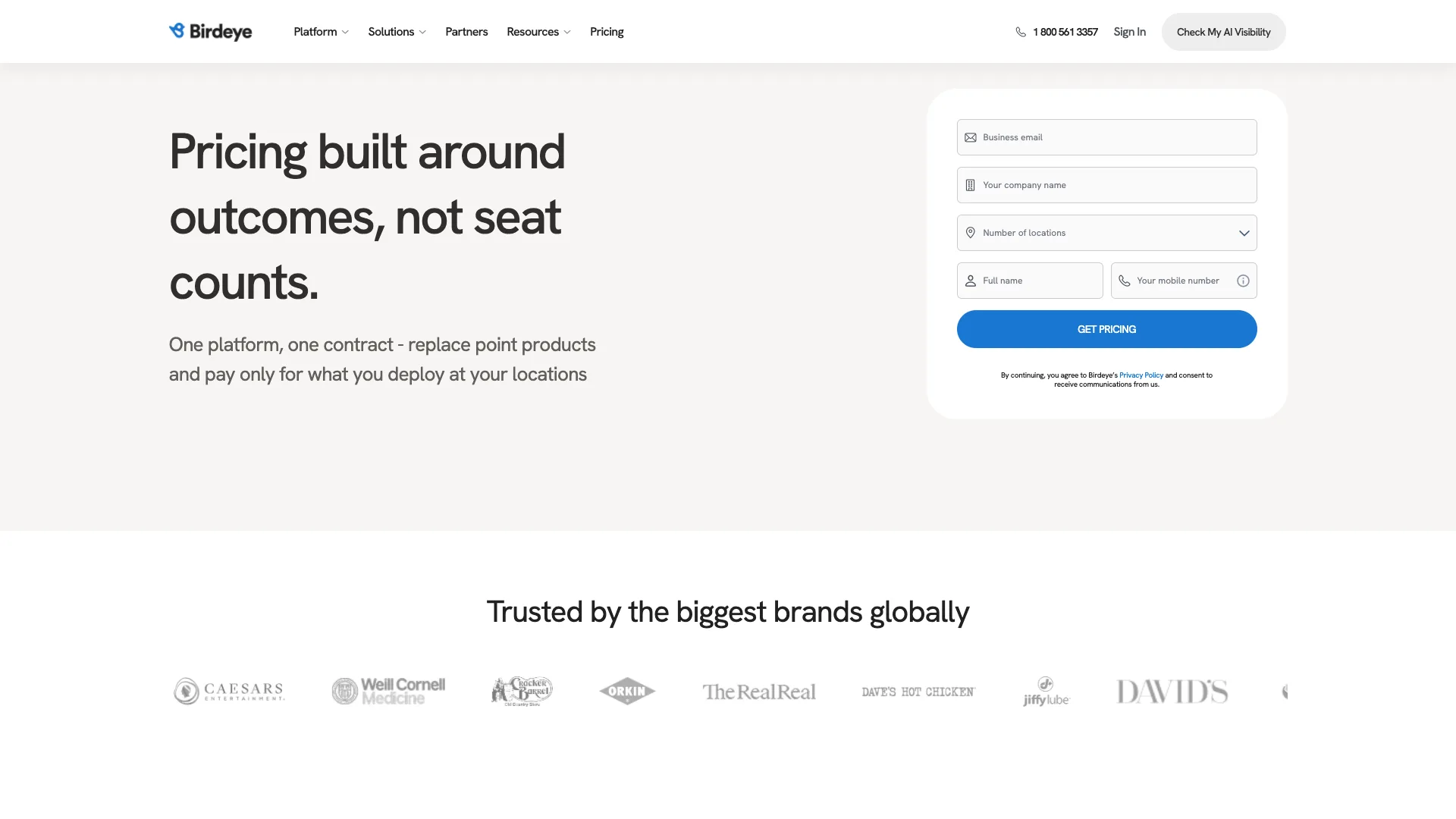 Jul 30, 2026
Tech Stack
NiceJob vs Birdeye 2026: Pricing, Contracts and Review Gating
One of these vendors puts its price on the page and its cancellation terms in writing. The other puts a form in front of both, and the complaint record is where its contract length shows up.
Read Article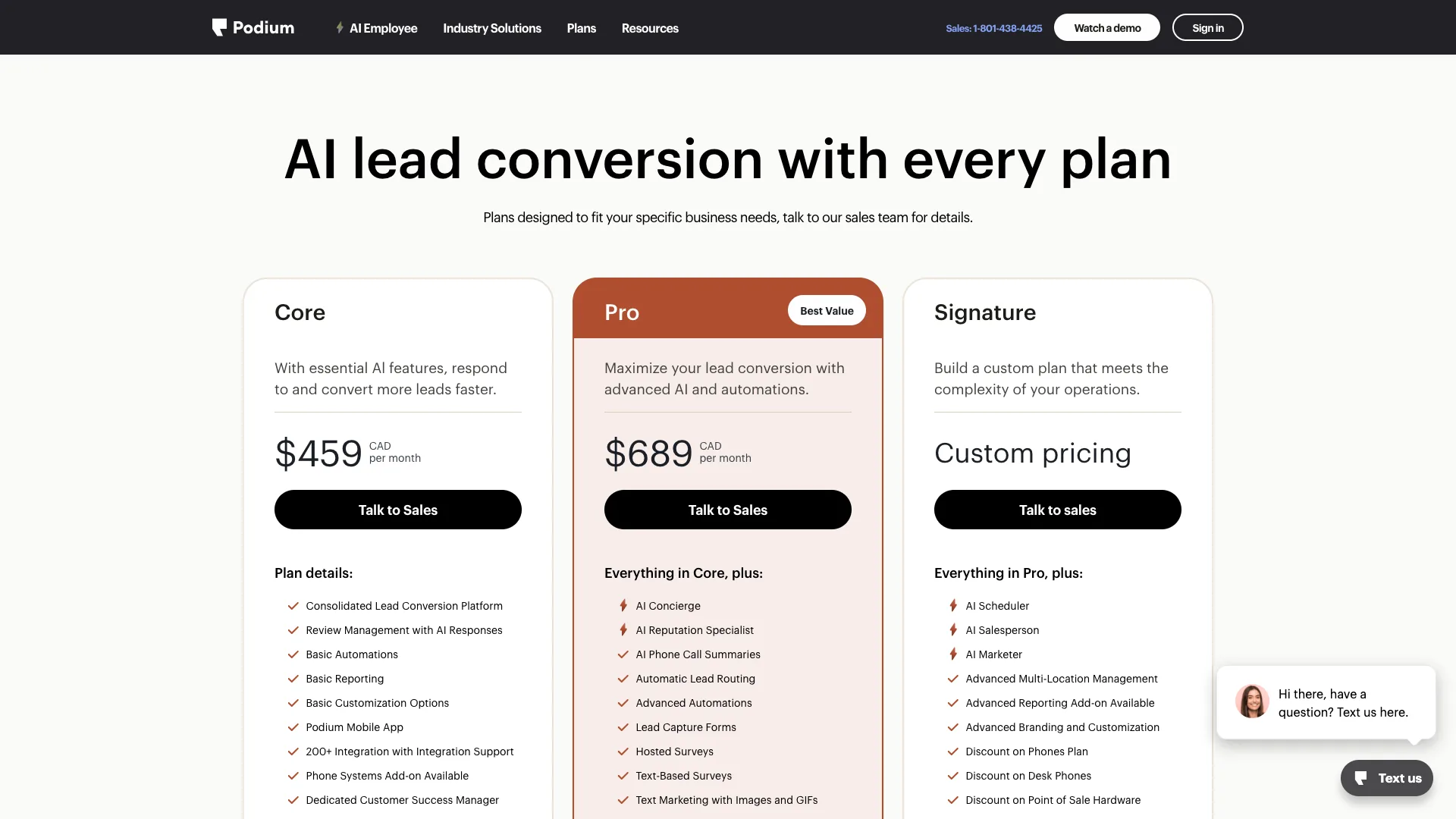 Jul 30, 2026
Tech Stack
Podium vs Birdeye 2026: Pricing, Contracts and Review Gating
Only one of these two will tell you what it costs before a sales call, and even that number carries a carve-out aimed squarely at trade contractors.
Read Article Jul 30, 2026
Tech Stack
Best Electrical Contractor Software 2026: 11 Ranked and Priced
An electrical contracting business makes two software purchases that do not substitute for each other, and every roundup answering this query covers only one of them. Eleven platforms, with a published price or an explicit statement that the vendor publishes none.
Read Article Jul 30, 2026
Tech Stack
Best HVAC Software in 2026: Eleven Ranked Across Three Classes
An HVAC contracting business buys across three classes of software that do not substitute for each other, and every roundup answering this query covers only one of them. Eleven products, each with a published price or an explicit statement that the vendor publishes none.
Read Article Jul 29, 2026
Tech Stack
AccuLynx Pricing 2026: The Real Cost of a Quote-Gated Plan
One published figure, two blank plan cards, and a contract that says things the pricing page does not. A line-by-line breakdown of what AccuLynx really bills.
Read Article Jul 29, 2026
Tech Stack
Houzz Pro Canada Review 2026: Pricing and Alternatives
Houzz Pro serves different pricing renderings. What Canadian buyers see, how GST/HST and payments work, what Custom gates, and what the annual contract commits you to.
Read Article Jul 29, 2026
Tech Stack
JobNimbus Pricing in 2026: What the Quote Does Not Cover
JobNimbus prints no figure on any of its four plans. So the only rate you can read before a sales call is the payments meter, and it is the biggest line on the bill.
Read Article Jul 29, 2026
Tech Stack
JobNimbus Review 2026: Pricing, Pros, Cons and Alternatives
JobNimbus rates 4.6 on Capterra and orders material straight from ABC Supply and SRS. But it publishes no price, and its supplement route carries a note.
Read Article Jul 29, 2026
Tech Stack
BuildOps Review 2026: Pricing, Contract Terms and Alternatives
BuildOps runs commercial service and projects on one platform, and publishes no pricing at all. The billing unit, the 30-day data-export window, and who it suits.
Read Article Jul 29, 2026
Tech Stack
FieldPulse Review 2026: Pricing, Pros, Cons and Alternatives
FieldPulse rates 4.6 on Capterra and is the platform contractors name when they leave a bigger system. But it publishes no price, and the contract runs a year.
Read Article Jul 29, 2026
Tech Stack
Service Fusion Review 2026: Pricing, Contract and Alternatives
Service Fusion bills flat per company with unlimited users, which is the best structural deal in field service software. The published plans, the contract behind the no-contract line, and the app score every other review gets wrong.
Read Article Jul 29, 2026
Tech Stack
Knowify Review 2026: Pricing, Job Costing and Alternatives
Knowify rates 4.5 on Capterra and its weakest sub-score is features. What the $99 Core plan withholds, which way the QuickBooks sync really runs, and who should not buy it.
Read Article Jul 28, 2026
Tech Stack
AccuLynx Review 2026: Pricing, Tier Gating, Alternatives
AccuLynx rates 4.6 across 846 reviews and now publishes an entry price. What that price omits, which tier holds the insurance workflow, and who should skip it.
Read Article Jul 28, 2026
Tech Stack
Unitel Voice Review 2026: Pricing, Features and Alternatives
Unitel Voice rates 4.6 on Capterra and gives a one-truck shop a business number for $9.99 a month. The published plans, the cost per call, and what it won't do.
Read Article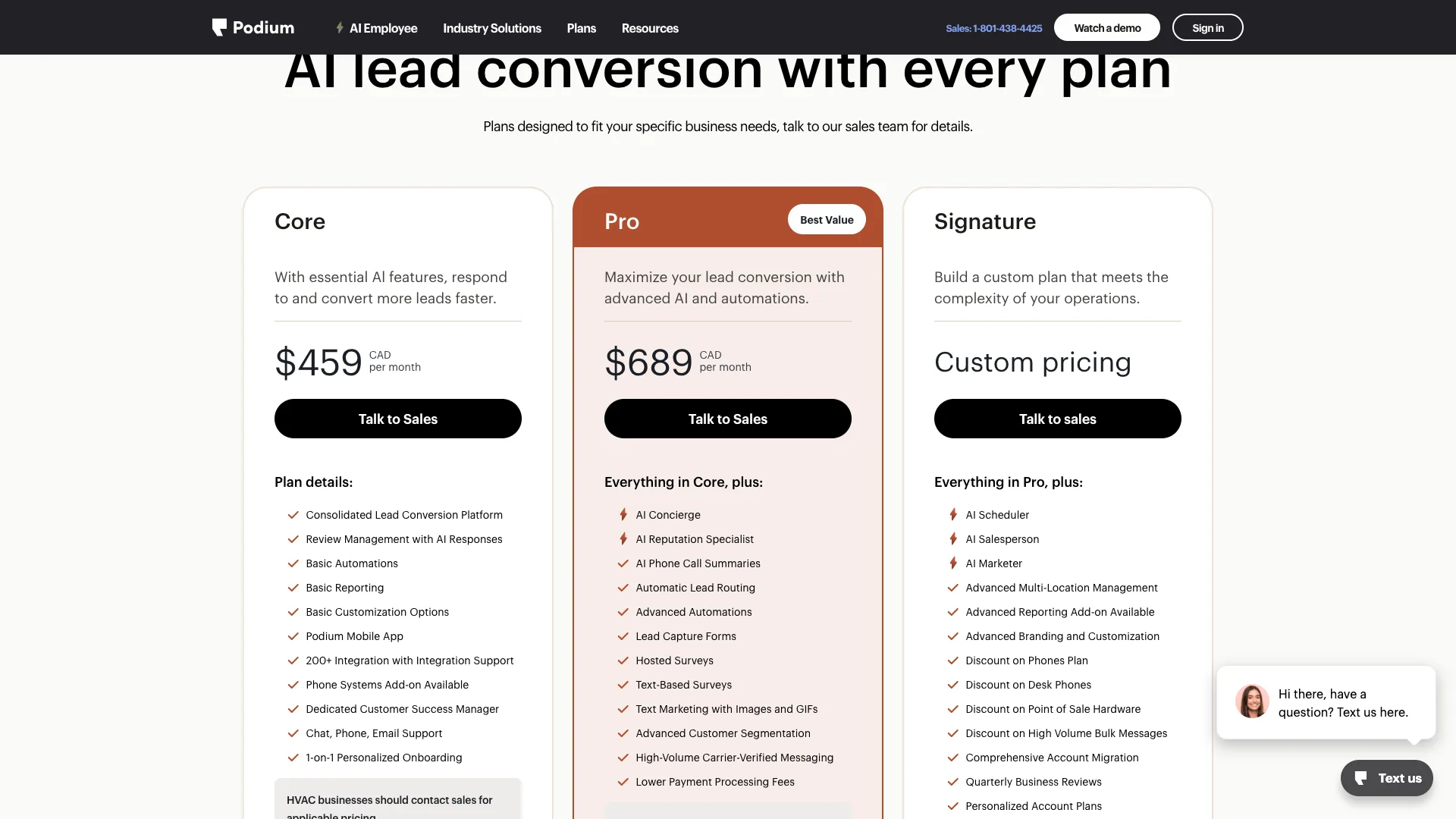 Jul 28, 2026
Tech Stack
NiceJob vs Podium 2026: Pricing, Contracts and Review Gating
Both vendors print a price, at very different scale and in different currencies. The gap that matters is what Podium will not print: the billing unit, and whether a trade shop gets the number on the page.
Read Article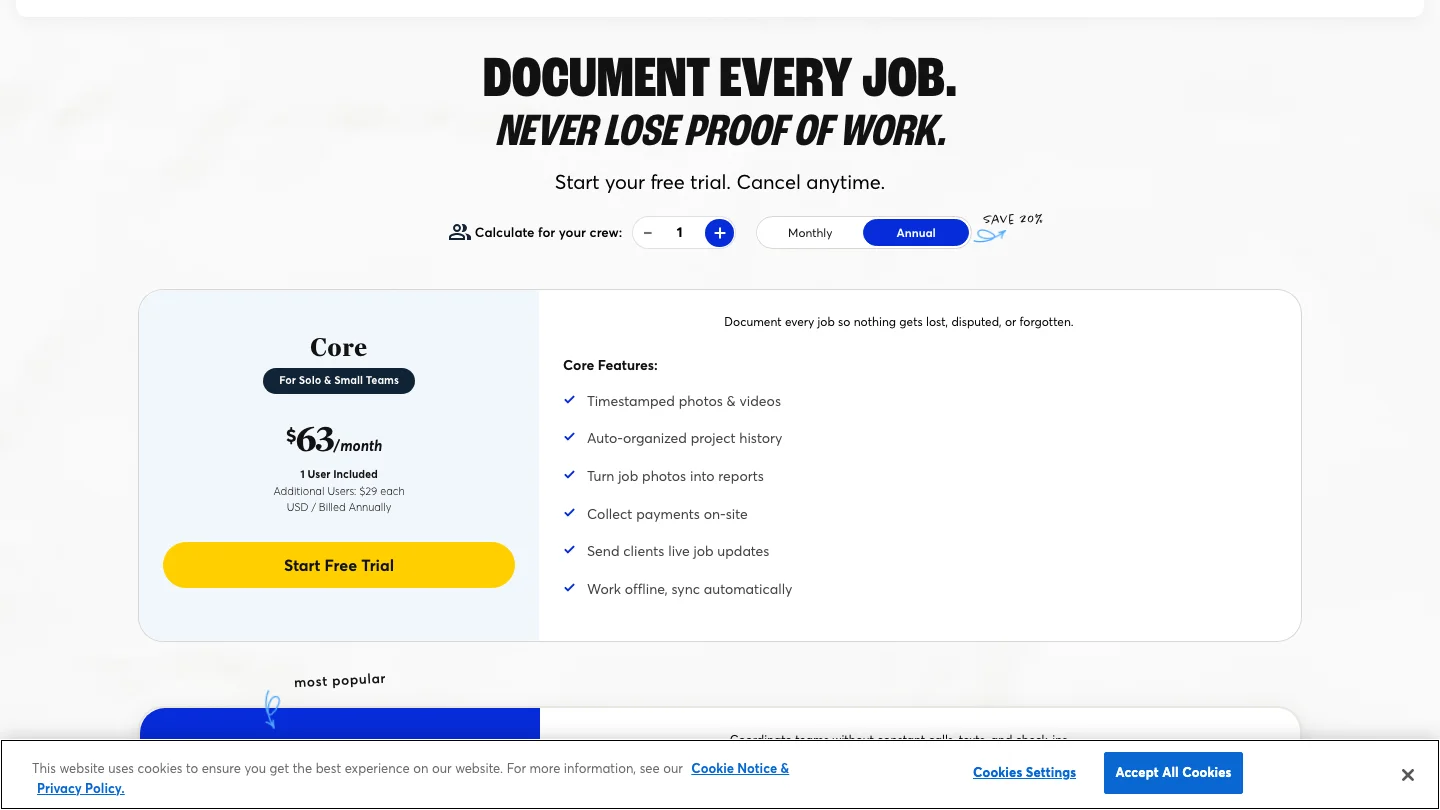 Jul 27, 2026
Tech Stack
CompanyCam Review 2026: Pricing, Pros, Cons and Alternatives
Every page ranking for CompanyCam still quotes a per-user price the vendor no longer charges. Here are the real plans, the seat math, and who should skip it.
Read Article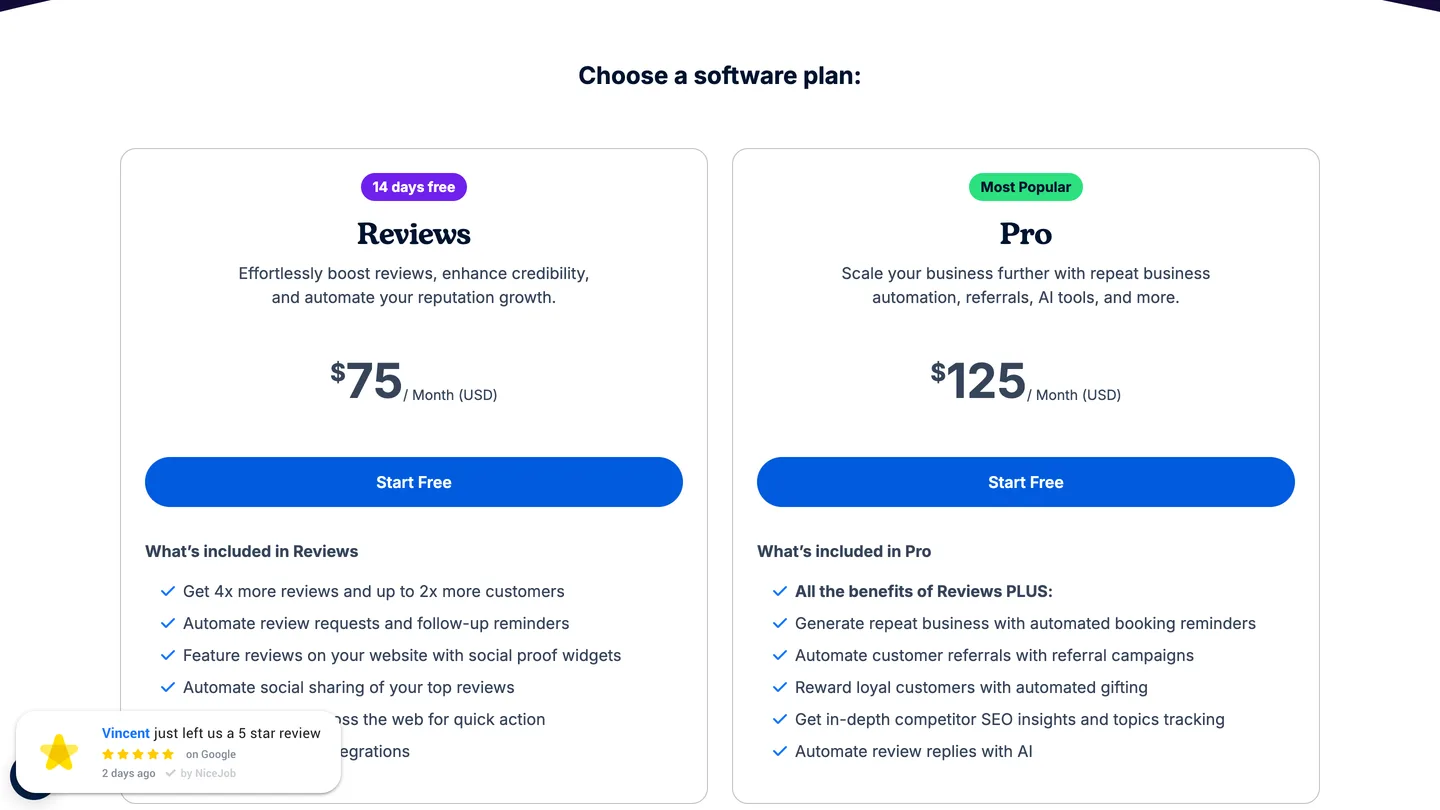 Jul 27, 2026
Tech Stack
NiceJob Review 2026: Pricing, Pros, Cons and Alternatives
NiceJob rates 4.9 on Capterra and refuses to gate negative reviews. Real plan pricing, the active-customer threshold nobody publishes, and who should skip it.
Read Article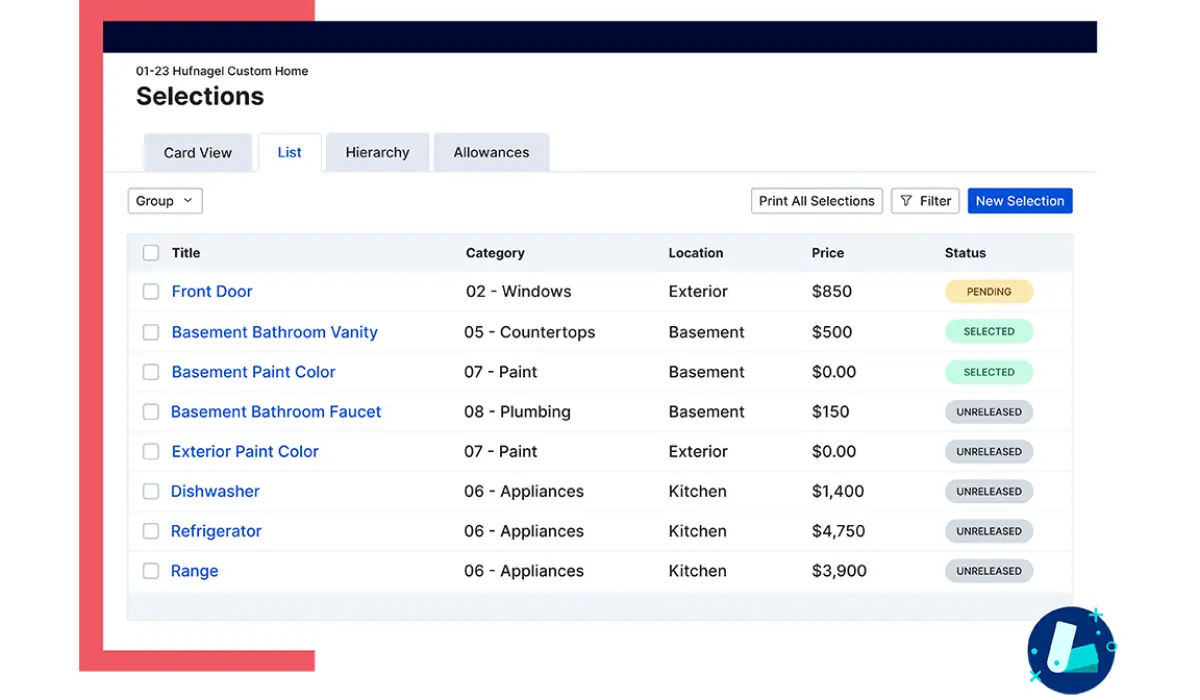 Jul 26, 2026
Tech Stack
Buildertrend Review 2026: Pricing, Limits and Alternatives
Buildertrend rates 4.5 across 2,486 Capterra reviews and quotes against your revenue rather than your seat count. The workflows, the export problem, the alternatives.
Read Article Jul 26, 2026
Tech Stack
CallRail Review 2026: Pricing, Pros, Cons and Alternatives
CallRail rates 4.5 on Capterra, and its tracking numbers port out free. But the two usage rates that decide your real bill are the two it does not print.
Read Article Jul 26, 2026
Tech Stack
Roofr Review 2026: Pricing, Pros, Cons and Alternatives
Roofr rates 4.6 on Capterra and sells $13 measurement reports against a market charging triple. But it will not import a report from anywhere else.
Read Article Jul 24, 2026
Tech Stack
Housecall Pro Review 2026: Pricing, Pros, Cons, Alternatives
Housecall Pro has the shortest learning curve in the category and the widest review spread. Real pricing, the Instapay math, and the migration trap to plan around.
Read Article Jul 23, 2026
Tech Stack
Jobber Review 2026: Pricing, Pros, Cons and Alternatives
Jobber rates 4.6 on Capterra with the best mobile app in the category. Real plan pricing, the feature gating that changes your entry price, and who it suits.
Read Article Jul 22, 2026
Tech Stack
ServiceTitan Review 2026: Pricing, Pros, Cons, Alternatives
ServiceTitan rates 4.3 on Capterra but its weakest score is value for money. Real reported pricing, the 12-month contract, the exit fees, and who it suits.
Read Article Jun 2, 2026
Tech Stack
HVAC Online Scheduling: The 43% Losing After-Hours Bookings
HVAC leads every trade on online booking at just 56.7%, which still leaves 43% of sites forcing an after-hours customer to wait for a business-hours phone call.
Read Article