Ooma Office Review 2026: Pricing, Pros, Cons, Alternatives
Ooma Office starts at $24.95. What each tier gates, the 7 limitations reviewers name, and 6 alternatives with published prices.
Page at a glance
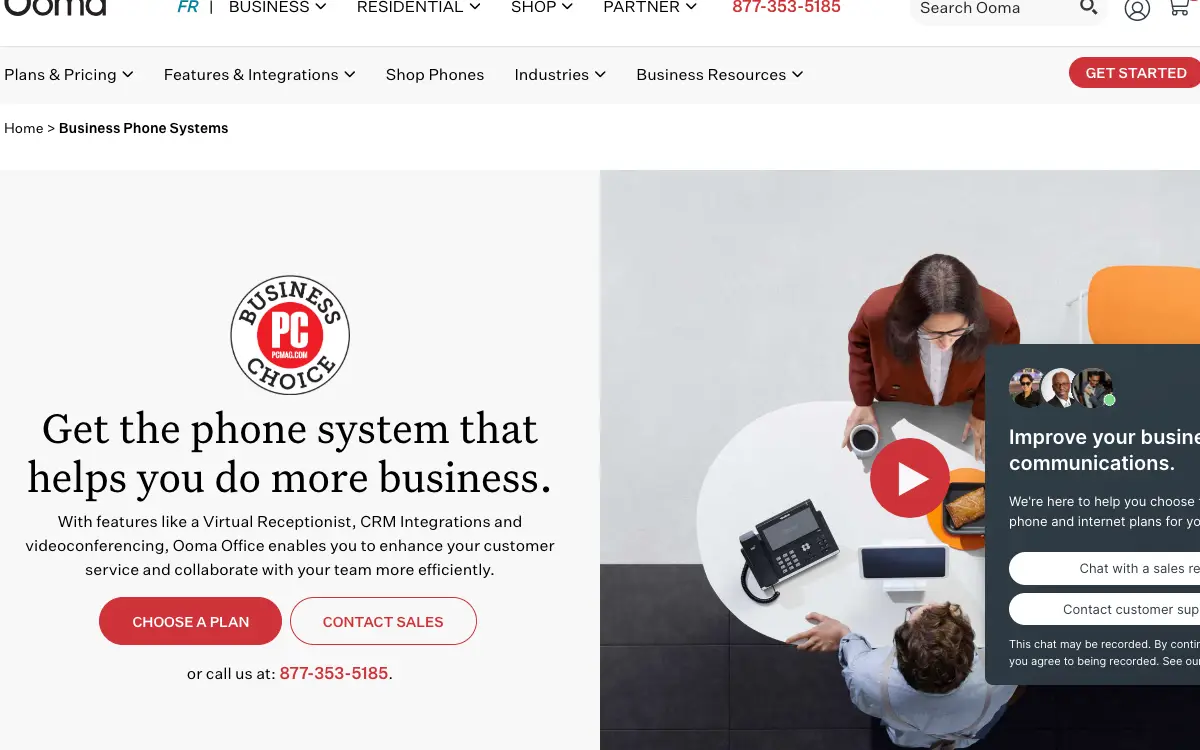
Ooma Office is A per-seat business phone system with a built-in virtual receptionist, priced like a utility and contracted like one too: month-to-month on the website, but with a fixed-term ladder in the terms that auto-renews unless you give 90 days' written notice. It starts at $24.95 per user, per month. Strictly per user, per month. The vendor's published rate card writes every one of the three Ooma Office tiers as a '/month per user' figure, and the plans page repeats 'Per User / Per Month' under each price. Every extension is a billable user, so a five-truck shop with an office manager and a dispatcher is seven users, not one account. The AI Answering Service add-on breaks that pattern and is billed per account. It fits Office-based crews of roughly 2 to 25 people running residential service and scheduled project work, where the phone is the main intake channel and someone in the office answers it. And it's a phone system first and an answering service second, so it suits a shop that already has a person to pick up rather than one trying to replace that person. It's the wrong buy for A solo operator or two-person crew who wants the phone answered by something other than voicemail while they're on a roof or under a sink, and who has nobody in an office, because Ooma Office is a phone system, not an answering service. Buying it alone just moves your unanswered calls to a nicer voicemail box. But the part that answers is the AI Receptionist add-on, and that's the one thing Ooma won't price on its website. The cell reads 'Contact Sales for Pricing'. And you'd be entering a sales conversation without knowing the number, on top of $24.95 per user per month you're already committing to. Alternatives that publish their prices are Nextiva from $25, RingEX (RingCentral) from $30, Ringover from $29. Six priced tiers, seven evidenced gaps and six alternatives, six of which publish a figure.
Ooma Office, in one paragraph
Ooma Office earns its money with Office-based crews of roughly 2 to 25 people running residential service and scheduled project work, where the phone is the main intake channel and someone in the office answers it. And it's a phone system first and an answering service second, so it suits a shop that already has a person to pick up rather than one trying to replace that person. If that's you, it does the job. The sections below are the parts worth checking before you sign. But the fit is narrower than the marketing suggests, and the price isn't the whole cost.
It starts at $24.95. And pricing was verified on 7 August 2026, so you can check every figure below in a browser tab.
| Pricing model | Published tiers |
|---|---|
| Entry price | $24.95 |
| Users | Strictly per user, per month. The vendor's published rate card writes every one of the thr |
| Ownership | Ooma, Inc. (NYSE: OOMA), 525 Almanor Avenue, Suite 200, Sunnyvale, CA 94085, the filer of record on SEC CIK 0001327688 and the named contracting party in the Ooma Office Terms and Conditions |
| Best fit | Office-based crews of roughly 2 to 25 people running residential service and scheduled project work, where the phone is the main intake channel and someone in the office answers it. And it's a phone system first and an answering service second, so it suits a shop that already has a person to pick up rather than one trying to replace that person. |
| Accounting sync | QuickBooks Online (one-way) |
What works
- Every extension is a billable user, and the tier decision is made once for everybody
- Virtual receptionist at every tier, real call queuing only at the top
- Caller-ID pops in one direction, with a note field as the only write-back
- Fifteen minutes to switch on, ninety days' notice to switch off
- Arbitration in California, with liability capped at one month of fees
What does not
- The website says 'No Contract Necessary' three times; the contract says otherwise
- The two integrations a contractor would want are locked to the top tier
- Call recordings expire at 90 days and come out one file at a time
- Call quality complaints get routed back at your internet, and reviewers say the diagnosis is sometimes wrong
- Porting your number away is free on the rate card and up to $500 in the contract
Ooma Office is A per-seat business phone system with a built-in virtual receptionist, priced like a utility and contracted like one too: month-to-month on the website, but with a fixed-term ladder in the terms that auto-renews unless you give 90 days' written notice. It sells to Cross-trade contractors, and the shape of the product follows from that: Ooma Office prices per user per month across all three tiers: Essentials $24.95, Pro $29.95, Pro Plus $34.95. And Ooma also sells an Enterprise tier at custom pricing that adds SIP trunking, Teams Direct Routing and call centre features. The practical effect for a contractor is that the feature you need decides the price for the whole company, because the features that matter to a service business sit at different heights: text messaging and call recording start at Pro, while CRM integration, call queuing, hot desking and AI transcriptions only appear at Pro Plus. So a shop that wants the Jobber pop and call queuing is buying the $34.95 tier for every seat, including the techs who only need to make outbound calls.
Ownership matters here more than it usually does. Ooma Office is owned by Ooma, Inc. (NYSE: OOMA), 525 Almanor Avenue, Suite 200, Sunnyvale, CA 94085, the filer of record on SEC CIK 0001327688 and the named contracting party in the Ooma Office Terms and Conditions, so weigh roadmap risk alongside the feature list. An independent product can be bought and folded into somebody else's plan two years after you sign.
Ooma Office fit, and where it stops
It fits Office-based crews of roughly 2 to 25 people running residential service and scheduled project work, where the phone is the main intake channel and someone in the office answers it. And it's a phone system first and an answering service second, so it suits a shop that already has a person to pick up rather than one trying to replace that person. That's the half most reviews print. Here's the other half, which is the one worth your time.
Don't buy it if you're A solo operator or two-person crew who wants the phone answered by something other than voicemail while they're on a roof or under a sink, and who has nobody in an office. Ooma Office is a phone system, not an answering service. Buying it alone just moves your unanswered calls to a nicer voicemail box. But the part that answers is the AI Receptionist add-on, and that's the one thing Ooma won't price on its website. The cell reads 'Contact Sales for Pricing'. And you'd be entering a sales conversation without knowing the number, on top of $24.95 per user per month you're already committing to. Look at AnswerConnect instead.
Don't buy it if you're An outbound-heavy shop running follow-up campaigns on old estimates, with a dispatcher dialling lists all day. The most recent reviewer on Capterra names this exact gap: competitors 'offer better CRM integrations, more polished user interfaces, stronger call analytics, more advanced AI automation features, autodialing & power dialling features, and smoother workflows for outbound heavy organizations.' So there's no power dialler in the Ooma Office feature set, and call analytics only start at Pro. Look at CallRail instead.
Don't buy it if you're A contractor already standardised on ServiceTitan or Housecall Pro who wants the phone to write back into the job record. Neither appears anywhere in Ooma's integrations directory, which contains exactly 19 partners. Jobber and QuickBooks Online are there, ServiceTitan and Housecall Pro aren't, and both of the ones that are there are read-only caller-ID pops locked to Pro Plus rather than two-way sync. So your dispatcher would still be retyping the call into the job. Look at Housecall Pro instead.
Don't buy it if you're A shop whose internet is a single unmanaged connection with no failover, in a rural service area. Two reviewers describe repeated connection loss and support blaming their side of the link, and one construction owner who does recommend Ooma runs it as only one of several lines specifically because 'with VOIP service we feel it's necessary' to have redundancy. And if a dropped phone line means a missed emergency call-out, a VoIP-only setup on one circuit is the wrong architecture regardless of vendor. Look at Grasshopper instead.
What Ooma Office costs
The tiers are public. And that's worth more than it sounds in a category where half the vendors make you ask.
| Tier | Price | Billing unit | What it unlocks |
|---|---|---|---|
| Ooma Office Essentials | $24.95 | per user, per month | Nothing beyond the tier below |
| Ooma Office Pro | $29.95 | per user, per month | Nothing beyond the tier below |
| Ooma Office Pro Plus | $34.95 | per user, per month | Nothing beyond the tier below |
| Ooma Enterprise | Quote only | per account (not disclosed) | contact sales |
| AI Answering Service (add-on) | $14.99 | per account, per month | Nothing beyond the tier below |
| AI Receptionist (add-on) | Quote only | per account (not disclosed) | contact sales, phone call to 833-747-2516 |
Strictly per user, per month. The vendor's published rate card writes every one of the three Ooma Office tiers as a '/month per user' figure, and the plans page repeats 'Per User / Per Month' under each price. Every extension is a billable user, so a five-truck shop with an office manager and a dispatcher is seven users, not one account. The AI Answering Service add-on breaks that pattern and is billed per account.
There is a discount for paying annually up front: None published. All three Ooma Office tiers appear on the plans page and the rate card as a single monthly per-user figure, with no annual-prepay column, no discounted annual equivalent and no 'save X% yearly' toggle anywhere on either page. The only annual pricing visible on the rate card belongs to the residential Ooma Telo line and to the $39.99-per-year extended warranty. Note the asymmetry: the terms of service contemplate pre-paid subscription fees and declare them non-refundable, so annual prepay evidently exists as a sales-quote option even though no discount for it is advertised. And an annual prepay discount tells you an annual commitment exists, which is worth knowing before anyone mentions a term length out loud.
The Ooma Office costs that show up later
Payment processing. Card on file, with two punitive clauses attached. If a charge cannot be processed against your payment information Ooma reserves the right to charge a $15 processing fee. Past-due amounts carry a late-payment charge at 'the lower of 1.5% per month of the past due amount, or the maximum rate allowable by law'. Capterra's vendor-supplied listing records 'Credit Card Required: Yes'. Separately, and unusually, the terms let Ooma charge your card directly for liquidated damages of up to $500 over a phone-number transfer dispute.
Implementation and onboarding. No implementation or onboarding fee is published for Ooma Office. The vendor's claim is self-setup: 'Most customers have their Ooma business phone system up and running in less than 15 minutes.' Shipping and handling is $9.99 per order on the rate card. A separate 'Installation Terms' agreement is listed under Add-On Service Terms in the Terms of Service Hub, which means paid installation exists as a purchasable service; its price is not published anywhere on the site. The Enterprise tier's feature list includes 'Custom Implementation', also unpriced.
Minimum term. Month-to-month by default, fixed-term by sales quote. Verbatim: 'Your Ooma Office plan is a subscription-based Service and will be provided on a month-to-month basis unless you commit to a fixed and/or minimum service term in a written order document between you and Ooma or between you and an authorized Reseller ("Sales Quote").' If a Sales Quote does carry a Fixed-Term Engagement, you get exactly 30 days: 'you may reduce your extension count or terminate your Sales Quote within the first 30 days of your initial term without penalty. Otherwise, effective on the 31st day of your initial term, you must subscribe to Equipment and Services ordered in your Sales Quote plan for the initial term stated therein to avoid paying an Early Termination Fee.'
Getting out. Three separate exit charges stack. First, the Early Termination Fee: 'your "Early Termination Fee" is equal to all fees and charges which would otherwise have been due at the end of your current Service'. That is the whole remaining term, not a portion of it. Second, rented equipment: 'If you have an account that has been active for 30 days or more, rent your Equipment, and terminate your Service for any reason within 12 months from the date you commenced the rental, you will be charged a fee of $50 per piece of Equipment returned', plus a restocking fee if the gear is not back within 14 days. Third, nothing comes back: 'Pre-paid fees, including pre-paid rental and subscription fees, are non-refundable' and 'Ooma does not provide refunds for pre-paid or unused services.' Termination itself does not take effect until the end of the current billing period.
Auto-renewal. Month-to-month accounts simply renew monthly. A Fixed-Term Engagement rolls over on a 90-day notice window: 'Unless otherwise stated on your Sales Quote, your Fixed-Term Engagement will thereafter automatically renew for renewal terms equal in length to your initial term, unless you provide notice of termination in writing no later than 90 days prior to end of your initial term or, if you are in a renewal term, the end of your applicable renewal term.' A 12-month FTE therefore has to be cancelled in month 9. Adding a truck mid-term also extends you: new services become 'coterminous with the service term then-in-effect' and are billed at 'Ooma's then-effective rates'.
Modules sold separately. , , , , , , , , . The Ooma Office figure worth writing down is the one with your day-one modules already in it, not the headline tier.
"Third-party reporting puts Ooma Office at $19.95 to $24.95 per user per month, two plans, reported 2026-08-07 (page carries a 2026 copyright and a 4.4 (248) rating block; no explicit last-updated date on the pricing tab)."
$19.95 per user per month for 'Ooma office' and $24.95 per user per month for 'Ooma office Pro'. Capterra lists only two Ooma Office plans and both figures sit $5 below the vendor's own current rate card, with the Pro Plus tier absent entirely. Capterra also records 'Yes, has free trial', 'No free version' and 'Credit Card Required: Yes'. (tab))
Side note, and it's a useful one: 'No Contract Necessary' appears three times on the plans page. Ninety days' written notice appears in the contract. And both are true, and which one applies to you is decided by whether you clicked a button or talked to a salesperson. Every page on Ooma's site pushes a phone number at you: 877-353-5185 in the banner, 877-353-5168 in the nav, 833-747-2516 for the AI products. Calling any of them puts you on the Sales Quote path, which is precisely the path where the badge you read stops applying. So if you want the month-to-month deal the website advertises, complete the purchase without speaking to sales, and keep the screenshot.
The Ooma Office line items nobody mentions
The subscription is the part everyone quotes. These are the lines that land afterwards, and the ones we could not find are named as unpublished rather than left blank.
Sold separately. , , , , , , , , . Price the configuration you'll really run, because an add-on you need on day one is part of the price.
"Ooma Office Ooma Office Essentials is $24.95, per user, per month."
Ooma Office pricing page (2026)
"Ooma Office Ooma Office Pro is $29.95, per user, per month."
Ooma Office pricing page (2026)
"Strictly per user, per month. The vendor's published rate card writes every one of the three Ooma Office tiers as a '/month per user' figure, and the plans page repeats 'Per User / Per Month' under each price. Every extension is a billable user, so a five-truck shop with an office manager and a dispatcher is seven users, not one account. The AI Answering Service add-on breaks that pattern and is billed per account."
Ooma Office pricing page (2026)
The six workflows you pay for
Feature totals are noise. So a shop in this category lives or dies on six things, and those are the six to grade, and each one below carries the evidence it's graded on.
Every extension is a billable user, and the tier decision is made once for everybody Ooma Office prices per user per month across all three tiers: Essentials $24.95, Pro $29.95, Pro Plus $34.95. And Ooma also sells an Enterprise tier at custom pricing that adds SIP trunking, Teams Direct Routing and call centre features. The practical effect for a contractor is that the feature you need decides the price for the whole company, because the features that matter to a service business sit at different heights: text messaging and call recording start at Pro, while CRM integration, call queuing, hot desking and AI transcriptions only appear at Pro Plus. So a shop that wants the Jobber pop and call queuing is buying the $34.95 tier for every seat, including the techs who only need to make outbound calls.
Virtual receptionist at every tier, real call queuing only at the top The Virtual Receptionist, the menu that answers, states hours and routes callers, is included from Essentials up, and one reviewer describes tuning it precisely: 'I want the phone to ring 4 times, and if it is not answered to not allow people to leave voicemail, but instead be presented with a greeting. Ooma allows me to do this.' But what Essentials and Pro don't have is Call Queuing, which is what you need when three homeowners call during a heat wave and you want them held in order rather than dumped to voicemail. Call Park exists lower down and is the feature one reviewer specifically had to call support about. And every plan includes one free toll-free number capped at 500 minutes of inbound calls per month. A property manager, real estate, Used the software for: Less than 6 months on the platform, writing on 2024-09-18, reports it: "It’s about half price of our prior provider. And, it is very intuitive to set up those who know how to operate technology."
Caller-ID pops in one direction, with a note field as the only write-back Ooma's CRM integrations are display integrations. The QuickBooks Online page describes 'Caller-ID Pops' where 'Staff sees customer or vendor name, last invoice date and amount, and outstanding or past due balance on incoming and outgoing calls', with the only reverse flow being that 'Employees can also view, revise or add to the customer note field'. The Jobber version shows 'active customer and lead name, quotes, requests, jobs and balance'. But nothing about the call itself, not duration, not recording, not outcome, syncs back as a structured record. So it's useful at the moment of answering and useless for reporting on where jobs came from.
Fifteen minutes to switch on, ninety days' notice to switch off Onboarding is genuinely light. Ooma claims 'Most customers have their Ooma business phone system up and running in less than 15 minutes', hardware ships pre-provisioned, and a reviewer confirms it under pressure: a failed phone system replaced and 'Property back in business within 45 minutes'. But exit is the asymmetric half. Termination requires notice and 'will not become effective until the end of your current billing period'. And on a fixed-term quote you need written notice 90 days before the term ends or it renews for the same length again. Rented equipment returned inside the first 12 months costs $50 per piece. Nothing prepaid comes back. A product manager, information technology and services who reviewed it on 2024-01-30 describes it: "We had a property where the phone system has failed completed. Spun up OOMA office with phone numbers and set up Remote Call Forward on the lines coming. Property back in business within 45 minutes which included any tweaks."
Arbitration in California, with liability capped at one month of fees The agreement opens with a capitalised warning: 'AGREEMENT CONTAINS A MANDATORY ARBITRATION PROVISION AND WAIVER OF JURY TRIAL.' Disputes go through a 60-day negotiation period and then binding arbitration, governed by California law, with any enforcement proceeding in Santa Clara County. Liability is capped at 'THE FEES PAID BY CUSTOMER TO OOMA IN THE MONTH PRECEDING THE CLAIM AT ISSUE'. For a five-seat shop on Essentials that ceiling is roughly $125. So if a phone outage costs you a week of emergency call-outs, the contract's answer is one month of subscription fees.
A slightly shrinking installed base, growing on acquisitions Ooma, Inc.'s FY2026 Form 10-K reports 1,404 thousand core users, up from 1,234 thousand, but 164,000 of that increase came from acquiring FluentStream and Phone.com in December 2025. Annualized exit recurring revenue was $245.9 million, and the net dollar subscription retention rate was 99%, up from 98% and level with 99% two years earlier. NDRR below 100 means the existing customer base contributes slightly less revenue each year than it did the year before, once churn and downgrades are netted against upgrades. So Ooma's business is growing, but the growth is coming from new and bought users, not from existing ones spending more. The company nonetheless describes 'Low core user churn' as 'a distinguishing advantage over many of our competitors'.
Ooma Office per trade, not per company size
Fit differs by trade rather than by company size alone, and a blended paragraph hides that. Here is the split for the trades this one sells to.
Cross-trade. The workflow that decides it is every extension is a billable user, and the tier decision is made once for everybody, and the shop profile that gets value is Office-based crews of roughly 2 to 25 people running residential service and scheduled project work, where the phone is the main intake channel and someone in the office answers it. And it's a phone system first and an answering service second, so it suits a shop that already has a person to pick up rather than one trying to replace that person. doing residential and service and commercial work. Where it stops being a fit is A solo operator or two-person crew who wants the phone answered by something other than voicemail while they're on a roof or under a sink, and who has nobody in an office.
Your books, and whether Ooma Office connects to them
QuickBooks Online connects one way only, so edits made in your books do not come back, gated to a higher tier. Your costs map through cost codes, so test yours against your own chart of accounts before you commit. A code your books don't recognise is how a labour charge quietly lands somewhere useless.
Past those, the road ends. ServiceTitan, Housecall Pro, Xero, Any estimating or takeoff tool, Category arithmetic doesn't close do not connect. So if your books run on an ERP rather than the platforms named above, weigh that before anything else.
Beyond accounting it connects to Jobber (Pro Plus caller-ID pop showing active customer and lead name, quotes, requests, jobs and balance when a matching Jobber client calls. Ooma's own page names the trades it's aimed at.), Zapier (General-purpose connector, listed in the PRODUCTIVITY group of the integrations directory), Salesforce, HubSpot, Zoho, Pipedrive, Microsoft Dynamics 365, SugarCRM (CRM caller-ID pop integrations, six of the ten in the CRM group), Clio, NexHealth, Wealthbox, AgencyZoom, Agency MVP, Square (Vertical integrations for legal, dental, wealth management and insurance, plus Square for payments), Zendesk, Freshdesk (The entire HELPDESK group, two partners), OpenAI, Google Chrome Extension (The AI TOOLS group is a single partner (OpenAI); the Chrome extension is a click-to-dial browser add-on). A public API exists: No public developer API is surfaced anywhere in the integrations directory. The 19 listed partners are all pre-built connectors, and the only general-purpose escape hatch offered to a buyer is Ooma Office for Zapier. The Enterprise tier's feature list mentions SIP Trunking and Teams Direct Routing, which are telephony interconnects rather than a data API. Ooma may operate a partner or reseller API that is not published; it is not discoverable from the buyer-facing site.
Ooma Office support, onboarding and the hours
Support is the line item nobody prices and everybody eventually needs. Onboarding for Ooma Office: No implementation or onboarding fee is published for Ooma Office. The vendor's claim is self-setup: 'Most customers have their Ooma business phone system up and running in less than 15 minutes.' Shipping and handling is $9.99 per order on the rate card. A separate 'Installation Terms' agreement is listed under Add-On Service Terms in the Terms of Service Hub, which means paid installation exists as a purchasable service; its price is not published anywhere on the site. The Enterprise tier's feature list includes 'Custom Implementation', also unpriced.
The review corpus we read on 7 August 2026 carries no consistent signal on response times either way, so treat support as untested rather than good. Open a real ticket during the trial and time the reply, because that is the number no pricing page gives you.
Ooma Office lock-in, in plain terms
Nobody reads this section before they buy, and it's the one that costs money afterwards. Four terms decide what leaving looks like.
Minimum term. Month-to-month by default, fixed-term by sales quote. Verbatim: 'Your Ooma Office plan is a subscription-based Service and will be provided on a month-to-month basis unless you commit to a fixed and/or minimum service term in a written order document between you and Ooma or between you and an authorized Reseller ("Sales Quote").' If a Sales Quote does carry a Fixed-Term Engagement, you get exactly 30 days: 'you may reduce your extension count or terminate your Sales Quote within the first 30 days of your initial term without penalty. Otherwise, effective on the 31st day of your initial term, you must subscribe to Equipment and Services ordered in your Sales Quote plan for the initial term stated therein to avoid paying an Early Termination Fee.'
Auto-renewal. Month-to-month accounts simply renew monthly. A Fixed-Term Engagement rolls over on a 90-day notice window: 'Unless otherwise stated on your Sales Quote, your Fixed-Term Engagement will thereafter automatically renew for renewal terms equal in length to your initial term, unless you provide notice of termination in writing no later than 90 days prior to end of your initial term or, if you are in a renewal term, the end of your applicable renewal term.' A 12-month FTE therefore has to be cancelled in month 9. Adding a truck mid-term also extends you: new services become 'coterminous with the service term then-in-effect' and are billed at 'Ooma's then-effective rates'.
Early termination. Three separate exit charges stack. First, the Early Termination Fee: 'your "Early Termination Fee" is equal to all fees and charges which would otherwise have been due at the end of your current Service'. That is the whole remaining term, not a portion of it. Second, rented equipment: 'If you have an account that has been active for 30 days or more, rent your Equipment, and terminate your Service for any reason within 12 months from the date you commenced the rental, you will be charged a fee of $50 per piece of Equipment returned', plus a restocking fee if the gear is not back within 14 days. Third, nothing comes back: 'Pre-paid fees, including pre-paid rental and subscription fees, are non-refundable' and 'Ooma does not provide refunds for pre-paid or unused services.' Termination itself does not take effect until the end of the current billing period.
Payment processing. Card on file, with two punitive clauses attached. If a charge cannot be processed against your payment information Ooma reserves the right to charge a $15 processing fee. Past-due amounts carry a late-payment charge at 'the lower of 1.5% per month of the past due amount, or the maximum rate allowable by law'. Capterra's vendor-supplied listing records 'Credit Card Required: Yes'. Separately, and unusually, the terms let Ooma charge your card directly for liquidated damages of up to $500 over a phone-number transfer dispute.
Worth a detour here. Ooma's rate card says porting your business number costs nothing. But Ooma's contract reserves the right to charge your card up to $500 for doing it wrong. And the vendor never reconciles the two. A contractor's phone number is on every truck, yard sign, van wrap and Google Business Profile they own. The free-porting row is what you read while buying; the $500 clause is what governs while leaving, and it charges the card directly with no invoice step. So never let a new carrier submit the port request first. Get Ooma's written port-out authorisation and a written $0 confirmation, then hand that to the new carrier.
"Ooma Office is reported at $19.95 to $24.95 per user per month, two plans as of 2026-08-07 (page carries a 2026 copyright and a 4.4 (248) rating block; no explicit last-updated date on the pricing tab)."
$19.95 per user per month for 'Ooma office' and $24.95 per user per month for 'Ooma office Pro'. Capterra lists only two Ooma Office plans and both figures sit $5 below the vendor's own current rate card, with the Pro Plus tier absent entirely. Capterra also records 'Yes, has free trial', 'No free version' and 'Credit Card Required: Yes'. (tab))
"Ooma Office is reported at Free app; subscription sold outside the store as of 2026-07-28 (currentVersionReleaseDate for version 7.2.8)."
The Ooma Office iOS app is listed by the Apple App Store as free to download, seller Ooma, Inc., version 7.2.8. The store surfaces no in-app purchase price for the AI Receptionist or any other add-on, so the app is not a route to the missing figure. (2.8))
"Overall we like Ooma and use it for one of our office lines. We have redundency because with VOIP service we feel it's necessary. The features are super solid and sound quality is great."
Capterra, Rick K. (5-18)
What Ooma Office does badly
What follows is drawn from complaints rather than from star averages.
The website says 'No Contract Necessary' three times; the contract says otherwise The plans page prints 'No Contract Necessary' under Essentials, Pro and Pro Plus, three occurrences on one page, verified in the rendered DOM. But the Ooma Office Terms and Conditions, last updated June 26, 2026, describe a second world: a Sales Quote can carry a 'Fixed-Term Engagement', you have 30 days to back out of it, and after that it 'will thereafter automatically renew for renewal terms equal in length to your initial term, unless you provide notice of termination in writing no later than 90 days prior to end of your initial term'. Both statements are true at once because they describe different purchase paths: self-serve signup versus a quote from a salesperson or reseller. So a contractor who calls the sales number printed all over the site is on the second path, not the first, and the page that sold them on 'no contract' isn't the document they signed. Before signing anything a salesperson emails you, search the document for the words 'Fixed-Term' and 'initial term'. But if they appear, you're not month-to-month, and you must diarise the cancellation date at nine months, not twelve.
The two integrations a contractor would want are locked to the top tier Ooma Office for Jobber and Ooma Office for QuickBooks Online are both explicitly Pro Plus products. The vendor's own pages open with 'Ooma Office Pro Plus for Jobber' and 'Ooma Office Pro Plus for QuickBooks Online'. And Pro Plus is $34.95 per user per month against Essentials at $24.95, so the caller-ID pop that tells your dispatcher which customer is calling costs $10 per user per month on top. For a five-seat office that's $600 a year, and the seats have to move together: you can't put Pro Plus on the two people who answer phones and leave the field techs on Essentials without managing two plan tiers on one account. Price the Jobber pop honestly: multiply your seat count by $120 a year. But if only the two office staff need it, ask sales in writing whether mixed tiers on one account are permitted before you buy.
Call recordings expire at 90 days and come out one file at a time The vendor's own call recording overview states recordings 'can be up to three hours in length, and are stored for 90 days'. And the support index under that feature lists 'How to download a recorded call', singular, and the page contains no reference to bulk export, an archive job, or an API for pulling recordings out. So for a contractor this is a warranty and dispute problem, not a convenience one: a callback argument about what was promised on a scheduling call routinely surfaces more than 90 days after the call, by which point Ooma has deleted the evidence unless somebody thought to download that specific file. If you record calls for dispute protection, build a monthly routine that downloads the previous month's recordings to your own storage. And Ooma won't do it for you, and it won't warn you before the 90-day window closes.
Call quality complaints get routed back at your internet, and reviewers say the diagnosis is sometimes wrong Two separate reviewers describe support blaming the customer's connection. A dentist reports Ooma telling his staff 'that a jitter time of 1ms should be 5ms, even though the fact is a lower jitter number is desirable not higher', a diagnosis that's backwards. And a Director of IT reports quality problems that 'doesn't seem to be tied directly to MY internet quality as I've hooked the hardware straight to the modem and still had bad quality'. So this is the structural weakness of any VoIP system for a trade business: when the phone fails you have no independent way to prove whose fault it is, and the vendor's support script defaults to yours. On 2024-09-24, a dentist, medical practice, Used the software for: 1-2 years on the platform, says: "The service was lacking. Our phone has been losing internet connection repeatedly and even though our internet speed/latency is beyond what Ooma requires, they still tried to blame the issues on my internet connection (and even told my staff that a jitter time of 1ms should be 5ms, even though the fact is a lower jitter number is desirable not higher)." Before you cut over, run a week of logged jitter and packet-loss readings from your own router so that when the argument happens you have numbers Ooma didn't supply. And keep one landline or cell number live as a documented fallback.
Porting your number away is free on the rate card and up to $500 in the contract The business section of Ooma's published rate card lists 'Porting/Change Fee | Free'. But the Ooma Office Terms and Conditions reserve the opposite right: 'We reserve the right to charge your credit or debit card liquidated damages of up to $500 if you attempt to transfer your phone number without Ooma's consent, without paying your applicable number transfer fee, or without complying with Ooma's pre-requisites for number transfers.' Those two statements aren't reconciled anywhere on the site, and the second one is a direct card charge with no invoice step. And the terms also warn that 'the phone number assigned to your account may be re-assigned if your Services are terminated'. Don't initiate a port at the receiving carrier first. So get Ooma's written port-out authorisation and a written confirmation of a $0 fee before the new carrier submits anything, and keep the email.
You have 30 days to dispute a charge or you waive the right to dispute it at all The billing dispute clause is short and absolute: 'If you dispute any charges from Ooma, you must notify Ooma in writing within 30 days' after you received notice of the applicable charge... You agree that your failure to provide Ooma with such notice shall constitute a waiver of any right to dispute your charge and your consent to the applicable charge.' Notice must go in writing to a Sunnyvale postal address or customeradvocate@ooma.com. A Capterra reviewer's central complaint is exactly this class of problem: 'They wouldn't credit the bill for the time the phone line didn't work despite initially agreeing to issue the credit' and 'They bill more than the agreed upon costs'. So a busy contractor who notices a wrong line item at quarter-end has already waived it. Put a 20-minute recurring calendar item on the day after your Ooma bill lands. And any query goes to customeradvocate@ooma.com in writing the same week, not verbally to phone support.
The mobile app is where the system breaks for field crews Ooma's own marketing sells the mobile app as the way field staff stay reachable, and the iOS app carries a 4.87 average across 8,965 ratings. But the most-recent page of written App Store reviews reads very differently from that average: calls that come in late 'if they come in at all', an app that drops calls and errors retrieving call history and voicemail, and a user who can sign in on the website but can't get into the app at all. And for a crew that lives in trucks, the app is the phone system, so app-layer instability isn't a minor annoyance. An app store reviewer, 3 stars, app version 7.2.4 writes: "The app drops calls quite frequently and has errors retrieving my call history and vm fairly often, it’s pretty frustrating. If those items could be fixed I’d be pretty happy with it." Trial the app on the actual phones and carriers your crew uses, on LTE not office wifi, for two full weeks before you cancel the old service. And test inbound ring latency specifically, not just outbound calls.
One more thing worth knowing. The only Ooma Office product with no price on it is the one that does the thing this category is named after. Ooma is comfortable publishing three subscription tiers, a hardware catalogue from $89.99 to $749.99, a $9.99 shipping fee and a $0.99 directory-assistance charge. The one figure withheld is the one that determines whether the product solves a contractor's actual problem. So treat the gap as information: a vendor that prices everything except its flagship AI product is telling you that product's price is negotiated, which means it's high enough to need negotiating.
One more thing worth knowing. Third-party listings show Ooma Office $5 per user per month cheaper than Ooma does, with a whole tier missing. Both figures are real and neither is a typo, so the conflict is left visible here rather than resolved. The likely explanation is a stale vendor-supplied listing plus a US-versus-Canada storefront split that Ooma's geo-redirect makes impossible to check from outside the US. And the buyer consequence is concrete: a contractor who budgets from a comparison site will be $5 per user per month short from the first invoice, which on ten seats is $600 a year of unbudgeted spend before taxes and fees.
One more thing worth knowing. Ooma's own SEC filing puts blended revenue per core user at roughly $14.60 a month, well under the $24.95 entry price of the business product, because the business is still half residential. Two things follow for a buyer. First, the company is mid-pivot: as recently as last year most of its users were residential, so the business product is riding a consumer-grade support and network organisation, which is a plausible root cause for the reliability complaints that recur across every review source. Second, an NDRR of 99% means the existing customer base contributes slightly less revenue each year than the year before. So growth is coming from new and acquired users, not from happy ones spending more. Ooma nevertheless describes 'Low core user churn' as 'a distinguishing advantage over many of our competitors'.
One more thing worth knowing. Ooma's US pricing can't be read from Canada, and the redirect that blocks it also fires inside the Internet Archive. A Canadian contractor comparison-shopping Ooma against US-published competitor pricing literally can't see the number the competitor's US customers pay, and neither can a US buyer verify what a Canadian pays. And given that Capterra's listing sits $5 below the Canadian card on every comparable tier, the storefront split isn't cosmetic. So get the quote in writing with the currency named, because ooma.ca prints '$24.95' with no currency label anywhere on the page.
One more thing worth knowing. Ooma's liability for a phone outage is capped at one month of your subscription, roughly $125 for a five-seat shop. Set that ceiling against what a phone outage costs a trade business. Five seats on Essentials is $124.75 a month. But a week of missed emergency call-outs in a heat wave or a freeze is worth many multiples of that, and one reviewer describes exactly this: 'leaving clients unable to reach our team... on more than several occasions'. And the contract's answer to that scenario is a partial month's credit, argued in arbitration in California, only if you complained in writing within 30 days. Redundancy isn't optional here; it's the only remedy you control.
Worth a detour here. Capterra, Software Advice and GetApp all report on Ooma Office. But all three are Gartner properties reading one pool of 248 reviews, and GetApp leaks the shared float that proves it. A buyer who checks 'three review sites' on Ooma has checked one, and it's a 248-review sample for a company with 1.4 million core users. The genuinely independent signal sits elsewhere: the Ooma Office iOS app carries 4.87 from 8,965 ratings, a sample 36 times larger and a full half-star higher, while the most-recent page of its written reviews is dominated by one-star complaints about calls not arriving and login failures. So star averages and written reviews are measuring different populations, and only one of them typed anything.
What people running Ooma Office tell you
Every quote below is transcribed from a published review, named to the platform that carries it and to the reviewer as that platform displays them. We read the corpus by complaint type rather than by star rating, which is how the disqualifying detail buried inside a five-star review gets found.
"Overall we like Ooma and use it for one of our office lines. We have redundency because with VOIP service we feel it's necessary. The features are super solid and sound quality is great."
An owner, construction, Used the software for: 6-12 months on the platform, writing on 2022-05-18, puts it on Capterra
"The VOIP phone service was extremely glitchy, leaving clients unable to reach our team to manage their schedules on more than several occasions over the time period in which we used the product. Very frustrating."
But a physical therapist operations manager, hospital & health care, Used the software for: 1-2 years on the platform, describes it it differently on Capterra
"There is nothing positive I can say about Ooma. They issued me a phone number that didn't work and I spent so many hours trying to correct. They wouldn't credit the bill for the time the phone line didn't work despite initially agreeing to issue the credit. It is impossible to get anything fixed or even to understand the issue. They bill more than the agreed upon costs. They mailed the phone to the wrong address and when I asked them to confirm the address they lied and said they confirmed it with UPS. They sent the wrong phone of a much lessor value and utility. Ooma makes AT&T and xfinity look like they have first rate customer service in comparison."
A senior partner, financial services who reviewed it on 2024-05-06 reports it on Capterra
"Without delay I started getting hit with SPAM calls daily, lots of them, which are coming from the local exchange number they assigned me. I asked them to change that number, but they wanted to charge me to do-so. Their call quality is hit or miss, and doesn't seem to be tied directly to MY internet quality as I've hooked the hardware straight to the modem and still had bad quality."
And a director of IT, computer software, Used the software for: 2+ years on the platform, writing on 2019-08-04, writes the same thing on Capterra
"The service was lacking. Our phone has been losing internet connection repeatedly and even though our internet speed/latency is beyond what Ooma requires, they still tried to blame the issues on my internet connection (and even told my staff that a jitter time of 1ms should be 5ms, even though the fact is a lower jitter number is desirable not higher)."
But a dentist, medical practice, Used the software for: 1-2 years on the platform, describes it it differently on Capterra
"It’s about half price of our prior provider. And, it is very intuitive to set up those who know how to operate technology."
A property manager, real estate, Used the software for: Less than 6 months on the platform, writing on 2024-09-18, says on Capterra
"Cost per line is very affordable at $20 per line. Android/iOS soft phone and eFax included in base rate. The only downside is softphone for PC/Mac requires upgraded license."
An IT admin, law practice who reviewed it on 2021-04-15 writes on Capterra
"Some competitors like Kixie, Dialpad, and RingCentral offer better CRM integrations, more polished user interfaces, stronger call analytics, more advanced AI automation features, autodialing & power dialling features, and smoother workflows for outbound heavy organizations."
An insurance account executive, insurance, Used the software for: Less than 6 months on the platform, writing on 2026-05-24, writes on Capterra
"We had a property where the phone system has failed completed. Spun up OOMA office with phone numbers and set up Remote Call Forward on the lines coming. Property back in business within 45 minutes which included any tweaks."
A product manager, information technology and services, Used the software for: 1-2 years on the platform, writing on 2024-01-30, puts it on Capterra
"Customer service is very difficult to communicate with, often I cannot hear them or they cannot hear me. To get a problem corrected takes too many steps and too much time. I keep have technical problems that I just deal with because they take too long to resolve. Look elsewhere for VOIP services."
An app store reviewer, 1 star, app version 7.2.7 describes it on Apple App Store (Ooma Office iOS, most-recent customer reviews feed)
"OOMA is terrible for business. The app is the worse on your phone. Calls have issues coming in, if they come in at all and everything else is so slow and behind. The only way it’s worth a darn is if you have a hardwired phone e otherwise forget it look elsewhere."
But an app store reviewer, 1 star, app version 7.2.6, describes it it differently on Apple App Store (Ooma Office iOS, most-recent customer reviews feed)
"The app drops calls quite frequently and has errors retrieving my call history and vm fairly often, it’s pretty frustrating. If those items could be fixed I’d be pretty happy with it."
An app store reviewer, 3 stars, app version 7.2.4, writes it plainly on Apple App Store (Ooma Office iOS, most-recent customer reviews feed)
"I can log in fine on the website but the app is a different story. Even tried changing the password but still can’t get into the app."
An app store reviewer, 1 star, app version 7.2.6, writes it plainly on Apple App Store (Ooma Office iOS, most-recent customer reviews feed)
"Everything works as it should. Customer support has been helpful when issues arise. The system is affordable. Overall this is a great solution for business operations."
An app store reviewer, 5 stars, app version 7.2.6, reports it it plainly on Apple App Store (Ooma Office iOS, most-recent customer reviews feed)
What Ooma Office's competition charges
Four or five real options, each with what it does better and what it does worse. Both halves, or it's marketing.
| Tool | Entry price | Billing unit | Users included | Published? |
|---|---|---|---|---|
| Ooma Office | $24.95 | per user, per month | Strictly per user, per month. The vendor's published rate ca | Yes |
| Nextiva | $25 | per month (Capterra's listing doesn't state whether the figure is per user) | Not stated in the source listing | Yes |
| RingEX (RingCentral) | $30 | per month (Capterra's listing doesn't state whether the figure is per user) | Not stated in the source listing | Yes |
| Ringover | $29 | per month (Capterra's listing doesn't state whether the figure is per user) | Not stated in the source listing | Yes |
| 3CX | $350 | per year (Capterra lists this as an annual figure, not monthly) | Not stated in the source listing | Yes |
| 800.com | $149 | per month (Capterra's listing doesn't state whether the figure is per user) | Not stated in the source listing | Yes |
| AnswerConnect | $14.99 | per account, per month. The figure shown is Ooma's own AI Answering Service add-on price, quoted here because it's the cheapest published answering option in Ooma's own catalogue and the honest internal comparison | Per account, not per user | Yes |
Nextiva. Carries the largest review pool in the category on the same platform, 4.6 from 919 reviews against Ooma's 4.4 from 248, so a buyer has roughly four times the evidence to read. And one Ooma reviewer names Nextiva as the alternative they considered and says they chose Ooma because a 'Shorter term contract was required and better ratings'. But But the same reviewer's stated reason for rejecting it, a longer term commitment, is exactly the thing Ooma's month-to-month default avoids for a self-serve buyer.
RingEX (RingCentral). Named by Ooma's own most-recent Capterra reviewer as offering 'better CRM integrations, more polished user interfaces, stronger call analytics, more advanced AI automation features'. And a deeper integration catalogue than Ooma's 19. But Lowest satisfaction score of the five listed alternatives at 4.2 from 1,205 reviews, below Ooma's 4.4, and the highest entry price of the monthly-billed options.
Ringover. Highest-rated alternative on the same platform at 4.7 from 884 reviews, a materially better score on a materially larger pool than Ooma's 4.4 from 248. But $4 a month more than Ooma Essentials at the entry rung, and without Ooma's Jobber or QuickBooks Online caller-ID pops.
3CX. The only alternative on the list priced annually rather than per seat per month, which changes the economics entirely for a shop adding seasonal crew. At 4.4 from 467 reviews it matches Ooma's rating on nearly twice the sample. But Self-hosted or self-managed deployment is a different operating burden from Ooma's 15-minute plug-in setup, and there's no Jobber integration.
800.com. 4.7 from 352 reviews, tied for the highest satisfaction among the listed alternatives. Toll-free-first positioning suits a shop whose brand is built on a memorable number. But Six times Ooma Essentials at the entry rung, and the smallest review pool of the five.
AnswerConnect. For a shop that genuinely needs the phone answered rather than a phone system, a human answering service is the category match. Ooma's own answering products sit as add-ons on top of a per-seat subscription rather than replacing it. But A minute-bundle answering service gives you no dial tone, no extensions and no desk phones, so it's a complement to a phone line rather than a replacement for one.
"The VOIP phone service was extremely glitchy, leaving clients unable to reach our team to manage their schedules on more than several occasions over the time period in which we used the product. Very frustrating."
Capterra, Rachel P. (1-15)
"There is nothing positive I can say about Ooma. They issued me a phone number that didn't work and I spent so many hours trying to correct. They wouldn't credit the bill for the time the phone line didn't work despite initially agreeing to issue the credit. It is impossible to get anything fixed or even to understand the issue. They bill more than the agreed upon costs. They mailed the phone to the wrong address and when I asked them to confirm the address they lied and said they confirmed it with UPS. They sent the wrong phone of a much lessor value and utility. Ooma makes AT&T and xfinity look like they have first rate customer service in comparison."
Capterra, Aaron G. (5-06)
Who should not buy Ooma Office
Don't buy Ooma Office if you're A solo operator or two-person crew who wants the phone answered by something other than voicemail while they're on a roof or under a sink, and who has nobody in an office. Ooma Office is a phone system, not an answering service. Buying it alone just moves your unanswered calls to a nicer voicemail box. But the part that answers is the AI Receptionist add-on, and that's the one thing Ooma won't price on its website. The cell reads 'Contact Sales for Pricing'. And you'd be entering a sales conversation without knowing the number, on top of $24.95 per user per month you're already committing to. Look at AnswerConnect instead.
Don't buy Ooma Office if you're An outbound-heavy shop running follow-up campaigns on old estimates, with a dispatcher dialling lists all day. The most recent reviewer on Capterra names this exact gap: competitors 'offer better CRM integrations, more polished user interfaces, stronger call analytics, more advanced AI automation features, autodialing & power dialling features, and smoother workflows for outbound heavy organizations.' So there's no power dialler in the Ooma Office feature set, and call analytics only start at Pro. Look at CallRail instead.
Don't buy Ooma Office if you're A contractor already standardised on ServiceTitan or Housecall Pro who wants the phone to write back into the job record. Neither appears anywhere in Ooma's integrations directory, which contains exactly 19 partners. Jobber and QuickBooks Online are there, ServiceTitan and Housecall Pro aren't, and both of the ones that are there are read-only caller-ID pops locked to Pro Plus rather than two-way sync. So your dispatcher would still be retyping the call into the job. Look at Housecall Pro instead.
Don't buy Ooma Office if you're A shop whose internet is a single unmanaged connection with no failover, in a rural service area. Two reviewers describe repeated connection loss and support blaming their side of the link, and one construction owner who does recommend Ooma runs it as only one of several lines specifically because 'with VOIP service we feel it's necessary' to have redundancy. And if a dropped phone line means a missed emergency call-out, a VoIP-only setup on one circuit is the wrong architecture regardless of vendor. Look at Grasshopper instead.
The verdict, by shop size
Office-based crew of 3 to 15, residential service work, already running Jobber
Only under conditions, and they are worth being honest about. This is the one band where Ooma Office is genuinely the right answer, and the condition is that you buy Pro Plus and price it properly. The Jobber caller-ID pop is a real advantage, and Ooma's own page names general contracting, painting, landscaping and tree care as its target, but it lives only at $34.95 per user per month, $10 above Essentials. For eight seats that's $3,355 a year against $2,395 on Essentials. So buy it if the pop plus call queuing plus call recording earns that $960; don't buy Essentials expecting the Jobber integration, because it isn't there. And download your call recordings monthly, because Ooma deletes them at 90 days. This band runs 3 to 15 on the crew, doing residential and service work, and that's the profile the recommendation is written for.
Owner-operator or two-person crew with nobody in an office, emergency call-outs
No. Ooma Office doesn't solve your problem. You need calls answered while your hands are full, and the product that does that is the AI Receptionist add-on, the only item in Ooma's Office catalogue with no published price, whose comparison-table cell reads 'Contact Sales for Pricing' next to a phone number. So you'd be paying $24.95 a month for a phone system you don't need in order to reach a sales conversation about an add-on you can't price. Buy a human or AI answering service directly, where the number is on the page. This band runs 1 to 2 on the crew, doing residential and service work, and that's the profile the recommendation is written for.
Commercial contractor of 15 to 50 running scheduled project work with a real front desk
Only under conditions, and they are worth being honest about. At this size you're almost certainly being quoted rather than self-serving, which means you're on the Fixed-Term Engagement path and the 'No Contract Necessary' badge on the plans page doesn't apply to you. So conditional on three things in writing before signature: the initial term length, a diarised cancellation date 90 days before it ends, and a $0 port-out confirmation that overrides the terms' 'up to $500' liquidated-damages clause. And the per-seat economics at 30 users on Pro Plus are roughly $12,580 a year, at which point 3CX's annual model and RingCentral's deeper analytics both deserve a real quote alongside. This band runs 15 to 50 on the crew, doing commercial and service work, and that's the profile the recommendation is written for.
Outbound-heavy shop working old estimate lists, or any crew standardised on ServiceTitan or Housecall Pro
No. Two separate disqualifiers land at once. Ooma's integrations directory contains exactly 19 partners and neither ServiceTitan nor Housecall Pro is among them, so every call stays outside your job record. And on outbound, Ooma's own most-recent Capterra reviewer says the quiet part out loud: competitors offer 'autodialing & power dialling features, and smoother workflows for outbound heavy organizations'. There's no dialler here. So you'd be paying per seat for a system that fights both halves of your workflow. This band runs 2 to 100 on the crew, doing residential and commercial and service and insurance work, and that's the profile the recommendation is written for.
Rural or single-circuit shop where a dropped line means a missed emergency job
Only under conditions, and they are worth being honest about. Conditional entirely on redundancy, and the strongest evidence for that comes from a satisfied customer rather than an unhappy one: the only construction-industry reviewer in the pool rates Ooma 5.0 and still runs it as one of several lines because 'with VOIP service we feel it's necessary'. And two other reviewers describe support attributing outages to their internet, in one case with a diagnosis that was factually backwards. Keep a cell or landline fallback documented on your Google Business Profile, and log your own jitter readings for a week before cutover so the argument isn't one-sided. This band runs 1 to 25 on the crew, doing residential and service work, and that's the profile the recommendation is written for.
The part of the Ooma Office decision that's our lane
Now, this next bit is our own research, so weigh it accordingly. We don't sell contractor software and we're not an alternative to anything on this page.
Ooma Office bills every extension separately at $24.95 to $34.95 per user per month, so a contractor who adds a dispatcher to handle overflow calls is buying a seat, and the caller-ID pop that makes that seat productive costs another $10 per user on top. And that makes each inbound call a metered cost with a person attached, which is precisely the economics that punish a website pushing people to dial when they wanted to book. Of the 380 contractor sites Fervor inspected, 95.8% carry a serious WCAG violation and 61.3% a critical one. A homeowner who can't complete a booking form with a keyboard or a screen reader has one option left, and it's the option Ooma charges you per seat to answer.
And the number is worse than anyone guesses before they check. Across 380 inspected contractor sites, 95.8% carried a serious accessibility violation. The sample is every site we could inspect reproducibly, rather than a panel we picked. Method and sample sizes live in the Contractor CRO Index.
"95.8% of the 380 contractor websites inspected carried a serious accessibility violation."
Fervor Studio Contractor CRO Index (2026)
And none of that argues against the purchase. It argues for checking the cheaper problem first. The numbers are all public.
See where your site is losing the jobs Ooma Office would have managed
So we look at yours the same way we looked at those 380 sites, and tell you what is costing you calls.
Get a Site InspectionWhere all of this Ooma Office detail came from
What this page is, and what it isn't. We read Ooma Office's own pages and its review corpus. We didn't operate it. The basis is 22 vendor pages for Ooma Office, read on 7 August 2026, and every review we could retrieve, sorted by complaint. Prices were checked the same day. Nothing here is carried forward from an older sweep.
So: 14 quotes on this page, nine from Capterra and five from Apple App Store (Ooma Office iOS, most-recent customer reviews feed).
And www.ooma.com via curl: Imperva Incapsula returns HTTP 403 with an _Incapsula_Resource challenge body for every path including /robots.txt and /sitemap.xml, www.ooma.com via WebFetch: fails with 'Too many redirects (exceeded 10)' on the geo-redirect loop, https://www.capterra.com/search/?q=Ooma%20Office: site search returned no Ooma links in the DOM, http://archive.org/wayback/available and the CDX API: HTTP 429 / 503 on repeated attempts; the one CDX query that completed returned an empty array for archived ooma.com pricing snapshots since 2025, G2: not attempted, blocks automated access as a matter of course, TrustRadius: not attempted, blocks automated access as a matter of course, Trustpilot: not attempted, blocks automated access as a matter of course, Reddit: not attempted, fully blocked in this environment, https://www.ooma.ca/small-business-phone-systems/integrations/quickbooks-online/: returns a near-empty Canadian shell; the working path is /integrations/quickbooks/ and help.ooma.com: linked from the resources page as the AirDial and general support destination but not opened; support.ooma.com deep paths resolve to a GitHub Pages 404 refused automated retrieval for Ooma Office. Forum and social threads are the ones people most want quoted, and they are exactly the ones we cannot verify, so none of them are here.
What that leaves untested: ooma Enterprise pricing and terms (a separate 'Terms and Conditions for Ooma AirDial and Enterprise Customers' document exists in the Terms of Service Hub and wasn't read). And everything above is 22 vendor pages and a review corpus, which is documentary rather than hands-on.
What Ooma Office users say
Overall we like Ooma and use it for one of our office lines. We have redundency because with VOIP service we feel it's necessary. The features are super solid and sound quality is great.
The VOIP phone service was extremely glitchy, leaving clients unable to reach our team to manage their schedules on more than several occasions over the time period in which we used the product. Very frustrating.
There is nothing positive I can say about Ooma. They issued me a phone number that didn't work and I spent so many hours trying to correct. They wouldn't credit the bill for the time the phone line didn't work despite initially agreeing to issue the credit. It is impossible to get anything fixed or even to understand the issue. They bill more than the agreed upon costs. They mailed the phone to the wrong address and when I asked them to confirm the address they lied and said they confirmed it with UPS. They sent the wrong phone of a much lessor value and utility. Ooma makes AT&T and xfinity look like they have first rate customer service in comparison.
Without delay I started getting hit with SPAM calls daily, lots of them, which are coming from the local exchange number they assigned me. I asked them to change that number, but they wanted to charge me to do-so. Their call quality is hit or miss, and doesn't seem to be tied directly to MY internet quality as I've hooked the hardware straight to the modem and still had bad quality.
The service was lacking. Our phone has been losing internet connection repeatedly and even though our internet speed/latency is beyond what Ooma requires, they still tried to blame the issues on my internet connection (and even told my staff that a jitter time of 1ms should be 5ms, even though the fact is a lower jitter number is desirable not higher).
It’s about half price of our prior provider. And, it is very intuitive to set up those who know how to operate technology.
Cost per line is very affordable at $20 per line. Android/iOS soft phone and eFax included in base rate. The only downside is softphone for PC/Mac requires upgraded license.
Some competitors like Kixie, Dialpad, and RingCentral offer better CRM integrations, more polished user interfaces, stronger call analytics, more advanced AI automation features, autodialing & power dialling features, and smoother workflows for outbound heavy organizations.
We had a property where the phone system has failed completed. Spun up OOMA office with phone numbers and set up Remote Call Forward on the lines coming. Property back in business within 45 minutes which included any tweaks.
Customer service is very difficult to communicate with, often I cannot hear them or they cannot hear me. To get a problem corrected takes too many steps and too much time. I keep have technical problems that I just deal with because they take too long to resolve. Look elsewhere for VOIP services.
OOMA is terrible for business. The app is the worse on your phone. Calls have issues coming in, if they come in at all and everything else is so slow and behind. The only way it’s worth a darn is if you have a hardwired phone e otherwise forget it look elsewhere.
The app drops calls quite frequently and has errors retrieving my call history and vm fairly often, it’s pretty frustrating. If those items could be fixed I’d be pretty happy with it.
I can log in fine on the website but the app is a different story. Even tried changing the password but still can’t get into the app.
Everything works as it should. Customer support has been helpful when issues arise. The system is affordable. Overall this is a great solution for business operations.
Frequently asked questions
How much does Ooma Office cost per user?
Ooma's published rate card lists three tiers: Essentials at $24.95 per user per month, Pro at $29.95, and Pro Plus at $34.95. An Enterprise tier is quote-only. Those figures were read on ooma.ca and verified in the raw page HTML. But be aware that Capterra's listing for the same product shows only two plans at $19.95 and $24.95, which is $5 below the vendor's own card with Pro Plus missing entirely, so a buyer comparing the two sources will see a $5-per-user gap that neither party explains. Advertised prices also 'exclude equipment costs, applicable taxes and fees, shipping and handling, and any optional, add-on Services'.
Is Ooma Office really contract-free?
It depends which door you came in. The plans page prints 'No Contract Necessary' under all three tiers, and the terms confirm the default: your plan 'will be provided on a month-to-month basis unless you commit to a fixed and/or minimum service term in a written order document'. But if a salesperson or reseller sends you a Sales Quote with a term on it, you have 30 days to walk, after which the term locks, an Early Termination Fee equal to all remaining charges applies, and the agreement auto-renews for the same length again unless you give written notice 90 days before it ends.
What does it cost to leave Ooma Office?
On month-to-month, termination takes effect at the end of the current billing period and nothing prepaid is refunded. On a fixed term, the Early Termination Fee 'is equal to all fees and charges which would otherwise have been due at the end of your current Service'. If you rent hardware and cancel within 12 months of starting the rental, that's a further $50 per piece of equipment returned, plus a restocking fee if you don't return it within 14 days. And the terms reserve the right to charge your card 'liquidated damages of up to $500' over an improperly handled number transfer, even though the business rate card lists the porting fee as free.
Does Ooma Office integrate with Jobber or QuickBooks?
Both, but only on Pro Plus and only in one direction. The QuickBooks Online integration pops the customer or vendor name, last invoice date and amount, and outstanding balance onto the Ooma desktop app when a call comes in; the Jobber version shows active customer and lead name, quotes, requests, jobs and balance. The only write-back is a free-text note field. But call duration, recordings and outcomes don't sync into either system, so this helps the person answering and does nothing for your attribution reporting. And ServiceTitan and Housecall Pro aren't in the directory at all.
How many integrations does Ooma Office have?
Nineteen. The directory's own filter bar reads 'ALL (19) | CRM (10) | HELPDESK (2) | PRODUCTIVITY (7) | AI TOOLS (1)'. But note that those group counts sum to 20, so at least one partner is filed twice. Enumerating the partner names from the page gives 19 distinct entries. And the AI category contains exactly one partner, OpenAI, which is worth holding against how heavily AI features are marketed elsewhere on the site.
Can I get my call recordings out of Ooma?
One at a time, and only for 90 days. Ooma's call recording documentation states recordings 'can be up to three hours in length, and are stored for 90 days', and the support index offers 'How to download a recorded call' with no bulk export, archive job or API mentioned anywhere on the page. So if you record calls to protect yourself in scope disputes, you need your own monthly download routine, because the arguments that need the recording usually arrive after Ooma has deleted it.
How reliable is Ooma Office in practice?
The evidence splits by source. Capterra shows 4.4 from 248 reviews with 162 of those at five stars, and one reviewer restored a dead phone system at a property 'within 45 minutes'. Against that, a healthcare operations manager describes service 'extremely glitchy, leaving clients unable to reach our team... on more than several occasions', and a dentist reports repeated connection loss where support gave a jitter diagnosis that was backwards. But the pattern across complaints is that quality problems get attributed to the customer's internet. And the only construction-industry reviewer in the pool rates it 5.0 and still keeps redundant lines.
What is the AI Receptionist and what does it cost?
It's the upgraded voice agent that 'answers every call, routes customers, schedules appointments, handles complex inquiries'. In other words, the product a contractor shopping the phone-answering category is looking for. But Ooma doesn't publish its price. Its cell in the vendor's own comparison table reads 'Contact Sales for Pricing' followed by a phone number, while the weaker AI Answering Service in the column beside it is priced openly at 'Starts at $14.99/account/month'. And both sit on top of a per-user Ooma Office subscription, not instead of one.
How long do I have to dispute a wrong charge?
Thirty days, in writing, or you lose the right. The terms state that failure to give written notice within 30 days of receiving notice of a charge 'shall constitute a waiver of any right to dispute your charge and your consent to the applicable charge'. Notice goes to a Sunnyvale postal address or customeradvocate@ooma.com. There's also a $15 processing fee if a charge fails against your card, and a late-payment charge at the lower of 1.5% per month or the legal maximum.
Freshness
How we keep this page current
Three dates govern this review, and they carry different meanings. The initial source sweep is dated August 7, 2026; when only part of the evidence set is recaptured later, that later date is stated beside the refreshed claim. We last revised the page on August 7, 2026. And the user reviews we quote were posted over roughly the last 24 months, so their individual dates remain part of the evidence instead of being overwritten by a later pricing update.
We revise the page when Ooma Office changes a published price or a contract term, when a rating we cite moves by more than a few tenths, or when the vendor ships something big enough to change the verdict. We never bump the date just to look fresh, because Google treats that as manipulation and so do we. If a figure here reads as stale by the time you land on it, treat it as a floor and check the vendor's own page. We linked it at every number for exactly that reason.
Sourcing
How this review was researched
Every figure on this page traces to a captured source linked inline where it appears. The initial sweep is dated August 7, 2026; any later, partial recapture is dated at the claim rather than relabelling the whole evidence set. Ratings come from Capterra, GetApp, Software Advice and the Apple App Store. Note that Capterra, GetApp and Software Advice share one Gartner Digital Markets review pool, so an identical score across all three is a single sample rather than three corroborating ones, and this page treats it that way. G2, TrustRadius and Trustpilot block automated access, so where their numbers appear they are labelled as reported rather than verified. No claim here is sourced from Reddit or from a contractor Facebook group, because neither could be retrieved and quoting them would mean inventing attribution. Pricing marked as reported comes from third-party roundups, never from Fervor. Fervor's own findings come from the Contractor CRO Index 2026.
About
About Fervor Studio
Fervor Studio is a conversion rate optimization (CRO) and web design studio for home services contractors across North America, based in Cochrane, Alberta. Fervor does not sell field service management software and is not an alternative to Ooma Office. It publishes the Contractor CRO Index, a public benchmark measuring contractor website conversion potential using reproducible, open-source methods such as axe-core and Google Lighthouse. Fervor Studio is operated by Fervor Group Inc.
 Aug 1, 2026
Tech Stack
Best Plumbing Software in 2026: Ten Ranked Across Four Classes
A plumbing company’s work runs through four classes of software that do not substitute for each other, and it only buys two of them. Ten products, each with a published price or an explicit statement that the vendor publishes none.
Read Article Jul 30, 2026
Tech Stack
NiceJob vs Birdeye 2026: Pricing, Contracts and Review Gating
One of these vendors puts its price on the page and its cancellation terms in writing. The other puts a form in front of both, and the complaint record is where its contract length shows up.
Read Article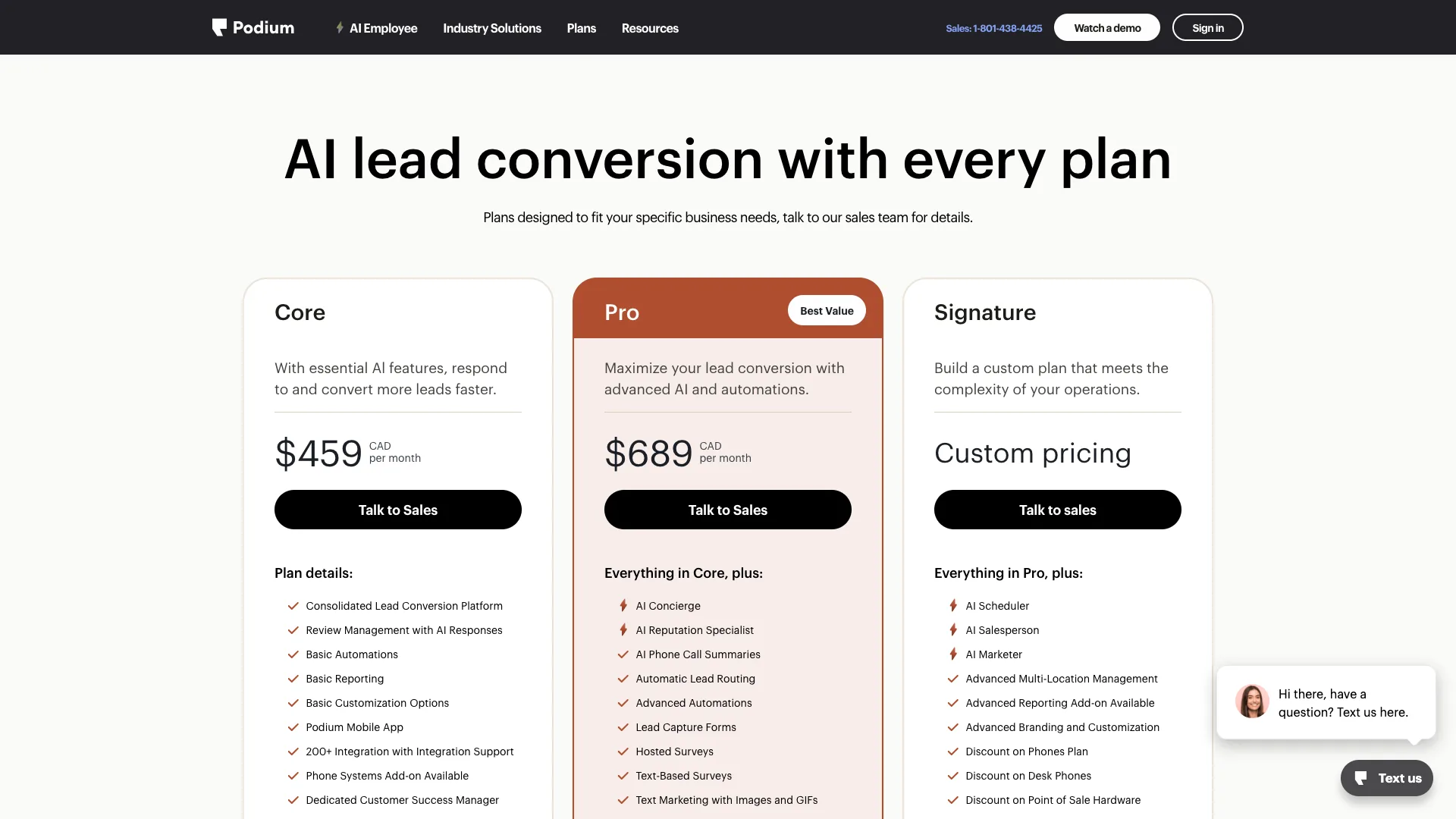 Jul 30, 2026
Tech Stack
Podium vs Birdeye 2026: Pricing, Contracts and Review Gating
Only one of these two will tell you what it costs before a sales call, and even that number carries a carve-out aimed squarely at trade contractors.
Read Article Jul 30, 2026
Tech Stack
Best Electrical Contractor Software 2026: 11 Ranked and Priced
An electrical contracting business makes two software purchases that do not substitute for each other, and every roundup answering this query covers only one of them. Eleven platforms, with a published price or an explicit statement that the vendor publishes none.
Read Article Jul 30, 2026
Tech Stack
Best HVAC Software in 2026: Eleven Ranked Across Three Classes
An HVAC contracting business buys across three classes of software that do not substitute for each other, and every roundup answering this query covers only one of them. Eleven products, each with a published price or an explicit statement that the vendor publishes none.
Read Article Jul 29, 2026
Tech Stack
AccuLynx Pricing 2026: The Real Cost of a Quote-Gated Plan
One published figure, two blank plan cards, and a contract that says things the pricing page does not. A line-by-line breakdown of what AccuLynx really bills.
Read Article Jul 29, 2026
Tech Stack
Houzz Pro Canada Review 2026: Pricing and Alternatives
Houzz Pro serves different pricing renderings. What Canadian buyers see, how GST/HST and payments work, what Custom gates, and what the annual contract commits you to.
Read Article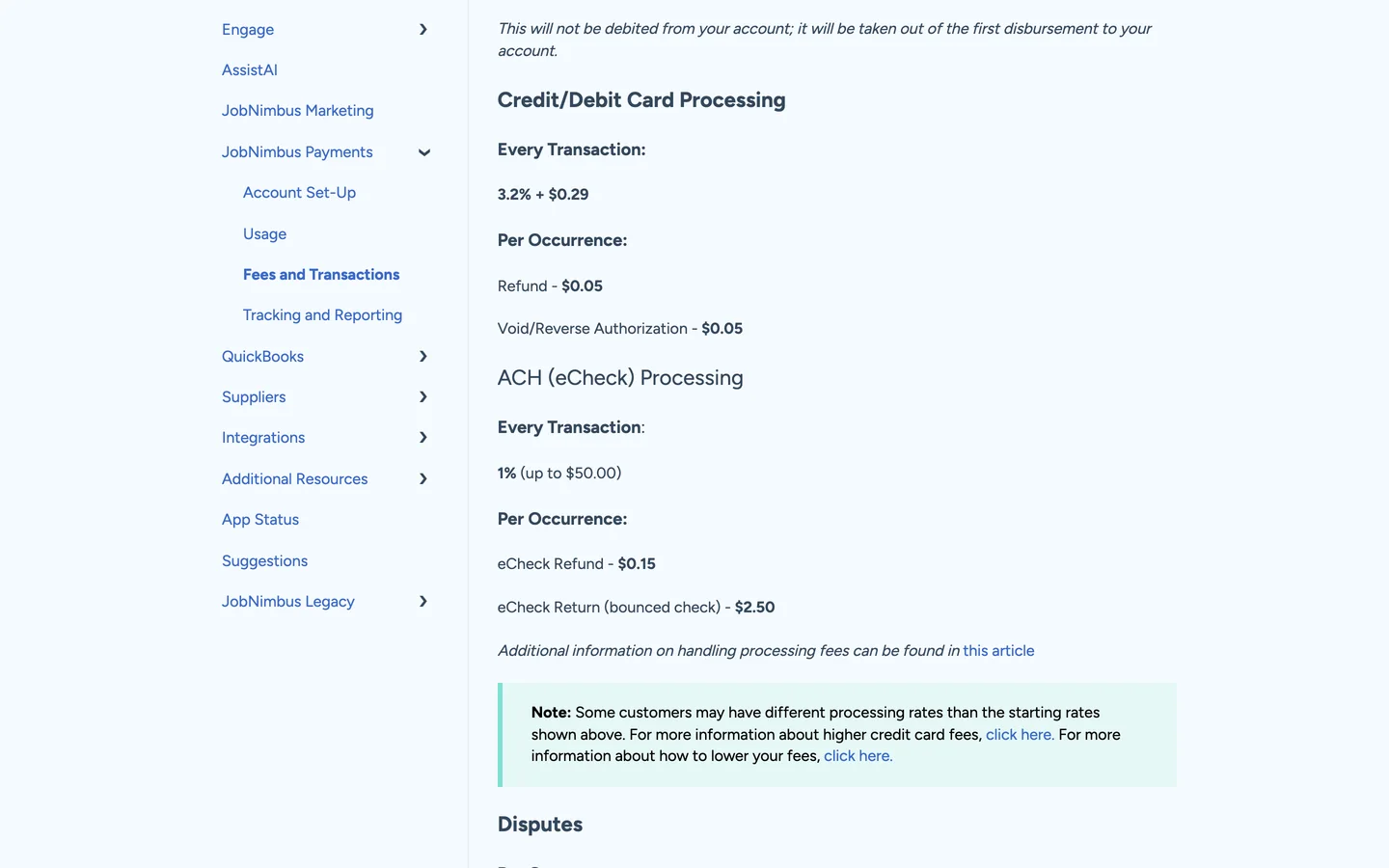 Jul 29, 2026
Tech Stack
JobNimbus Pricing in 2026: What the Quote Does Not Cover
JobNimbus prints no figure on any of its four plans. So the only rate you can read before a sales call is the payments meter, and it is the biggest line on the bill.
Read Article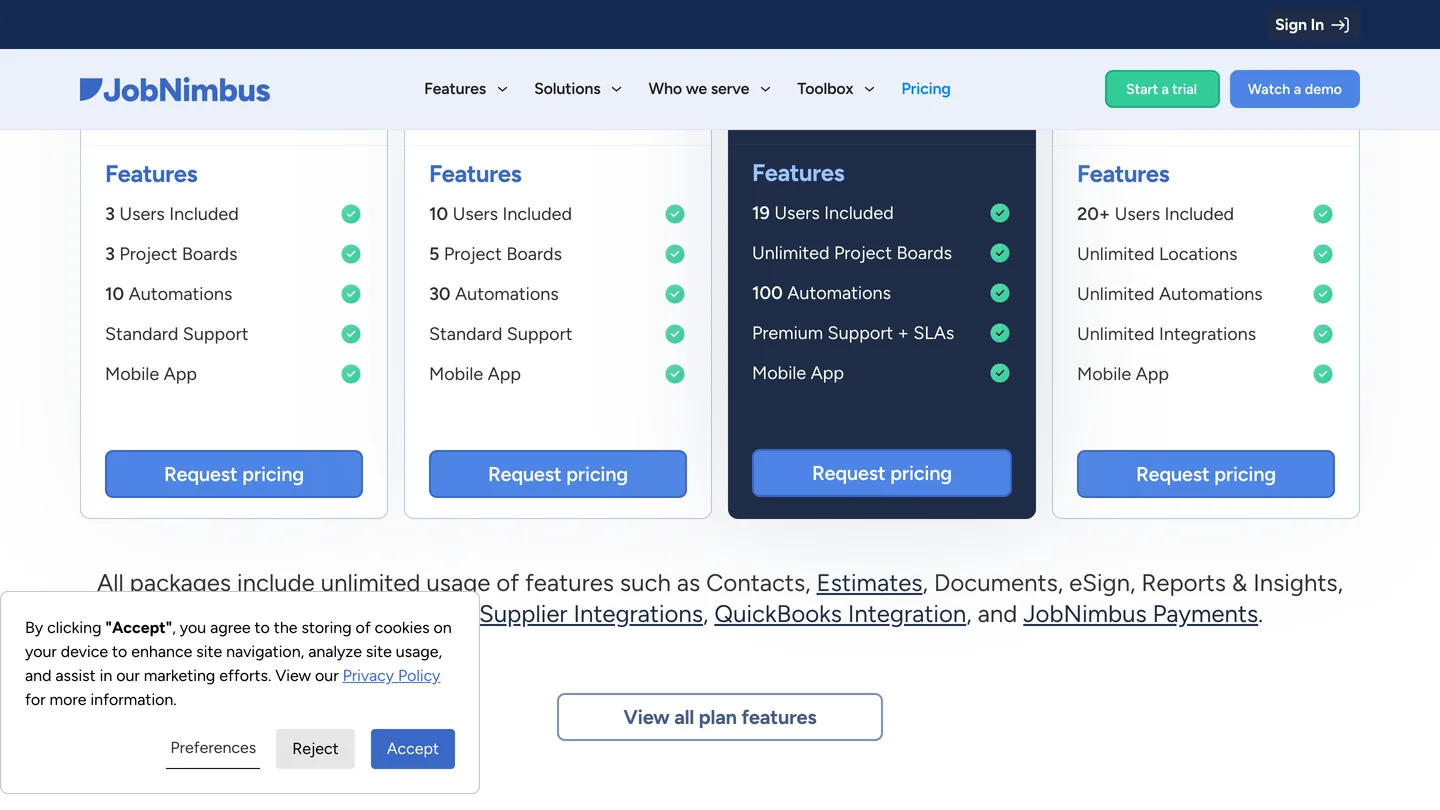 Jul 29, 2026
Tech Stack
JobNimbus Review 2026: Pricing, Pros, Cons and Alternatives
JobNimbus rates 4.6 on Capterra and orders material straight from ABC Supply and SRS. But it publishes no price, and its supplement route carries a note.
Read Article Jul 29, 2026
Tech Stack
BuildOps Review 2026: Pricing, Contract Terms and Alternatives
BuildOps runs commercial service and projects on one platform, and publishes no pricing at all. The billing unit, the 30-day data-export window, and who it suits.
Read Article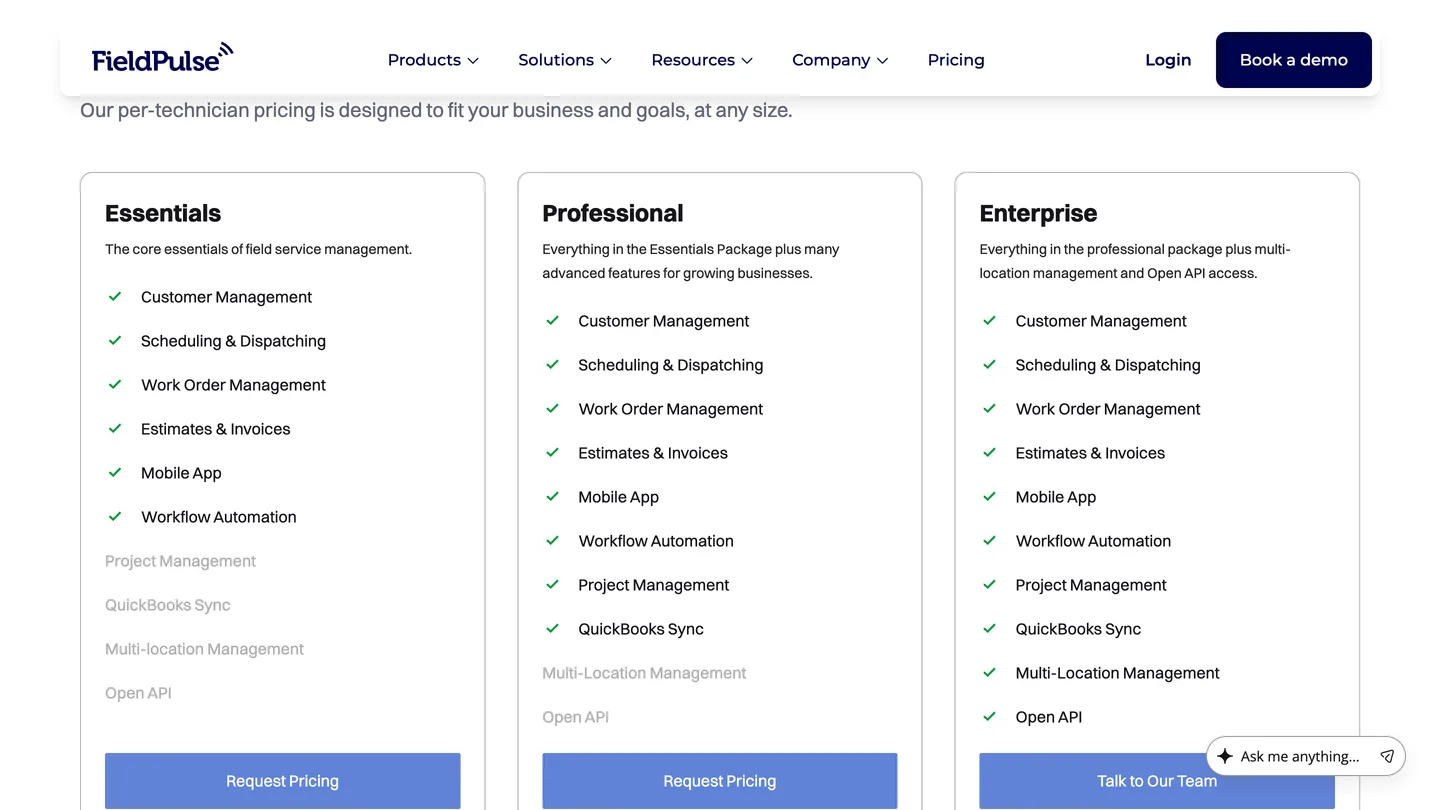 Jul 29, 2026
Tech Stack
FieldPulse Review 2026: Pricing, Pros, Cons and Alternatives
FieldPulse rates 4.6 on Capterra and is the platform contractors name when they leave a bigger system. But it publishes no price, and the contract runs a year.
Read Article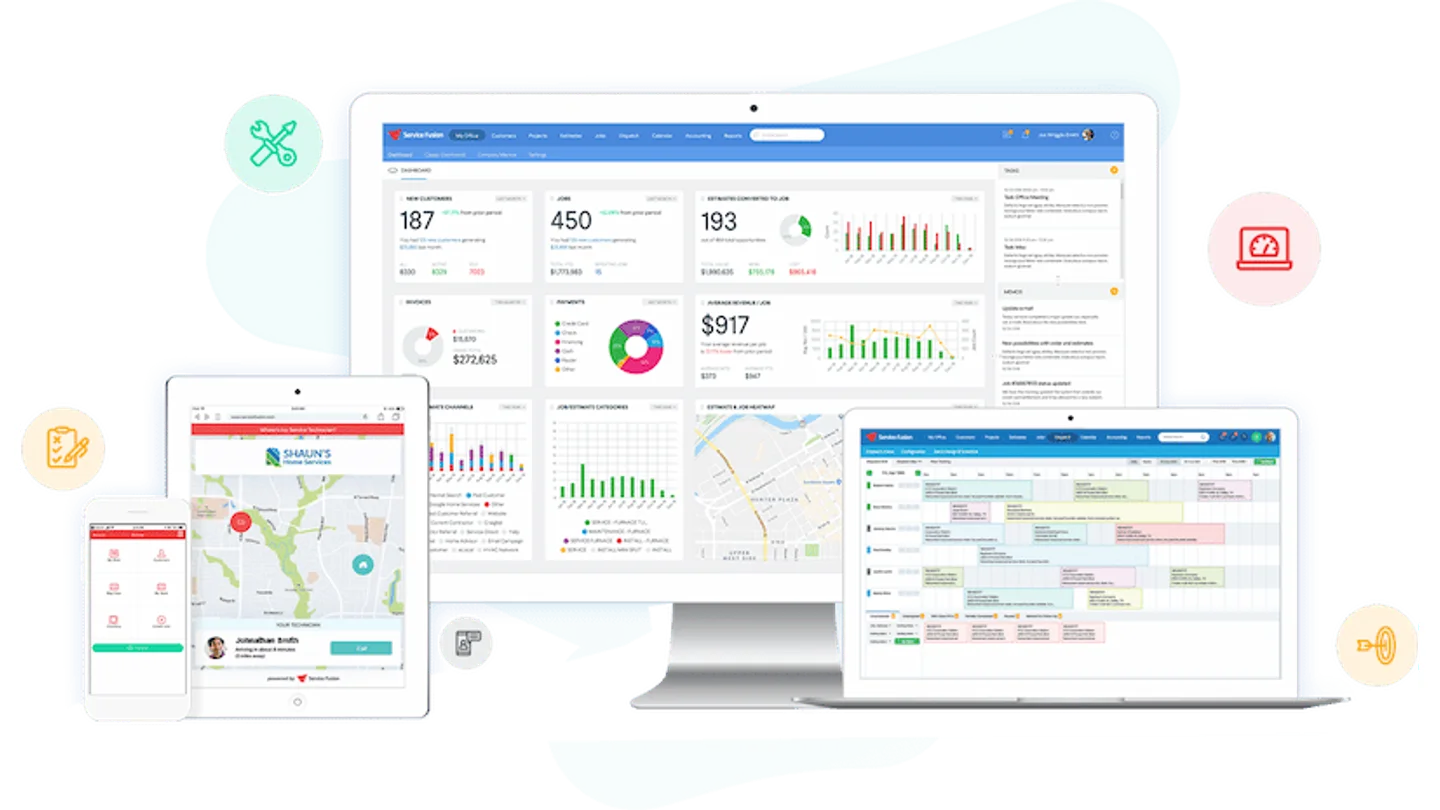 Jul 29, 2026
Tech Stack
Service Fusion Review 2026: Pricing, Contract and Alternatives
Service Fusion bills flat per company with unlimited users, which is the best structural deal in field service software. The published plans, the contract behind the no-contract line, and the app score every other review gets wrong.
Read Article Jul 29, 2026
Tech Stack
Knowify Review 2026: Pricing, Job Costing and Alternatives
Knowify rates 4.5 on Capterra and its weakest sub-score is features. What the $99 Core plan withholds, which way the QuickBooks sync really runs, and who should not buy it.
Read Article Jul 28, 2026
Tech Stack
AccuLynx Review 2026: Pricing, Tier Gating, Alternatives
AccuLynx rates 4.6 across 846 reviews and now publishes an entry price. What that price omits, which tier holds the insurance workflow, and who should skip it.
Read Article Jul 28, 2026
Tech Stack
Unitel Voice Review 2026: Pricing, Features and Alternatives
Unitel Voice rates 4.6 on Capterra and gives a one-truck shop a business number for $9.99 a month. The published plans, the cost per call, and what it won't do.
Read Article Jul 28, 2026
Tech Stack
NiceJob vs Podium 2026: Pricing, Contracts and Review Gating
Both vendors print a price, at very different scale and in different currencies. The gap that matters is what Podium will not print: the billing unit, and whether a trade shop gets the number on the page.
Read Article Jul 27, 2026
Tech Stack
CompanyCam Review 2026: Pricing, Pros, Cons and Alternatives
Every page ranking for CompanyCam still quotes a per-user price the vendor no longer charges. Here are the real plans, the seat math, and who should skip it.
Read Article Jul 27, 2026
Tech Stack
NiceJob Review 2026: Pricing, Pros, Cons and Alternatives
NiceJob rates 4.9 on Capterra and refuses to gate negative reviews. Real plan pricing, the active-customer threshold nobody publishes, and who should skip it.
Read Article Jul 26, 2026
Tech Stack
Buildertrend Review 2026: Pricing, Limits and Alternatives
Buildertrend rates 4.5 across 2,486 Capterra reviews and quotes against your revenue rather than your seat count. The workflows, the export problem, the alternatives.
Read Article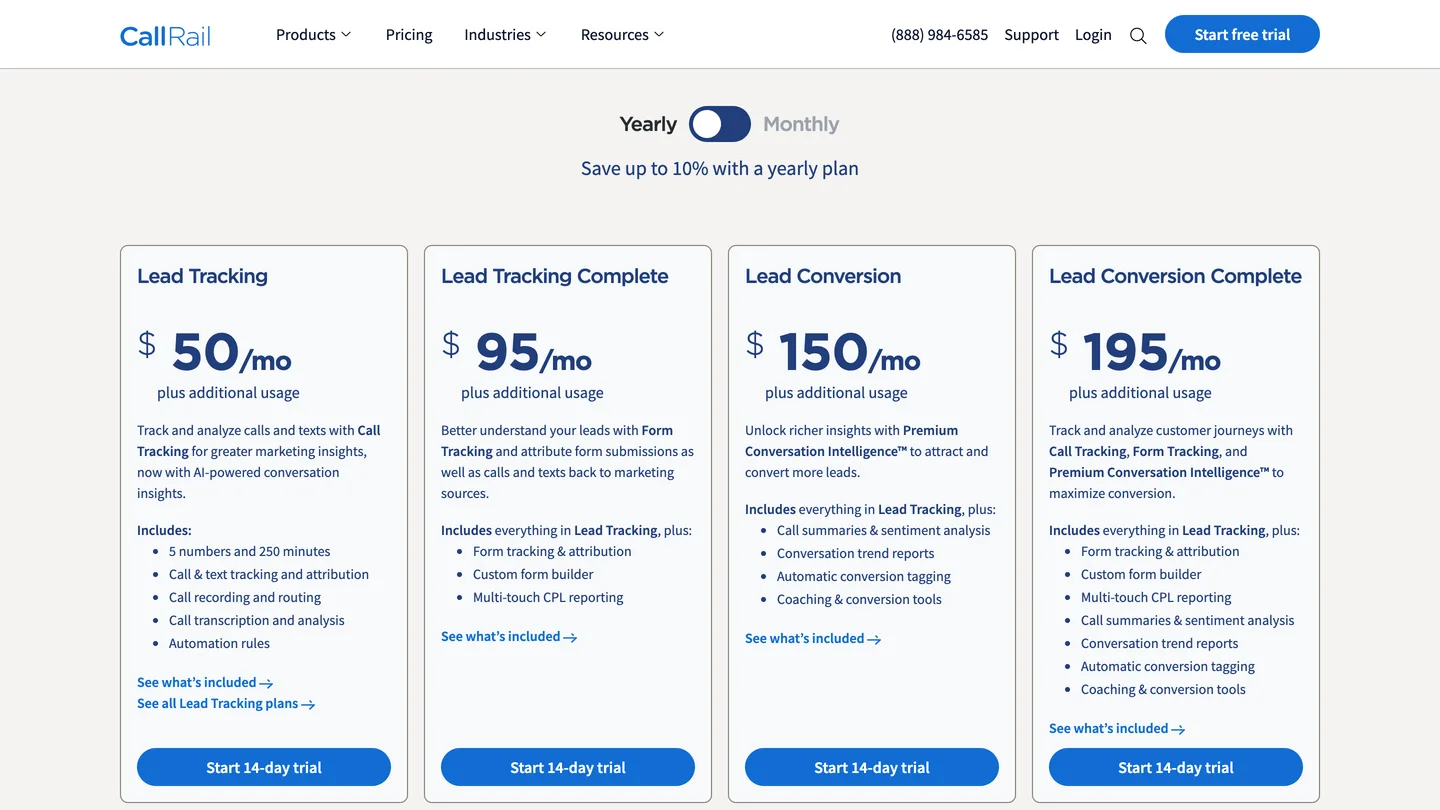 Jul 26, 2026
Tech Stack
CallRail Review 2026: Pricing, Pros, Cons and Alternatives
CallRail rates 4.5 on Capterra, and its tracking numbers port out free. But the two usage rates that decide your real bill are the two it does not print.
Read Article Jul 26, 2026
Tech Stack
Roofr Review 2026: Pricing, Pros, Cons and Alternatives
Roofr rates 4.6 on Capterra and sells $13 measurement reports against a market charging triple. But it will not import a report from anywhere else.
Read Article Jul 24, 2026
Tech Stack
Housecall Pro Review 2026: Pricing, Pros, Cons, Alternatives
Housecall Pro has the shortest learning curve in the category and the widest review spread. Real pricing, the Instapay math, and the migration trap to plan around.
Read Article Jul 23, 2026
Tech Stack
Jobber Review 2026: Pricing, Pros, Cons and Alternatives
Jobber rates 4.6 on Capterra with the best mobile app in the category. Real plan pricing, the feature gating that changes your entry price, and who it suits.
Read Article Jul 22, 2026
Tech Stack
ServiceTitan Review 2026: Pricing, Pros, Cons, Alternatives
ServiceTitan rates 4.3 on Capterra but its weakest score is value for money. Real reported pricing, the 12-month contract, the exit fees, and who it suits.
Read Article Jun 2, 2026
Tech Stack
HVAC Online Scheduling: The 43% Losing After-Hours Bookings
HVAC leads every trade on online booking at just 56.7%, which still leaves 43% of sites forcing an after-hours customer to wait for a business-hours phone call.
Read Article