What we found on superiorfenceandrail.com
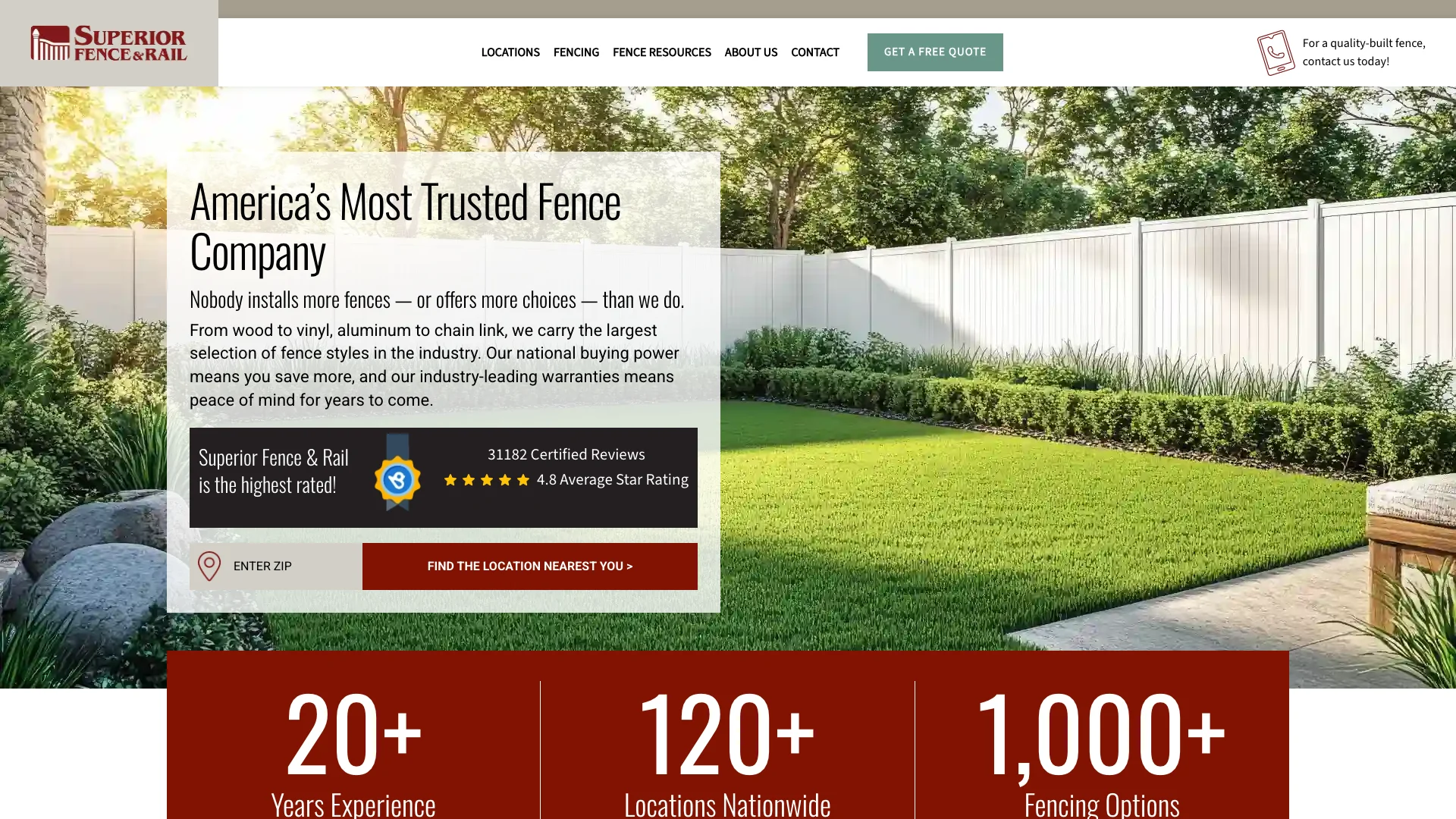
Superior Fence and Rail is a fencing franchise operating across multiple states. According to Ahrefs, superiorfenceandrail.com pulls 6.4K monthly organic visitors with an estimated traffic value of $23.1K. Smaller traffic than the landscaping brands, but the trust signal execution is in a different league.
The pages we tore down:
- /locations/, the franchise locations directory page (90 monthly organic visitors, scored 53 on Google's mobile lab test, layout shift 0.282, 0 forms)
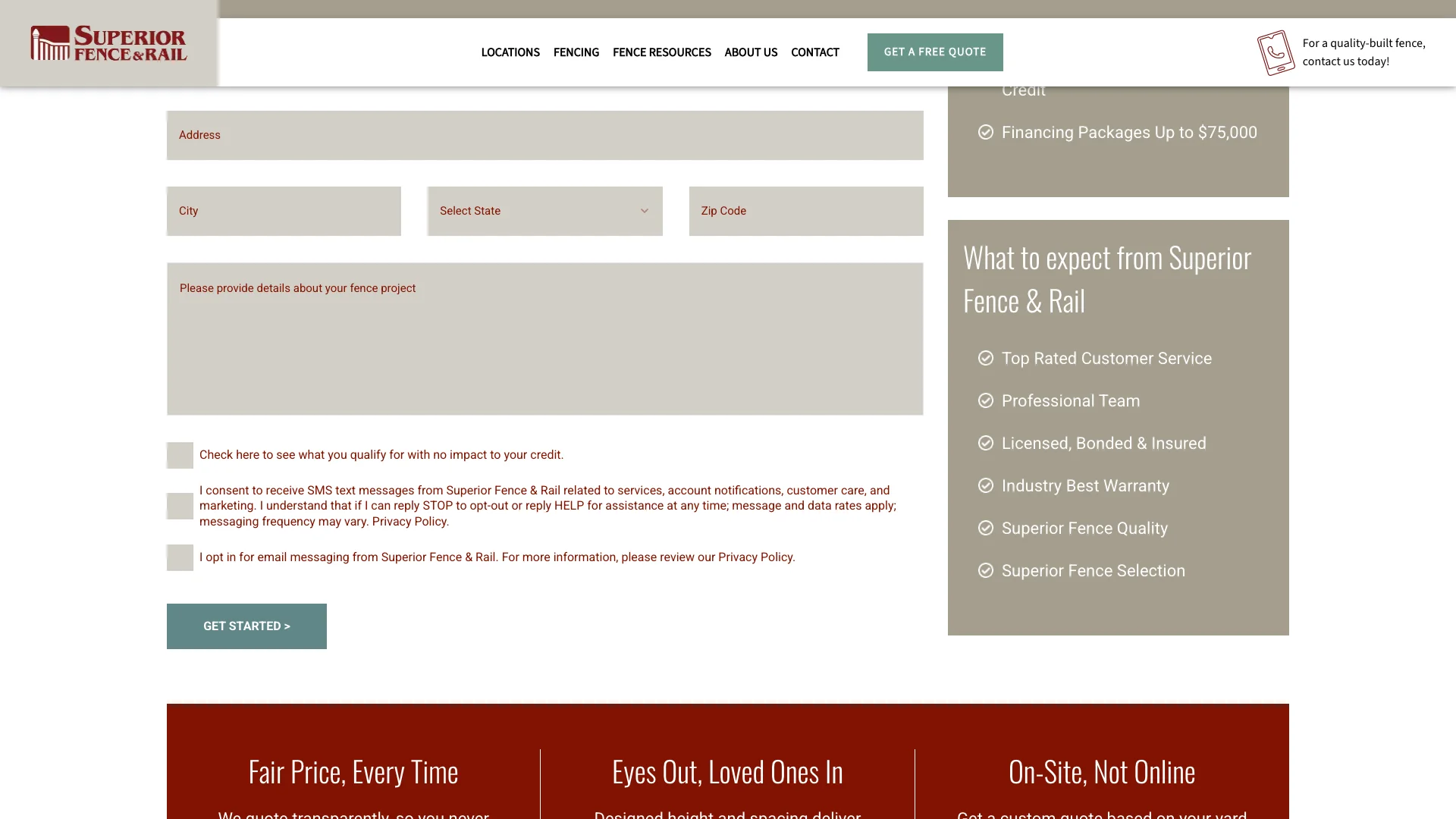
- /estimate/, the free estimate request page (87 monthly visitors, scored 75, layout shift 0.000, 1 form)
- /richmond/, the Richmond, Virginia location page (76 monthly visitors, scored 69, layout shift 0.036, 2 forms)
And the first thing that stands out is the range. Scores from 53 to 75. Layout shift from 0.000 to 0.282. Forms from 0 to 2. This isn't a consistent template across all pages. The estimate page is dialed in. The locations page has real problems. And the Richmond page sits somewhere in between. That inconsistency is the story of this teardown.
But before we get into the page-by-page breakdown, the trust signal picture deserves a headline of its own. Google Reviews are rendering on all three pages. Trust badges are present on two of three. That's a trust investment that most fencing brands in this series haven't made. Superior Fence is doing the trust work. They just haven't applied the same discipline to the locations page performance.
"25% of homeowners say trusting contractors is their top challenge when planning home improvement projects."
— Houzz Inc. (2025)
Performance: 75 on the estimate page, 0.282 layout shift on locations
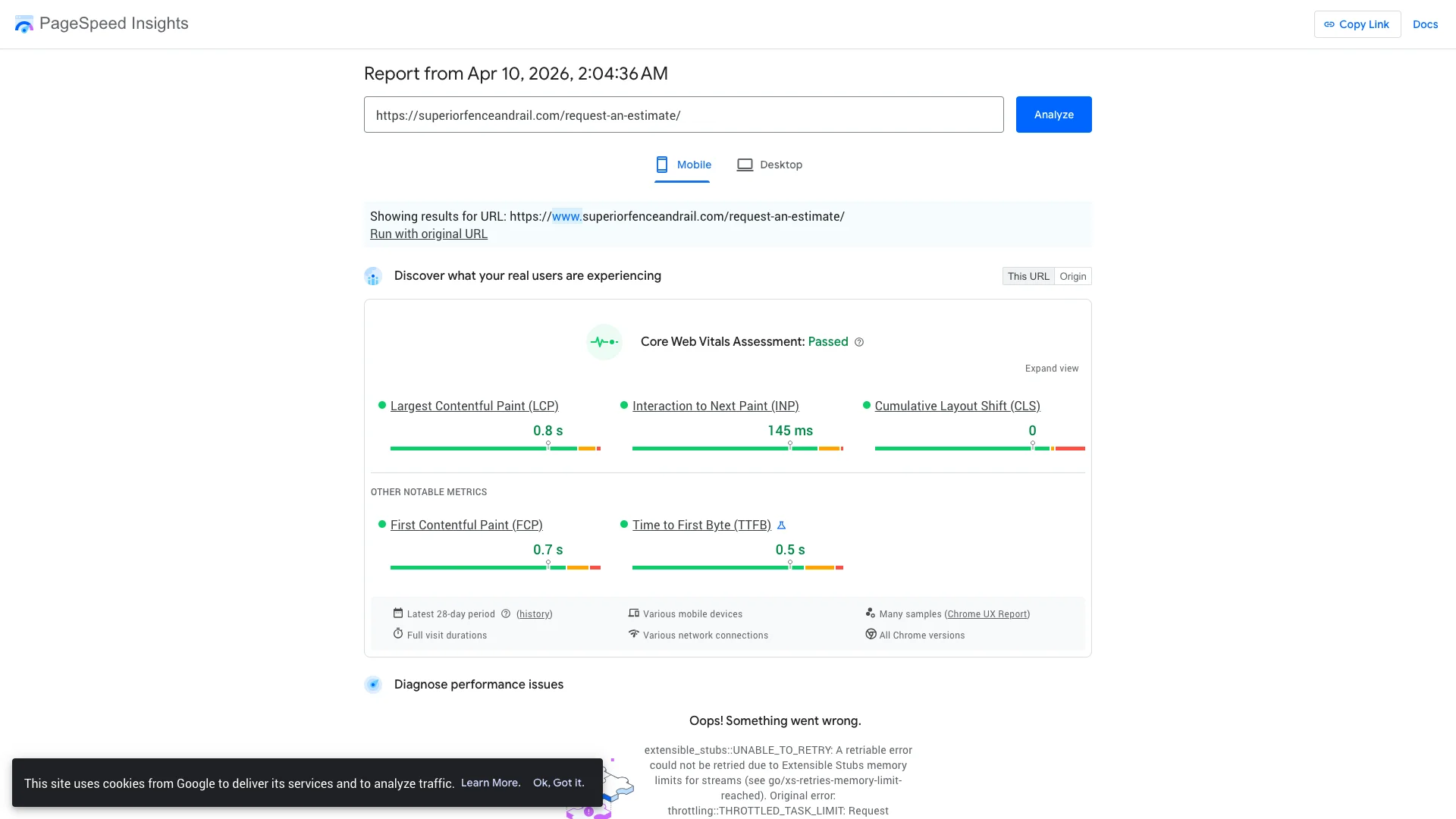
Google PageSpeed Insights runs a simulated slow-phone lab test. The scores are worst-case, not what you see on your phone with WiFi. But Google uses them as a ranking factor in search results.
The estimate page scored 75. That's the highest single-page score in the entire fencing batch, and it's in the green zone. Google isn't penalizing this page. The Richmond location page scored 69, which is in the yellow zone but close to passing. The locations page scored 53, which lands in the red.
So the estimate page proves that Superior Fence can build fast, well-optimized pages. The Richmond page shows they can get close on location-specific pages. And the locations directory page shows what happens when dynamically loaded content isn't properly managed.
"53% of mobile users abandon sites that take longer than 3 seconds to load."
— Google / SOASTA (2017)
But the real problem on the locations page isn't the score. It's the layout shift. A score of 0.282 means content jumps around significantly as the page loads. That's almost 3x the acceptable limit of 0.1. A homeowner scrolling through the locations list is going to watch franchise cards and map elements shift positions mid-scroll. They might tap on "Orlando" and hit "Tampa" because the content moved at the last second. That's the kind of experience that drives people back to the search results.
Compare that to the estimate page. Layout shift of 0.000. Score of 75. Clean, fast, stable. The estimate page is what the locations page should aspire to be. And fixing it is a matter of setting explicit dimensions on the location cards, reserving space for the map embed, and making sure dynamically loaded franchise listings don't push the rest of the content around as they render. None of that is complex. It just hasn't been done.
Lead capture: one clean form on the estimate page
The form distribution varies across the three pages. The estimate page has 1 form. The Richmond location page has 2 forms. The locations directory page has 0 forms. So the page that exists specifically to capture leads (the estimate page) has the form. The location page for a specific market has forms. And the directory page where homeowners browse locations has none.
That's a missed opportunity on the locations page. A homeowner lands on the locations directory, browses for their area, and either finds their market or doesn't. If they don't find it, there's no form asking "Don't see your area? Tell us where you are and we'll connect you." That form would capture the homeowner who's interested but whose location isn't listed yet. It's a simple addition that turns a dead-end into a lead.
But the estimate page is well-constructed. One form. Clean layout. Google Reviews visible on the page. Trust badges present. A homeowner who lands on the estimate page sees social proof before they see the form fields. That's the right order. Build trust first, then ask for information. The estimate page does this correctly, and it's the model that every other page on the site should follow.
"68% of users wouldn't submit a form if it required too much personal information."
— Baymard Institute (2024)
The Richmond page with 2 forms is also well-positioned. A market-specific location page needs conversion points for the homeowner who's decided this is their area's fencing company. Two forms give them options without being aggressive. And with Google Reviews visible on the same page, the trust context is there. The Richmond page isn't perfect (score of 69, slight layout shift of 0.036), but the conversion architecture is sound.
Trust signals: the strongest in the fencing batch
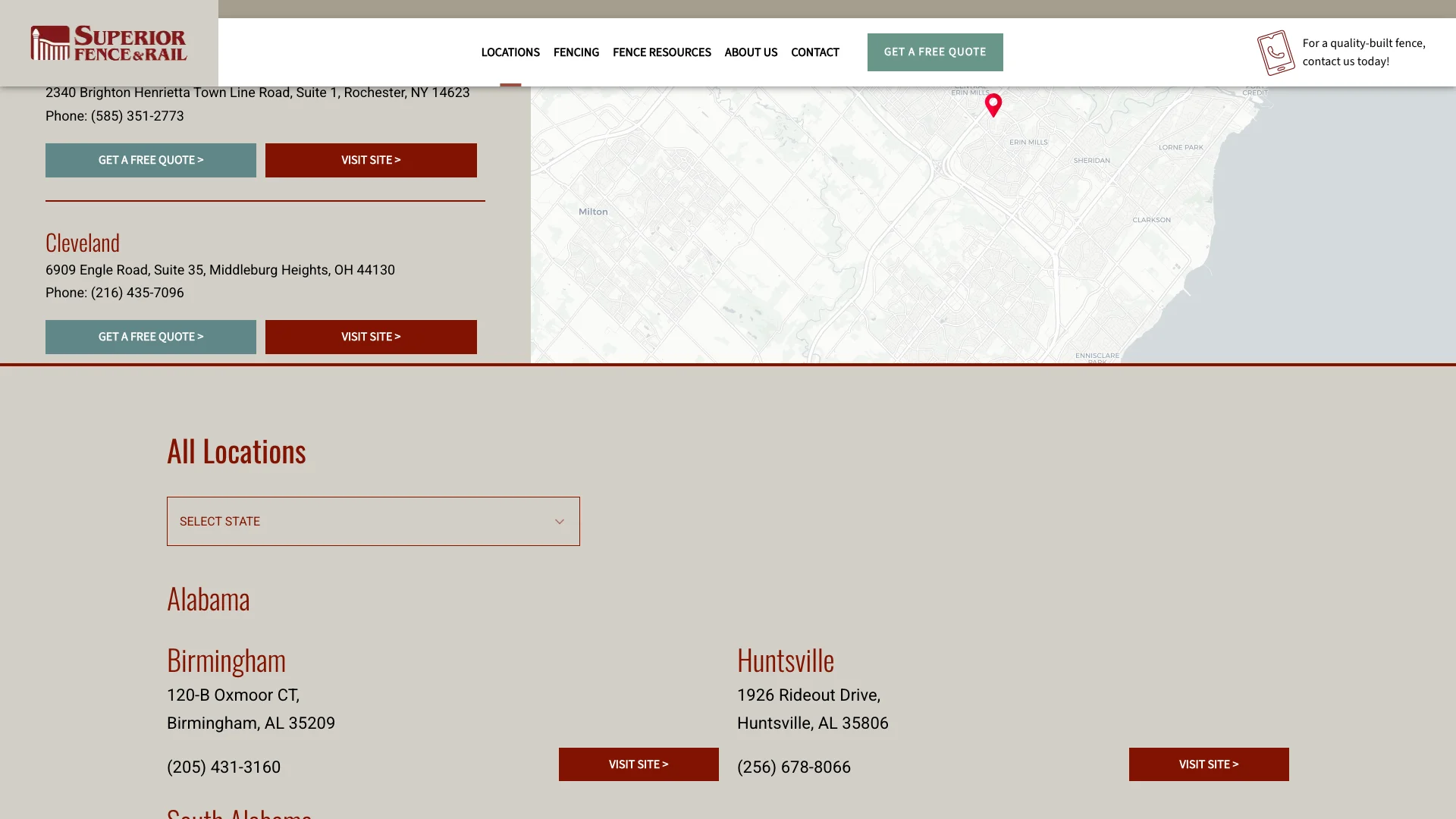
This is where Superior Fence and Rail separates from the rest of the fencing batch. The trust signal audit:
- Google Reviews: Present on all three pages.
- Trust badges: Present on 2 of 3 pages (estimate and Richmond).
- Review widgets: Present on all three pages.
- Chat widget: Not found.
- BBB badge: Not found.
- Certifications: Not found.
Google Reviews on every tested page. That's a level of trust signal consistency that most brands in the CRO Index can't match. And trust badges on the two pages that matter most for conversions (the estimate page and the local market page). The locations directory is the only page missing badges, which makes sense since it's more of a navigation page than a conversion page.
Compare that to Top Rail Fence, the other fencing brand in this batch. Top Rail has zero trust signals on every tested page. Zero reviews. Zero badges. Zero everything. A homeowner comparing these two fencing brands side by side will see star ratings and customer names on Superior Fence's pages and nothing on Top Rail's. That difference closes deals.
Comparison
"83% of consumers use Google to find local business reviews; 74% use two or more review platforms when researching."
— BrightLocal (2025)
The hidden code labels are decent. Navigation and site structure labels are present. The Richmond page carries local business signals that help Google understand it's a market-specific page. Adding a "fencing contractor" or "fence installation service" hidden code label to the estimate page would strengthen the trade-specific signal for Google's understanding of what Superior Fence actually does.
What Superior Fence and Rail does well
Superior Fence and Rail is the trust signal leader in the fencing batch, and it shows in how the conversion-focused pages are built.
Google Reviews on every page. All three tested pages render Google Reviews. That consistency means no matter how a homeowner arrives at the site, they see social proof. Most brands in this series can't make that claim. Superior Fence can. And for a fencing company where the homeowner is making a multi-thousand-dollar decision, those reviews carry significant weight.
The estimate page is a model. Score of 75. Layout shift of 0.000. One clean form. Google Reviews visible. Trust badges present. That's the template for what a fencing contractor's estimate page should look like. Simple, fast, trustworthy, and conversion-ready. If you're building a free estimate page for your fencing business, this is what to aim for.
Trust badges where they matter. The estimate page and Richmond location page both carry trust badges. These are the two conversion-oriented pages in the set, and they're the ones that benefit most from having badges visible. That's smart prioritization, even if the ideal would be badges on every page.
"64% of homeowners say having recommendations or references is a top-three factor in choosing a contractor."
— Houzz Inc. (2025)
What the gaps mean for fencing contractors
Superior Fence and Rail gives fencing contractors a split lesson. The estimate page shows what to do. The locations page shows what to fix.
Copy the estimate page pattern. Score of 75. Clean form. Reviews visible. Badges present. Layout shift of zero. If you're building a free estimate page for your fencing business, this is the blueprint. One form, social proof above the fold, trust badges near the form, and a page that loads fast and doesn't jump around. Every fencing contractor's estimate page should work this way.
Fix layout shift before it costs you conversions. A layout shift of 0.282 on the locations page means content jumps around nearly 3x the acceptable limit. If your pages have content jumping around as they load, homeowners are tapping wrong buttons, losing their scroll position, and getting frustrated before they ever reach your form. Set explicit width and height on every image. Reserve space for dynamically loaded content. Test the page on a real phone with a slow connection. These are basic steps that prevent the kind of experience that drives homeowners back to the search results.
Add a form to your locations page. Superior Fence's locations directory has zero forms. If a homeowner browses for their area and doesn't find it, they leave. A simple "Don't see your area?" form captures that visitor instead of losing them. Three fields: name, zip, phone. That form turns a dead-end into a lead.
"48% of customers say that if a site does not work well on mobile, it signals the company does not care about their business."
— Google Consumer Insights (2018)
Add a chat widget. Superior Fence has reviews and badges but no chat option. A homeowner who has a quick question about fence styles or pricing shouldn't need to fill out a form and wait for a callback. A chat widget catches the impulse question and keeps the homeowner engaged. For a fencing business where the homeowner's first question is usually "how much does a fence cost?", a chat widget is the fastest path from curiosity to conversation.
Frequently asked questions
How does Superior Fence and Rail score on Google's mobile test?
Scores range from 53 to 75. The estimate page scored 75 (green zone, highest in the fencing batch). The Richmond page scored 69 (yellow zone). The locations page scored 53 (red zone). Layout shift on the locations page is 0.282, meaning content jumps around badly as that page loads. The estimate page has zero layout shift.
Does Superior Fence and Rail display Google Reviews?
Yes. All three tested pages returned Google Reviews as present, with review widgets rendering on every page. Trust badges are present on 2 of 3 pages. That makes Superior Fence and Rail the trust signal leader in the fencing batch and one of the strongest trust performers in the entire CRO Index.
Why does the locations page have layout shift problems?
The locations page has a layout shift score of 0.282, which is nearly 3x the acceptable limit of 0.1. Content jumps around as the page loads, likely caused by dynamically loaded location cards, map embeds, or images without set dimensions that push content around as they render. The fix involves setting explicit dimensions on those elements so the browser reserves space before they load.
How much organic traffic does superiorfenceandrail.com get?
According to Ahrefs data from March 2026, superiorfenceandrail.com receives approximately 6.4K monthly organic visitors with an estimated traffic value of $23.1K. The tested pages are lower-traffic interior pages ranging from 76 to 90 monthly visitors each. The bulk of the site's traffic comes from other pages across the domain.