What we found on brightview.com
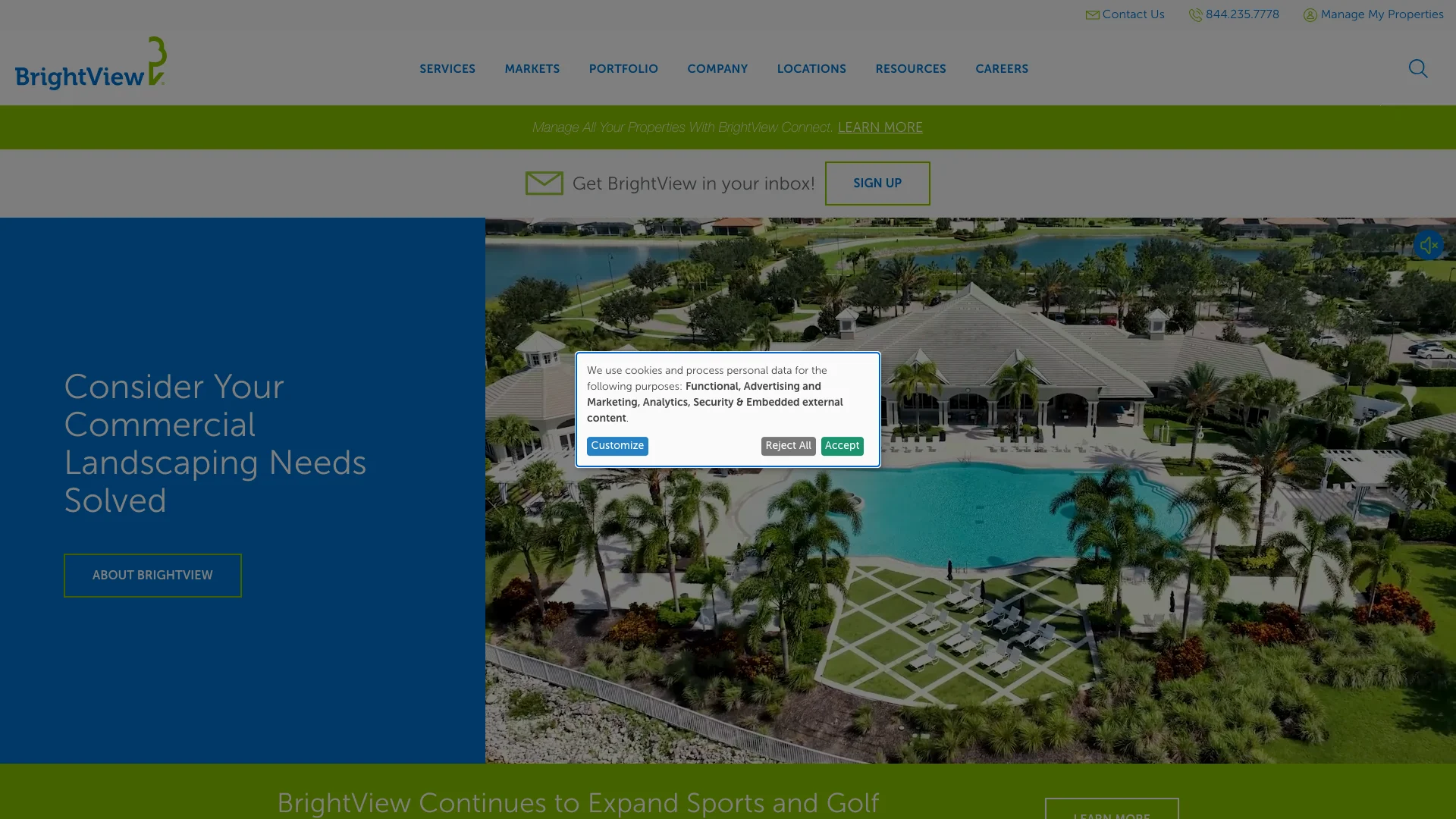
BrightView is a national commercial landscaping company serving properties across the United States. According to Ahrefs, brightview.com pulls 36.7K monthly organic visitors with an estimated traffic value of $56.1K. That puts them in a strong position for the landscaping category in the CRO Index. But the way trust signals are distributed across the site tells an interesting story about where BrightView focuses its attention and where it doesn't.
The pages we tore down:
- Four-leaf clovers article, a blog post about lawn care and clover identification (1.5K monthly organic visitors, 5% traffic share)
- Tampa FL location page, the Florida Gulf Coast market landing page (460 monthly visitors, 2% share)
- Orlando FL location page, the Central Florida market landing page (338 monthly visitors, 1% share)
And the pattern jumped out immediately. Google Reviews are present on both location pages (Tampa and Orlando). But the blog article has no reviews at all. Every page has exactly one form. Layout stability is perfect across the board. Zero trust badges on any page. Google mobile scores sit between 42 and 48. The location pages get the trust signal treatment. The blog doesn't.
"25% of homeowners say trusting contractors is their top challenge when planning home improvement projects."
— Houzz Inc. (2025)
Performance: 42 to 48 on Google's mobile lab test
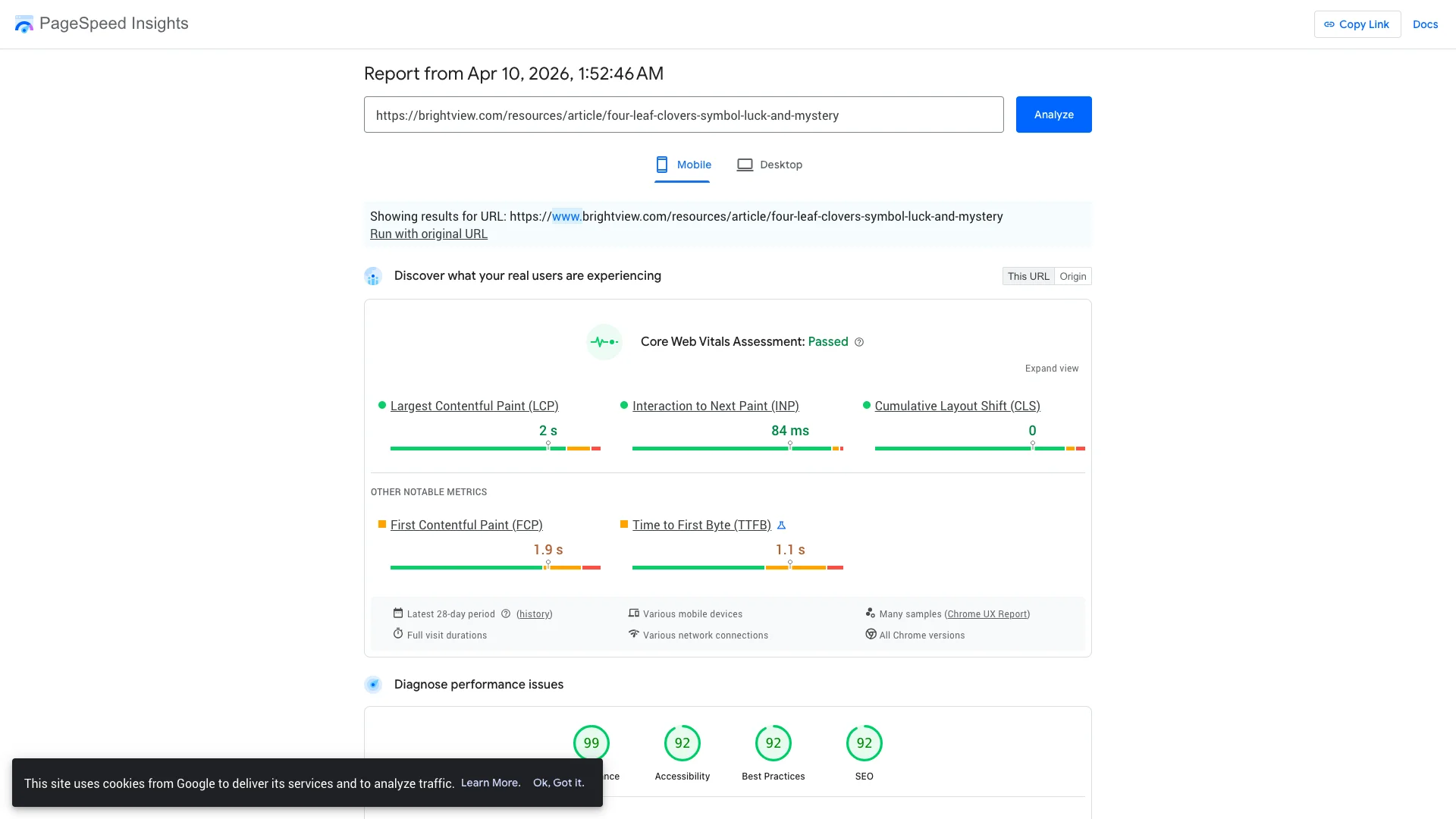
Google PageSpeed Insights runs a simulated slow-phone lab test. The scores represent worst-case conditions, not what you experience on your phone at home. But Google uses them as a ranking factor, which means they affect where your pages show up in search results.
The four-leaf clovers article scored 46 out of 100. The Tampa FL location page scored 42. The Orlando FL location page scored 48. All three are in the red zone, and all three are eating a search-ranking penalty because of it.
"53% of mobile users abandon sites that take longer than 3 seconds to load."
— Google / SOASTA (2017)
But layout stability is where BrightView stands out. Every single page scores 0.000 on layout shift. Content doesn't jump around at all as the pages load. Zero movement. Zero surprises. That's the gold standard for layout stability, and BrightView hits it on every tested page. For a property manager or homeowner browsing a location page, the experience feels stable from the first second the page starts rendering.
So the speed issue is about page weight, not page structure. The architecture is clean and stable. The pages are just loading too much stuff before they become interactive. Tracking scripts, font files, third-party widgets. All of that adds up. A focused optimization sprint on image compression, script deferral, and font subsetting could move these scores from the mid-40s into the 70s without changing anything about the layout or the trust signals.
Compounding effect
"Conversion rates drop approximately 12% for each additional second of page load time."
— Google / Deloitte (2020)
Lead capture: one form per page, consistent but minimal
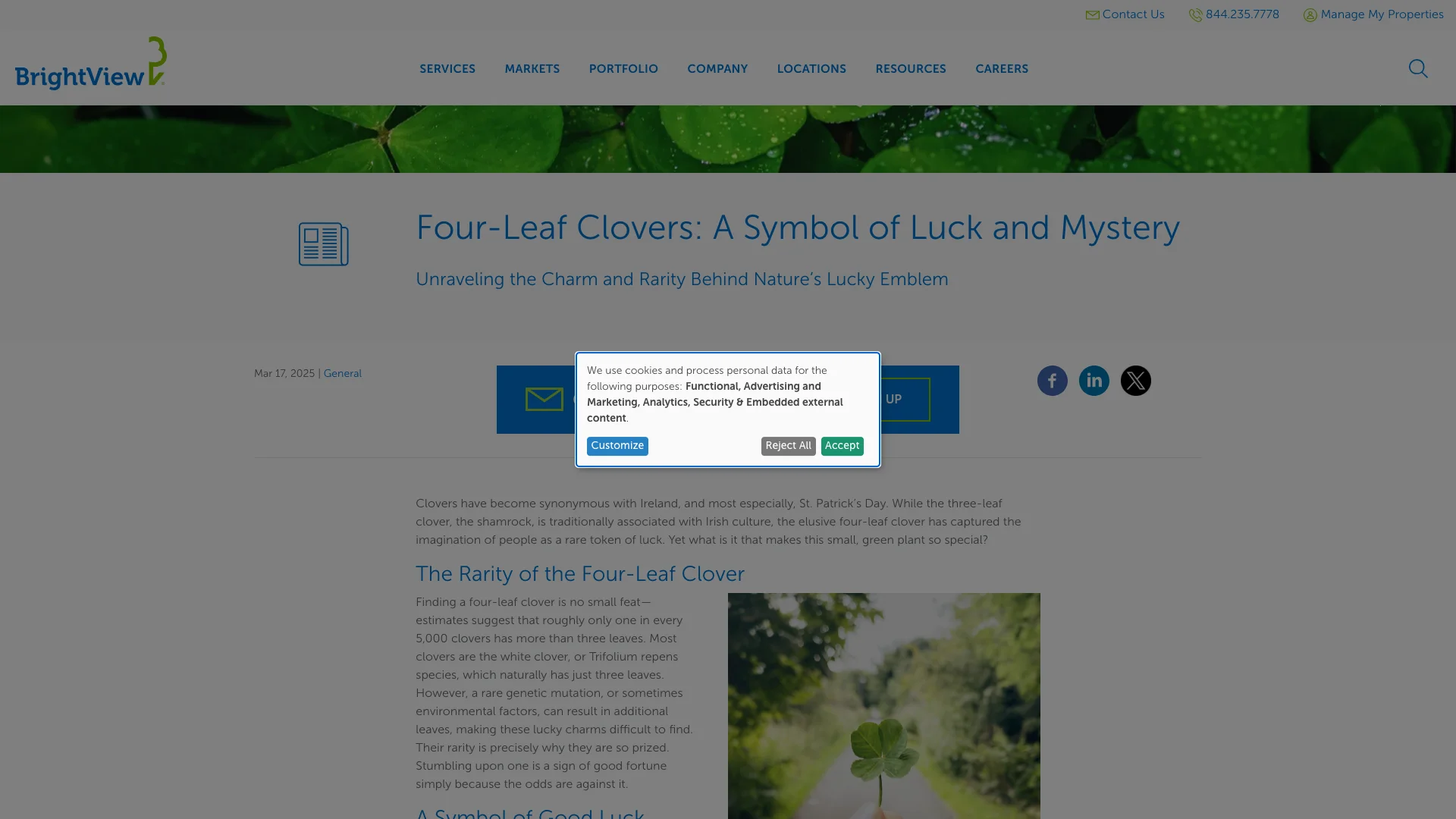
The form inventory on BrightView is consistent. Every tested page has exactly 1 form. The four-leaf clovers blog. The Tampa location page. The Orlando location page. One form each. No more, no less.
Consistency is good. It means every page a visitor lands on has at least one conversion path. But one form per page also means one chance per page. If the visitor scrolls past it, or if the form is positioned in a spot they don't reach, there's no second opportunity. No sticky CTA in the header. No inline form breaking up the content. No exit-intent popup. Just the one form.
"68% of users wouldn't submit a form if it required too much personal information."
— Baymard Institute (2024)
For the location pages, one form is less of an issue because the pages are focused. A property manager looking at "BrightView Tampa" is there with intent. They're likely to find and use the form. But the four-leaf clovers blog is a top-of-funnel content piece. The visitor reading about clover in their lawn isn't necessarily thinking about hiring a landscaping company yet. A form positioned after the useful content with a message like "Want your lawn handled by professionals?" would catch the reader who finishes the article and realizes they'd rather hire someone than deal with it themselves.
Trust signals: reviews on location pages, nothing on the blog
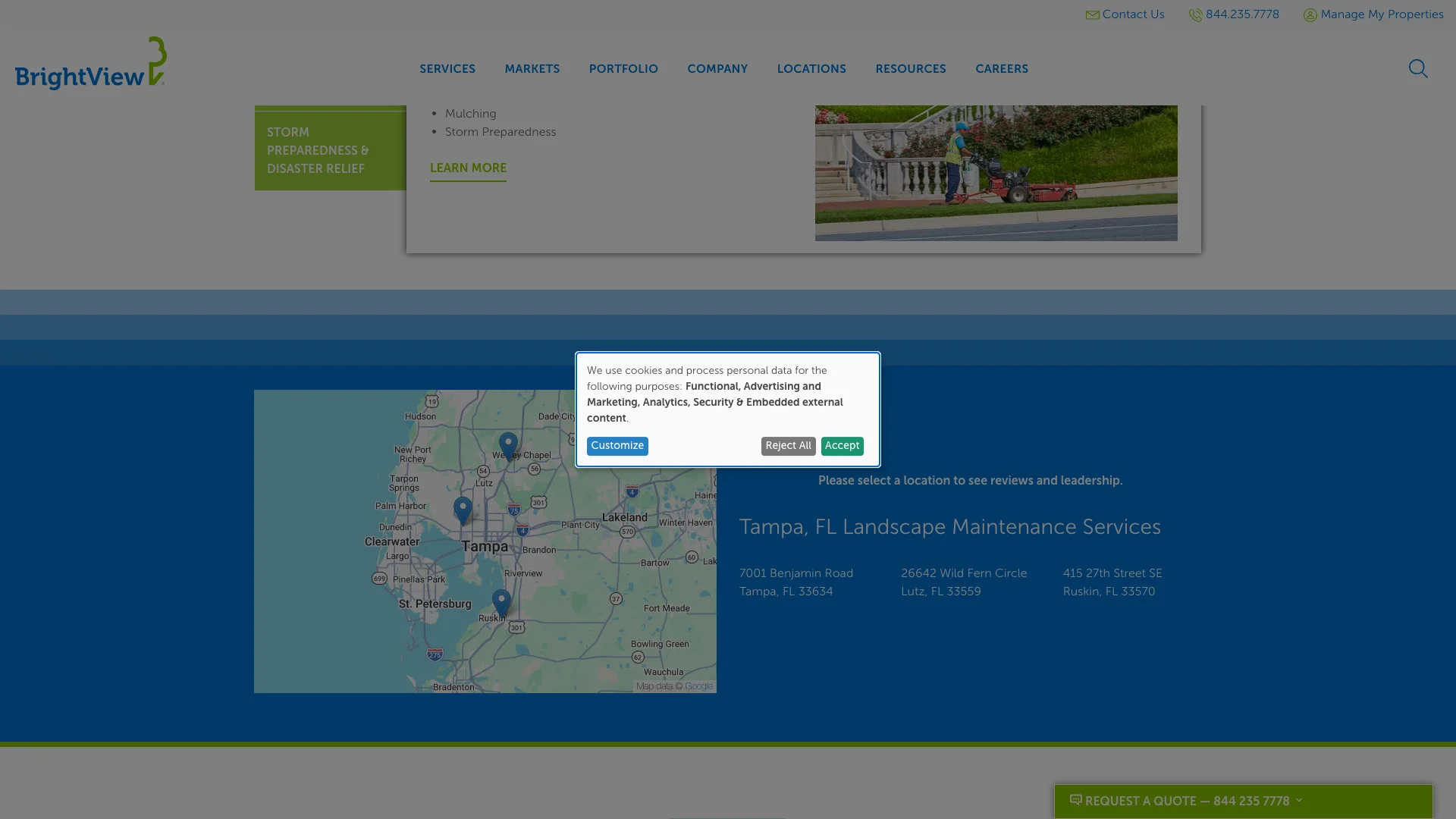
The trust signal audit tells a split story.
- Google Reviews: Present on Tampa and Orlando location pages. Not on the blog.
- Trust badges: Not found on any page.
- Review widgets: Not found beyond Google Reviews.
- Chat widget: Not found on any page.
- BBB badge: Not found on any page.
- Certifications: Not found on any page.
Google Reviews on the location pages is the right call. When a property manager searches for landscaping services in Tampa or Orlando and lands on a BrightView location page, seeing reviews immediately builds confidence. Those pages are conversion-focused, and reviews support the conversion.
Comparison
"83% of consumers use Google to find local business reviews; 74% use two or more review platforms when researching."
— BrightLocal (2025)
But the blog gets nothing. The four-leaf clovers article pulls 1.5K monthly visitors and has no reviews, no badges, and no social proof of any kind. A visitor reading that article and deciding they want professional lawn care sees no evidence that BrightView is a trustworthy choice. Adding a review widget to the blog template would change that for every blog post on the site, not just this one.
And zero trust badges across the entire site is a missed opportunity. BrightView is a publicly traded company with industry certifications, safety records, and partnership logos. Putting those badges on every page costs nothing and tells visitors immediately that this is a company with real credentials. The location pages already have reviews. Adding badges next to those reviews would create a stronger trust stack.
What BrightView does well
BrightView gets a few things right that are worth calling out, especially for landscaping contractors looking at how a national brand handles its web presence.
Google Reviews on location pages. Tampa and Orlando both render Google Reviews for visitors to see. For a national landscaping company with locations across the country, putting reviews on each local market page is smart. It gives each location its own social proof instead of relying on a generic corporate reputation.
Perfect layout stability. 0.000 across all three tested pages. Content doesn't shift at all as the pages load. That's rare. Most brands in the CRO Index have at least some layout shift. BrightView has none. The reading experience is smooth from the moment the page starts rendering.
Consistent form presence. Every page has a form. No tested page is a dead end where a visitor has no way to get in touch. That baseline consistency means BrightView isn't losing visitors to pages with zero conversion paths, which is a problem we've seen on other brands in this series.
"64% of homeowners say having recommendations or references is a top-three factor in choosing a contractor."
— Houzz Inc. (2025)
What the gaps mean for landscaping contractors
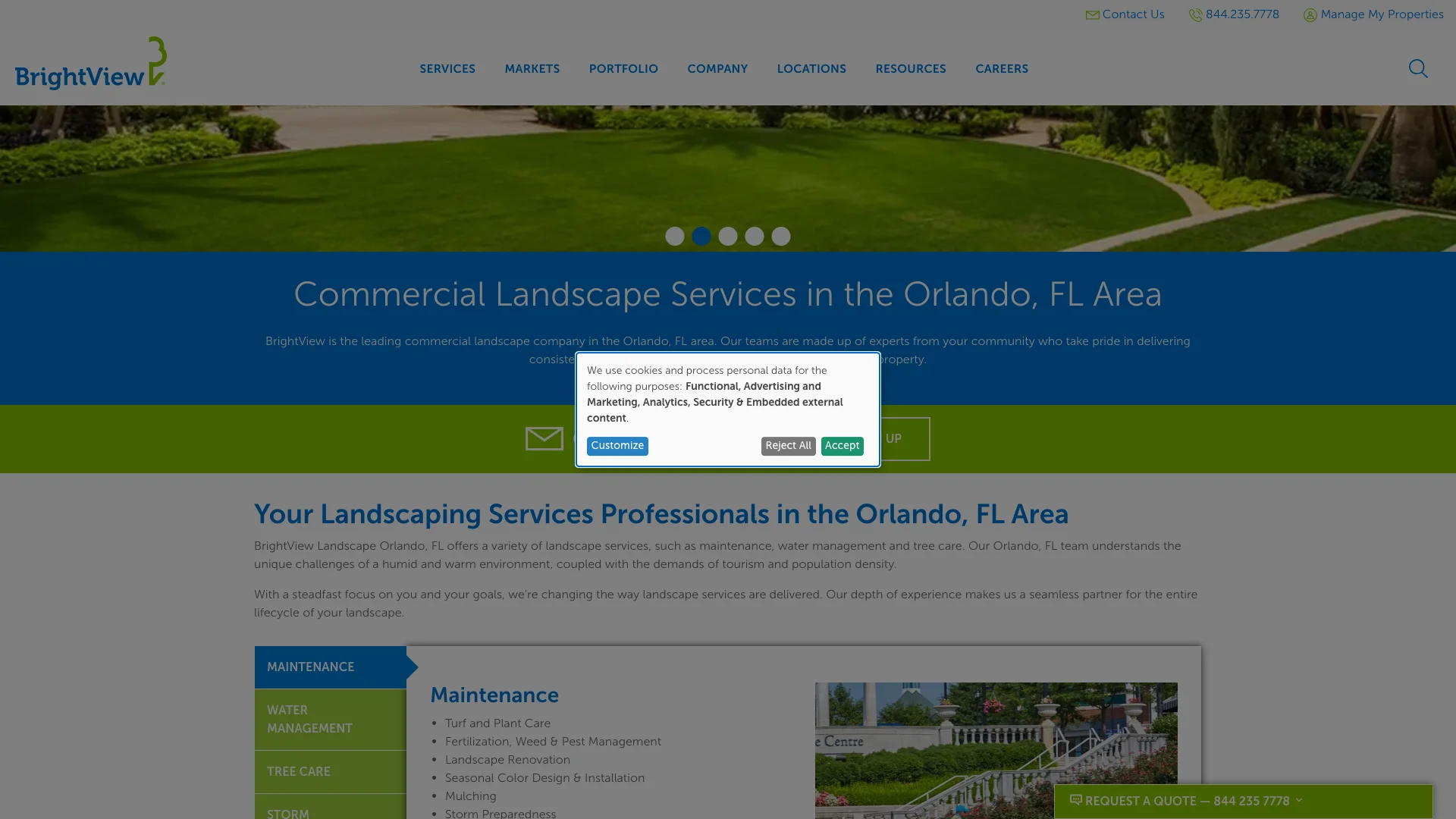
BrightView's teardown shows what happens when a company treats location pages and blog pages as two different experiences. If you're a landscaping contractor, the lessons here are about consistency.
Put reviews on your blog pages too. BrightView's location pages have Google Reviews. The blog doesn't. If your blog drives meaningful traffic (and BrightView's does, at 1.5K monthly visitors for just one article), those visitors need to see social proof. They found your site through a search query. They don't know who you are yet. Reviews on the blog page tell them immediately that real customers trust you.
Add trust badges to every page. BrightView has zero trust badges on any tested page. If you're a landscaping contractor with industry certifications, insurance, licensing, or manufacturer partnerships, put those badges on every page. Not just the homepage. Every page. A visitor who lands on your Tampa location page or your blog article about lawn care should see your credentials without having to navigate to a separate "about us" page.
"48% of customers say that if a site does not work well on mobile, it signals the company does not care about their business."
— Google Consumer Insights (2018)
Add a second form to your blog posts. One form per page is fine for location pages where the visitor has high intent. But blog visitors are often earlier in the process. They're researching, not buying. A second form after the article content with a soft CTA ("Need help with your lawn? Tell us about your property.") catches the reader who finishes the article and wants professional help but wouldn't have scrolled back up to find the first form.
Copy the layout stability approach. BrightView's 0.000 layout shift on every page is the standard you should aim for. Content that jumps around as the page loads makes visitors lose their place, lose trust, and leave. If your pages have layout shift above 0.1, audit your images (add width and height attributes), your ad placements (reserve space for them), and your font loading (use font-display: swap or preload your fonts).
Frequently asked questions
How does BrightView score on Google's mobile test?
The four-leaf clovers article scored 46 out of 100 on Google PageSpeed Insights mobile. The Tampa FL location page scored 42. The Orlando FL location page scored 48. All three are in the red zone and eating a search-ranking penalty. But layout stability is perfect (0.000 on all three pages), so the pages don't jump around as they load.
Does BrightView display Google Reviews?
Yes, but only on the location pages. The Tampa FL and Orlando FL pages both display Google Reviews. The four-leaf clovers blog article does not. No pages display trust badges anywhere. So the trust signal strategy is location-specific rather than site-wide.
How many forms does BrightView have per page?
Every tested page has exactly 1 form. The blog, Tampa location page, and Orlando location page each have one form. That gives visitors a conversion path on every page, but only one chance per page to capture their information.
How much organic traffic does brightview.com get?
According to Ahrefs data from March 2026, brightview.com receives approximately 36.7K monthly organic visitors with an estimated traffic value of $56.1K. The four-leaf clovers article accounts for 1.5K visitors (5% share). The Tampa FL location page accounts for 460 (2%). The Orlando FL location page accounts for 338 (1%).